HP Scitex FB10000 Industrial Printing Press Geffen TS Error 66013
Summary
This essential troubleshooting manual is designed for technical service professionals maintaining FB10000 printing systems. It provides detailed, step-by-step diagnostics and repair procedures specifically for Error ID 66013 ("Overflow in magenta main tank"). Users will learn to differentiate between genuine ink overflows and false sensor readings caused by faulty modules or wiring. The guide includes comprehensive instructions on draining the system, testing pumps, and replacing critical B&R control units (MM4331 and DI9371), helping technicians minimize downtime and ensure accurate machine operation.
Page 1 Text Content
Error ID: 66013: IDS - Overflow in magenta main tank. FB10000 Error Messages Troubleshooting
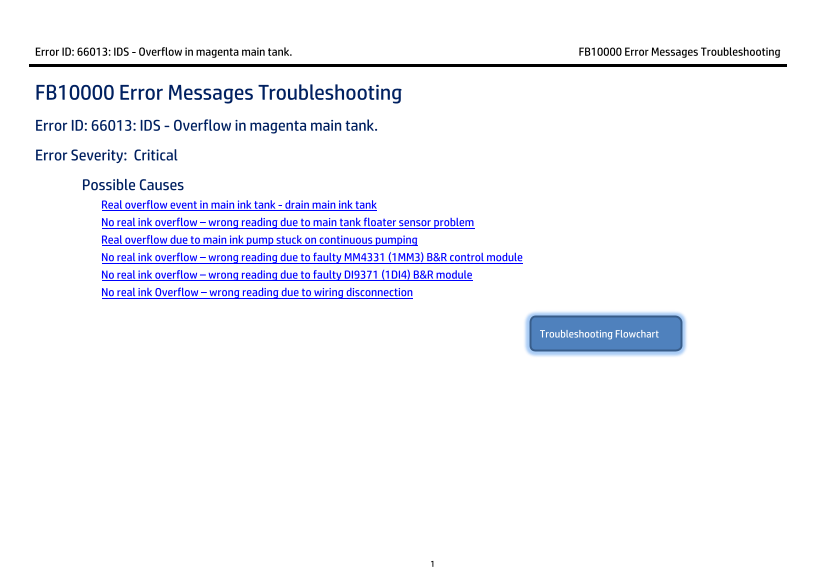
FB10000 Error Messages Troubleshooting Error ID: 66013: IDS - Overflow in magenta main tank. Error Severity: Critical Possible Causes Real overflow event in main ink tank - drain main ink tank
No real ink overflow – wrong reading due to main tank floater sensor problem Real overflow due to main ink pump stuck on continuous pumping No real ink overflow – wrong reading due to faulty MM4331 (1MM3) B&R control module No real ink overflow – wrong reading due to faulty DI9371 (1DI4) B&R module No real ink Overflow – wrong reading due to wiring disconnection
Troubleshooting Flowchart
Page Summary Contents For HP Scitex FB10000 Industrial Printing Press Geffen TS Error 66013
Manual Details
| Brand | HP |
|---|---|
| Pages | 9 |
| File Size | 689.44 KB |
| Published | June 20, 2026 |
Enter the captcha to get the download link:

Frequently Asked Questions
What should I do if the magenta main tank has a confirmed real ink overflow?
Attach a female CPC quick connector to an ink tube, connect it to the main tank bottom, and let the ink flow until the correct level is achieved.
How can I determine if the pump or sensor wiring is faulty?
In Control Tools, activate/deactivate the pump. If it responds, investigate the overflow floater; if not, check the pump's wiring path down to the B&R module.
What indicates a fault with the B&R control modules (MM4331 or DI9371)?
If the pump does not respond when commanded in Control Tools, and the associated B&R module continuously activates the pump, the module is likely faulty and needs replacement.