HP LaserJet P1500 Series Quick Start Guide User Manual
Summary
HP LaserJet P1500 Series getting started guide provides multilingual instructions for printer setup in English, Chinese (Simplified/Traditional), Indonesian, Korean, Thai, and Vietnamese. Covers copyright information, FCC regulations for Class B digital devices, and warranty statements. Includes initial installation steps, driver installation, and basic printing setup. Essential quick start reference for HP LaserJet P1500 Series printers.
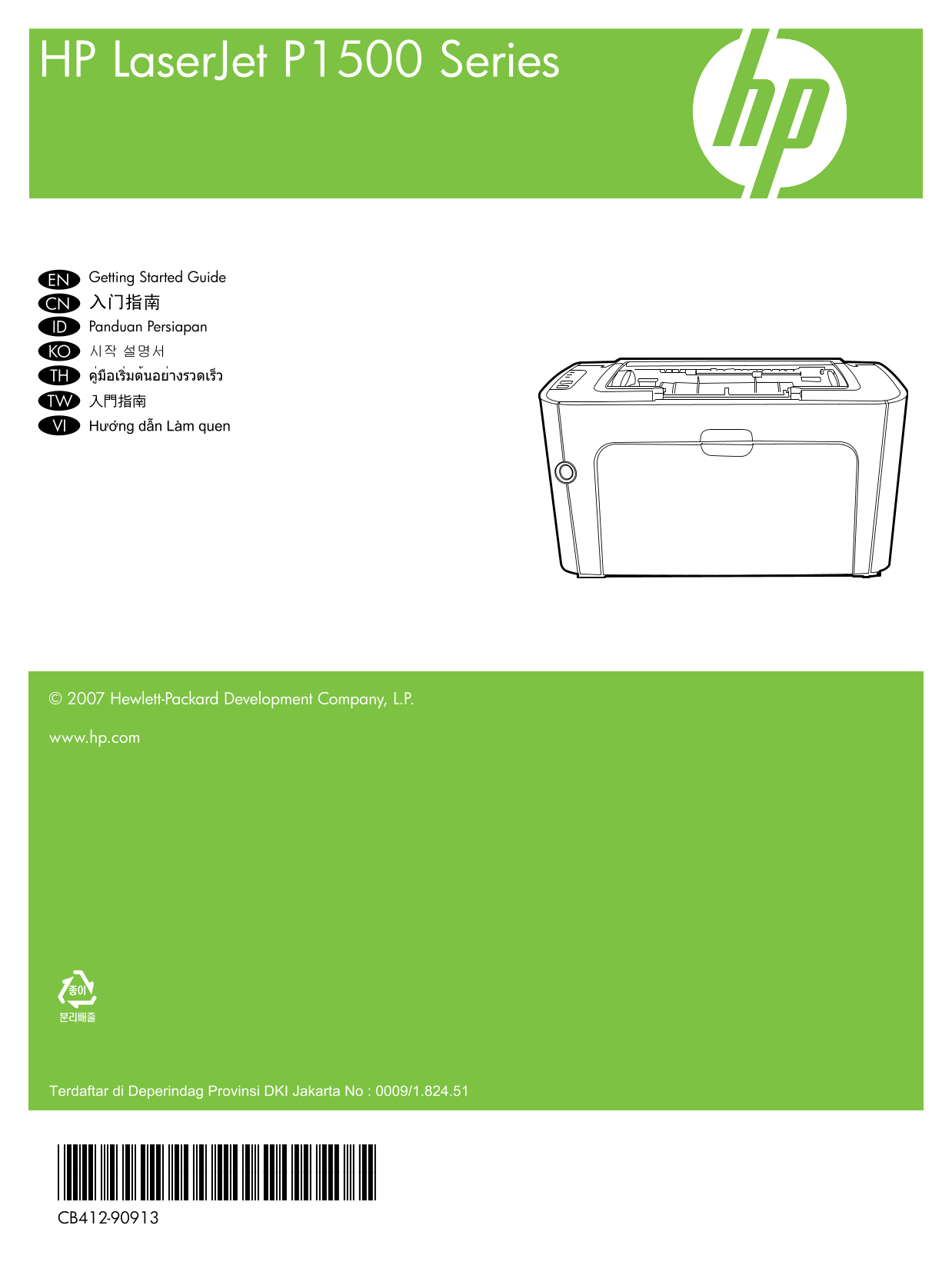
Page 1 Text Content
HP Laser Jet P1500 Series
EN Getting Started Guide CN 入门指南 ID Panduan Persiapan KO 시작 설명서 TH คู่มือเริ่มต้นอย่างรวดเร็ว TW 入門指南 VI Hươ�ng dẫn Lam quen
© 2007 Hewlett-Packard Development Company, L.P.
www.hp.com
Terdaftar di Deperindag Provinsi DKI Jakarta No : 0009/1.824.51
*CB412-90913* *CB412-90913* CB412-90913
Page Summary Contents For HP LaserJet P1500 Series Quick Start Guide User Manual
Manual Details
| Brand | HP |
|---|---|
| Pages | 8 |
| File Size | 1.18 MB |
| Published | June 22, 2026 |
Enter the captcha to get the download link:

Frequently Asked Questions
Where can I find the electronic user guide?
It is on the included CD-ROM or in the HP program folder on your computer.
What kind of information does the manual cover?
It includes problem solving, important safety notices and regulatory information, and detailed user instructions.
Should I connect the USB cable immediately after setup?
No, do not connect the USB until prompted by the software.
How can I troubleshoot interference issues?
Move the receiving antenna, increase separation, or connect equipment to a different circuit outlet.