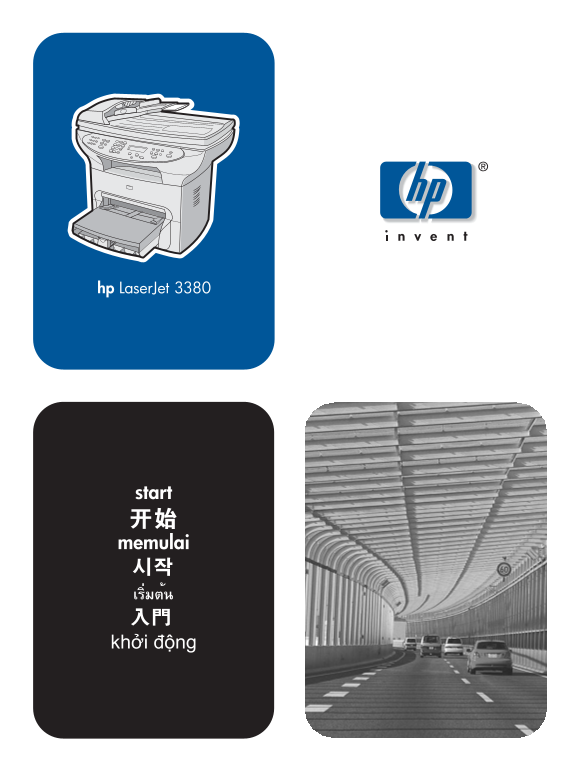
HP LaserJet 3380 All-in-One Printer - (Multiple Language) Getting Started Guide
Summary
This comprehensive guide provides essential setup, operation, and troubleshooting information for your HP LaserJet 3380 All-in-One printer. It covers initial configuration, technical specifications, FCC compliance, and warranty details to ensure uninterrupted service. Designed for new users, this manual helps you understand proper installation procedures, use the electronic User Guide, and maintain optimal performance within a professional environment.
Manual Details
| Brand | HP |
|---|---|
| Pages | 32 |
| File Size | 2.11 MB |
| Published | June 02, 2026 |
Enter the captcha to get the download link:

Frequently Asked Questions
How can I find user support information for this device?
You can check the support manual or visit http://www.hp.com/support/lj3380.
What is the maximum number of devices allowed on the telephone line (REN)?
The sum of RENs should generally not exceed five (5.0). Contact your phone company for the specific local limit.
Can I install additional equipment without issues?
To avoid interference, increases separation between equipment and receiver or connect to an outlet in a circuit different from where the receiver is located.
What does this device require to comply with FCC Class B limits?
The use of a shielded interface cable is required to comply with the Class B limits of Part 15 of FCC rules.