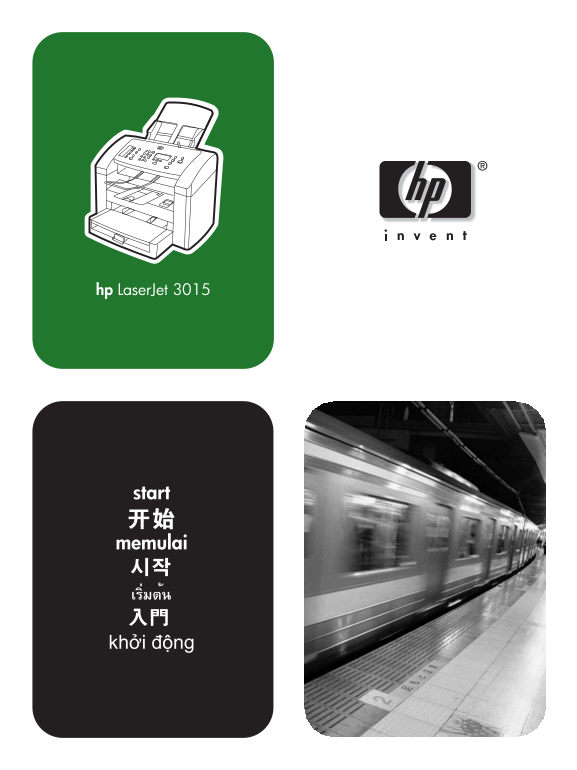
HP LaserJet 3015 All-in-One Printer - (Multiple Language) Getting Started Guide
Summary
Introducing the HP LaserJet 3015 All-in-One, an advanced multifunction printer designed for professional use. This manual provides comprehensive instructions covering initial setup, daily operation, and troubleshooting procedures. It details important connectivity guidelines, including AC power requirements and telephone line connection specifics. Whether you are a novice user or performing routine maintenance, this guide ensures safe installation and optimal performance of your new device.
Manual Details
| Brand | HP |
|---|---|
| Pages | 28 |
| File Size | 1.14 MB |
| Published | June 16, 2026 |
Enter the captcha to get the download link:

Frequently Asked Questions
How do I troubleshoot my HP LaserJet 3015 after initial setup?
Users can use the "Toolbox" or visit http://www.hp.com/support/lj3015 to open the electronic UserGuide and solve problems.
What type of phone line connection is required for this device?
It requires an RJ11C connector, which must connect via a compatible modular jack to the telephone network.
Does the LaserJet 3015 include feeder capacity and ports?
Yes, it includes a 150-sheet media input tray, fax interface ports, universal serial bus (USB) ports, and a 30-sheet ADF.
What are the general warnings regarding electrical power usage?
Users are advised to use an AC surge arrestor or connect the device to a separate circuit different from where other equipment is located.