HP LaserJet 1000 - Getting Started Guide
Summary
Get up and running with your reliable HP LaserJet 1000 printer. This essential guide offers step-by-step instructions for first-time users, covering everything from initial software installation via CD-ROM to complete hardware setup. If you are setting up the LJ1000 in a Windows environment, this manual provides clear guidance on device integration and troubleshooting. Access comprehensive user support and detailed performance tips directly through this resource.
Page 1 Text Content
hp Laser Jet 1000 getting started guide
important !/
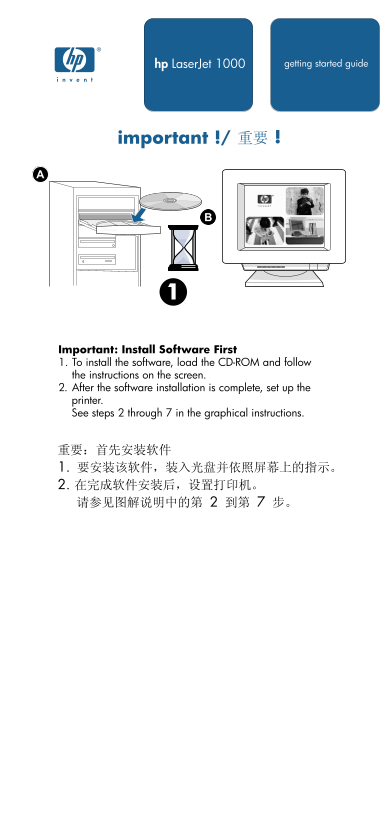
Important: Install Software First 1. To install the software, load the CD-ROM and follow the instructions on the screen. 2. After the software installation is complete, set up the printer. See steps 2 through 7 in the graphical instructions.
Page Summary Contents For HP LaserJet 1000 - Getting Started Guide
Manual Details
| Brand | HP |
|---|---|
| Pages | 6 |
| File Size | 693.79 KB |
| Published | May 22, 2026 |
Enter the captcha to get the download link:

Frequently Asked Questions
What is the first step when setting up the printer?
Load the CD-ROM and follow the displayed instructions to install the software before setting up the hardware.
If Windows automatically detects a new device, what file should I use for setup?
From the 'New Hardware Found...' dialog, browse to the installation file with the .inf extension located on the CD.
Where can I find help if I encounter issues with the printer?
Refer to Chapter 6 of your Electronic User Guide or check www.hp.com/support/lj1000 for further support.
What must I use to ensure compliance with FCC Class B limits?
You are required to use a shielded interface cable.