HP ENVY 100 e-All-in-One Printer Series - D410Setup Poster
Summary
The definitive guide for setting up and optimizing your HP ENVY eALL-IN-ONE PRINTER D410 series. This manual is designed for new users seeking comprehensive installation support, covering everything from simple one-button wireless setup via WPS to full wired configuration. Learn about power requirements, proper ink usage during printing cycles, and how to navigate the control panel features. It ensures you can quickly get connected and start producing high-quality prints with confidence.
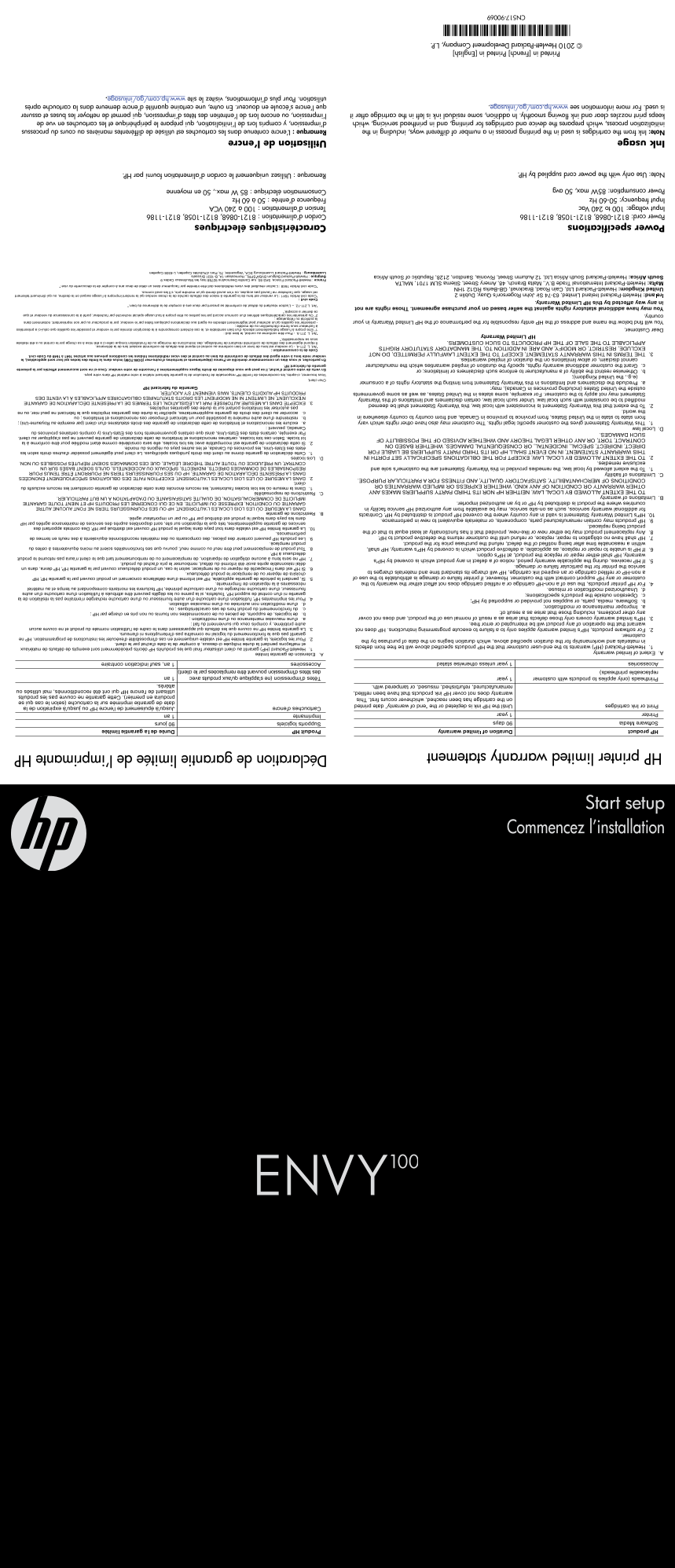
Page 1 Text Content
Start setup
Déclaration de garantie limitée de l’imprimante HP
HP printer limited warranty statement
Commencez l’installation
Power specifications Caractéristiques électriques
Power cord: 8121-0868, 8121-1058, 8121-1186 Cordon d’alimentation : 8121-0868, 8121-1058, 8121-1186
Input voltage: 100 to 240 Vac Tension d’alimentation : 100 à 240 VCA
Input frequency: 50-60 Hz Fréquence d’entrée : 50 à 60 Hz
Power consumption: 85W max, 50 avg Consommation électrique : 85 W max., 50 en moyenne
Note: Use only with the power cord supplied by HP. Remarque : Utilisez uniquement le cordon d’alimentation fourni par HP.
Ink usage Utilisation de l’encre
Note: Ink from the cartridges is used in the printing process in a number of different ways, including in the Remarque : L’encre contenue dans les cartouches est utilisée de différentes manières au cours du processus
initialization process, which prepares the device and cartridges for printing, and in printhead servicing, which d’impression, y compris lors de l’initialisation, qui prépare le périphérique et les cartouches en vue de
keeps print nozzles clear and ink flowing smoothly. In addition, some residual ink is left in the cartridge after it l’impression, ou encore lors de l’entretien des têtes d’impression, qui permet de nettoyer les buses et assurer
is used. For more information see www.hp.com/go/inkusage. que l’encre s’écoule en douceur. En outre, une certaine quantité d’encre demeure dans la cartouche après
utilisation. Pour plus d’informations, visitez le site www.hp.com/go/inkusage.
Printed in [French] Printed in [English]
© 2010 Hewlett-Packard Development Company, L.P.
*CN517-90069*
CN517-90069
Page Summary Contents For HP ENVY 100 e-All-in-One Printer Series - D410Setup Poster
Manual Details
| Brand | HP |
|---|---|
| Pages | 2 |
| File Size | 4.17 MB |
| Published | June 06, 2026 |
Enter the captcha to get the download link:

Frequently Asked Questions
How can I connect the printer wirelessly using WPS?
If your router supports it, press the WPS button on the router to establish a wireless connection with the printer during setup.
What should I do if my Wi-Fi network does not support WPS?
Follow the Setup Wizard on the printer’s display, and select “Wireless Connection” when prompted later during software installation.
What is the maximum power consumption of this printer?
The maximum power consumption is 85W, with an average usage of 50W.
Do I need to connect a USB cable during setup?
No, do NOT connect a USB cable unless you are prompted to by the software installation.