Page 1
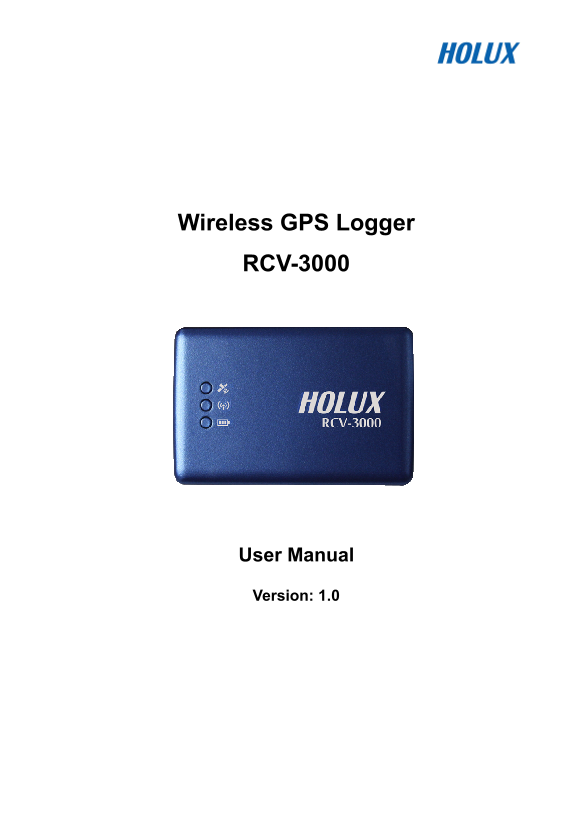
Wireless GPS Logger RCV-3000 User Manual Version: 1.0
Page 2
Table of Contents Overview.........................................................................................................................4 Packing List .........................................
Page 3
Safety Precautions • Use the power adapter included with the package, using power adapters other than the one provided will result in malfunction and could prove dangerous. • Note: It may cause explos...
Page 4
Copyright Information No part of this manual, including the products and software described in it, may be reproduced, transmitted, transcribed, stored in a retrieval system, or translated into any lan...
Page 5
Overview The HOLUX RCV-3000 Wireless GPS Logger allows users to store of up to 200,000 GPS coordinates of latitude, longitude, time, and elevation. The data can be analyzed by uploading to a computer ...
Page 6
Packing List Thank you for purchasing the RCV-3000 Wireless GPS Logger. Before you start, make sure that the following items are included in your package. If any of these items are missing, please con...
Page 7
Main features 1). Built in MTK MT3329 Low power consumption GPS chipset. 2). 66 parallel satellite-search channels for fast acquisition and reacquisition. 3). Superior sensitivity up to -165d Bm. 4). ...
Page 8
Technical Specification • Chipset: MTK MT3329 chipset. • Channels: 66 parallel satellite-search channels Basic • Frequency: 1575.42 MHz Specification • Receiver: L1, C/A code. • Built-in 4MB flash mem...
Page 9
• Output I. Output protocol Baud Rate: 38400 bps Data bit: 8 Parity: No Stop bit: 1 II. Format. NMEA0183 V3.01: GPGGA (1time/1 sec), GPGSA (1 Output and time/5 sec.), GPGSV (1time /5 sec.), GPRMC (1ti...
Page 10
Getting Started STEP 1. Charge Battery Please charge battery till LED off for the first time. Power cable plug in Power cable connect to power socket Charge Battery Battery Power too low -------------...
Page 11
GPS Status- Put RCV-3000 in clear view of the sky without any obstruction for better satellite acquiring. Turn on RCV-3000 power Turn off RCV-3000 power Steady orange Orange LED on Search GPS Power Of...
Page 12
Hardware Description RCV-3000 Body description Power switch LED of GPS (Orange) Wireless LED (Blue) LED of Battery (Red / Green) LED status: SYMBOL COLOR STATUS DESCRIPTION 1 time / 1 sec Transferring...
Page 13
Power Jack & Data Port Jack type: Mating face of 5 pin Mini USB Type B female. Pin definitions see following table. Pin Pin Name Signal and description Positive terminal of DC adaptor that powers ...
Page 14
RCV-3000 Logger Track Logging and Mode Setting Data Logging When the power is turned on, the device will automatically search for satellite positioning (orange LED on), and then logging will begin. Wh...
Page 15
4. Make sure that the RCV-3000 is connected to a PC or notebook, and select [reconnect] or [manual settings] 5. The logger can be set to record by a set time or set distance. The conditions for record...
Page 16
Bluetooth device connection installation The product includes the application Mini GPS viewer for easy viewing and testing or GPS status. The following is the steps of software installation to setup o...
Page 17
6. Go to the “COM ports” panel to tap “New Outgoing Port”, choose “HOLUX_RCV-3000” device and tap “Next”. 7. Select the COM port, then tap finish, it will show as right figure, and tap “OK” to finish ...
Page 18
Installation of Mini GPS Viewer program We provide a program “Mini GPS viewer.exe” for end user to watch the satellite signal receiving status on laptop or PDA device. For Windows 2000/XP OS, you can ...
Page 19
Driver Installation The following is the steps of installation USB driver. System Requirement • CPU: IBM, Pentium III or above, or other compatible PC. • Memory: above 32 MB • System: Windows 2000/XP ...
Page 20
Troubleshooting Problems Possible Reasons Methods Test under open sky at a fix Weak or no GPS signal at the location and run Mini GPS place of RCV-3000 Viewer “Cold start” function. No GPS output but ...
Page 21
Federal Communications Commission (FCC) Statement This equipment has been tested and found to comply with the limits for a Class B digital device, pursuant to Part 15 of the FCC Rules. These limits ar...
Page 22
This equipment has been tested and found to comply with the limits for a class B digital device pursuant to part 15 of the FCC Rules. These limits are designed to provide reasonable protection against...