HOLUX GR-271 Quick Guide
Summary
Accurately determine location with this advanced CF GPS Receiver, designed for reliable satellite positioning up to 20 satellites. This manual is your comprehensive guide, covering effortless "Plug and Play" setup for PDAs and detailed instructions for connecting it to notebooks via PC drivers. Ideal for professionals, developers, or enthusiasts needing precise, dependable global positioning data on various portable devices.
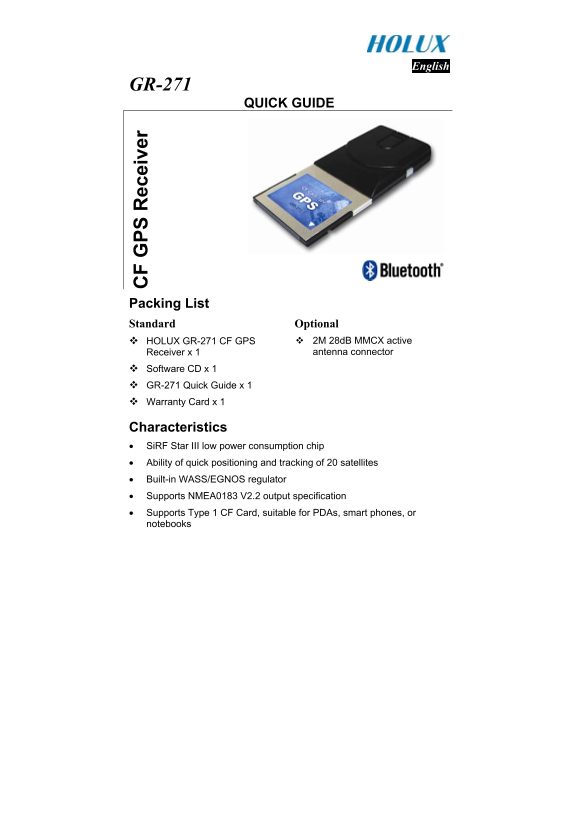
Page 1 Text Content
English
GR-271
QUICK GUIDE
PS ec ei ve
Packing List Standard Optional
HOLUX GR-271 CF GPS 2M 28d B MMCX active Receiver x 1 antenna connector
Software CD x 1 GR-271 Quick Guide x 1 Warranty Card x 1
Characteristics • Si RF Star III low power consumption chip • Ability of quick positioning and tracking of 20 satellites • Built-in WASS/EGNOS regulator • Supports NMEA0183 V2.2 output specification • Supports Type 1 CF Card, suitable for PDAs, smart phones, or notebooks
Page Summary Contents For HOLUX GR-271 Quick Guide
Manual Details
| Brand | Holux |
|---|---|
| Pages | 3 |
| File Size | 258.59 KB |
| Published | May 22, 2026 |
Enter the captcha to get the download link:

Frequently Asked Questions
How do I connect and use the GR-271 with a PDA?
Using it with a PDA is described as “Plug and Play.”
What preparation is necessary to use this receiver with a notebook computer?
You must first install the driver located on the software CD onto your PC before it can work with a notebook.
How do I interpret the LED indicator lights during operation?
LED out means the unit is off; LED on signals that it is searching for satellites’ signal; and blinking means positioning is complete.
What environmental conditions should I avoid when using the GR-271?
Do not place the device under strong sunlight, in high temperatures, or near heat radiating devices like a stove.