HOLUX GPSlim240 Quick Guide
Summary
Enhance your vehicle navigation with this Wireless Bluetooth GPS Receiver. Designed to provide accurate, real-time location tracking by connecting seamlessly via Bluetooth to your PC or PDA. The included quick guide offers complete setup instructions, covering two charging methods (standard car adapter or USB cable), establishing the necessary Bluetooth link, and utilizing the dedicated GPS Viewer software provided on CD. This unit is ideal for users who require reliable positioning support while ensuring safe monitoring capabilities when stationary in their vehicle.
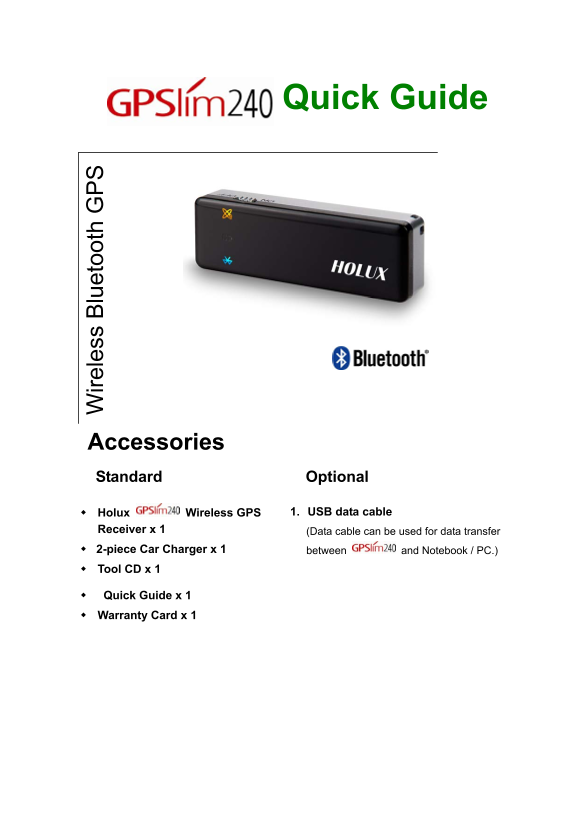
Page 1 Text Content
ire le ss lu et oo th
Quick Guide
Accessories Standard Optional
Holux Wireless GPS 1. USB data cable
Receiver x 1 (Data cable can be used for data transfer 2-piece Car Charger x 1 between and Notebook / PC.) Tool CD x 1
Quick Guide x 1 Warranty Card x 1
Page Summary Contents For HOLUX GPSlim240 Quick Guide
Manual Details
| Brand | Holux |
|---|---|
| Pages | 4 |
| File Size | 282.65 KB |
| Published | June 03, 2026 |
Enter the captcha to get the download link:

Frequently Asked Questions
How can I charge the GPS receiver?
You can use a car charger adaptor plugged into your vehicle's power outlet, or connect it directly via a USB adaptor to a PC or notebook.
What steps should I take to link the device with my PDA?
Activate Bluetooth Manager, select Search and then link. Select the HOLUX icon and choose SPP slave to establish the connection.
What environments interfere with signal reception?
Signals are affected by tall buildings, tunnels, forests, bad weather, metal car window heat shields, or other wireless communication systems.