EXTECH 412300A Current Calibrator User Guide
Summary
The Extech 412300A is a precision current calibrator designed for reliable electrical testing and calibration. This portable unit can accurately measure input currents up to 50mA, source output currents (up to 24mA), and power specialized current loops. The comprehensive manual details every feature, including step-by-step instructions on using the dedicated source/measure functions, utilizing the five-location non-volatile memory for repeatable calibration steps, and operating the advanced controls. It is essential equipment for technicians, engineers, and quality control professionals who require highly accurate tools for circuit validation and professional measurement standards.
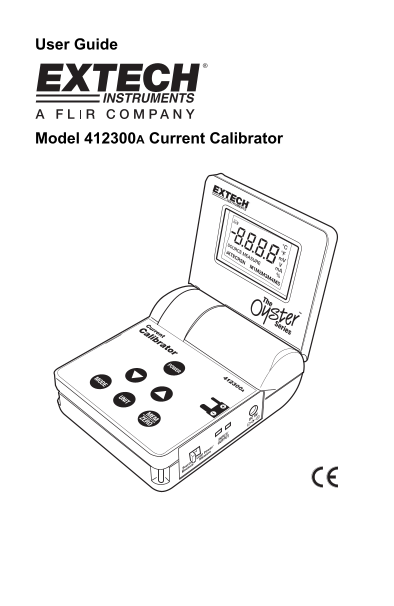
Page 1 Text Content
User Guide
Model 412300A Current Calibrator
Page Summary Contents For EXTECH 412300A Current Calibrator User Guide
Manual Details
| Brand | Current |
|---|---|
| Pages | 6 |
| File Size | 233.16 KB |
| Published | May 30, 2026 |
Enter the captcha to get the download link:

Frequently Asked Questions
What are the operating temperature and humidity limits?
Operating temperature is 5ºC to 40ºC, and max operating humidity is 80% up to 31ºC.
How do I use the memory function for calibration outputs?
Press MEM button in SOURCE mode. Press and hold it >2 sec after adjusting value to store it to M1-M5 locations.
Can the unit power a current loop while measuring?
Yes, setting the Function switch to Power/Measure allows powering a 24Vdc current loop while simultaneously measuring current.
How do I manually zero the display during measurement mode?
Set the meter to MEASURE mode, short the input jack, and then press and release the ZERO button.