EPSON Stylus Pro 9890 User Guide
Summary
This advanced large format printer is designed for professional photography and fine art markets requiring exceptional color accuracy and unsurpassed productivity. Featuring a wide gamut system and specialized grayscale ink sets, it delivers consistent, lab-quality proofs and images. The manual provides comprehensive setup guides covering print technology operation, precise color management using optional calibration tools, automated maintenance features, and connectivity instructions to ensure your high-volume workflow runs smoothly and efficiently.
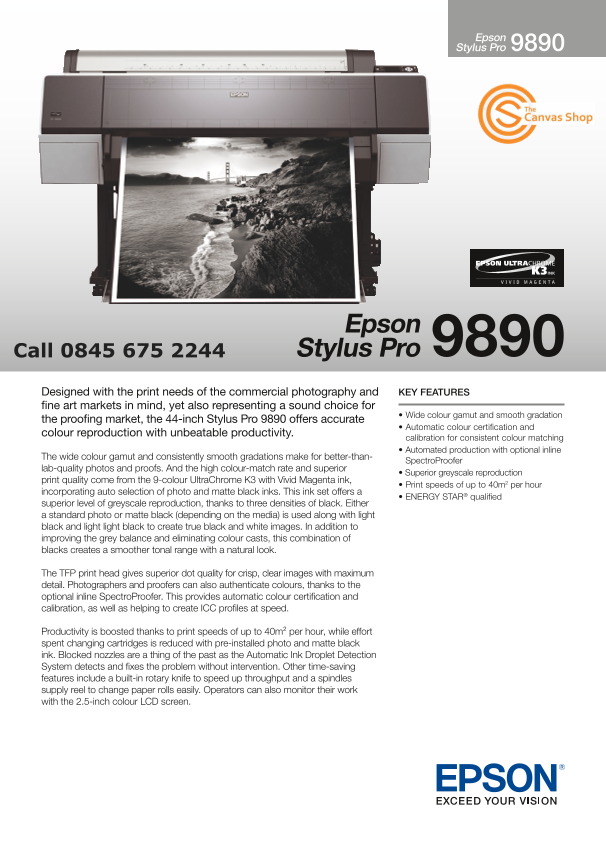
Page 1 Text Content
Epson Stylus Pro
Epson Stylus Pro
Designed with the print needs of the commercial photography and KEY FEATURES fine art markets in mind, yet also representing a sound choice for
• Wide colour gamut and smooth gradation
the proofing market, the 44-inch Stylus Pro 9890 offers accurate
• Automatic colour certification and
colour reproduction with unbeatable productivity.
calibration for consistent colour matching • Automated production with optional inline
The wide colour gamut and consistently smooth gradations make for better-than-
Spectro Proofer
lab-quality photos and proofs. And the high colour-match rate and superior
• Superior greyscale reproduction
print quality come from the 9-colour Ultra Chrome K3 with Vivid Magenta ink,
• Print speeds of up to 40m2 per hour
incorporating auto selection of photo and matte black inks. This ink set offers a
• ENERGY STAR® qualified
superior level of greyscale reproduction, thanks to three densities of black. Either a standard photo or matte black (depending on the media) is used along with light black and light light black to create true black and white images. In addition to improving the grey balance and eliminating colour casts, this combination of blacks creates a smoother tonal range with a natural look.
The TFP print head gives superior dot quality for crisp, clear images with maximum detail. Photographers and proofers can also authenticate colours, thanks to the optional inline Spectro Proofer. This provides automatic colour certification and calibration, as well as helping to create ICC profiles at speed.
Productivity is boosted thanks to print speeds of up to 40m² per hour, while effort spent changing cartridges is reduced with pre-installed photo and matte black ink. Blocked nozzles are a thing of the past as the Automatic Ink Droplet Detection System detects and fixes the problem without intervention. Other time-saving features include a built-in rotary knife to speed up throughput and a spindles supply reel to change paper rolls easily. Operators can also monitor their work with the 2.5-inch colour LCD screen.
Page Summary Contents For EPSON Stylus Pro 9890 User Guide
Manual Details
| Brand | Epson |
|---|---|
| Pages | 2 |
| File Size | 1.03 MB |
| Published | May 30, 2026 |
Enter the captcha to get the download link:

Frequently Asked Questions
What ink system does the Stylus Pro 9890 use for its high-quality prints?
It uses the 9-colour UltraChrome K3 with Vivid Magenta ink, which enables superior greyscale reproduction.
Does the printer allow for automatic color calibration and accurate proofing?
Yes, the optional inline SpectroProofer provides automatic color certification and calibration by creating ICC profiles at speed.
What is the maximum printing speed of the Stylus Pro 9890?
The print speeds can reach up to 40m per hour in Draft mode.
How does the printer handle blocked nozzles?
It features an Automatic Ink Droplet Detection System that detects and fixes clogged issues without operator intervention.