EPSON STYLUS PHOTO 1290 890 USER GUIDE
Summary
Essential setup guide for new owners of the EPSON Stylus Photo printer series. This manual provides comprehensive, step-by-step instructions covering every stage of initial use: unboxing the unit, installing ink cartridges and adapters, connecting to your computer via USB or Parallel ports, and installing the required printer drivers and software. Designed for first-time users, this resource ensures smooth setup so you can immediately print high-quality photos.
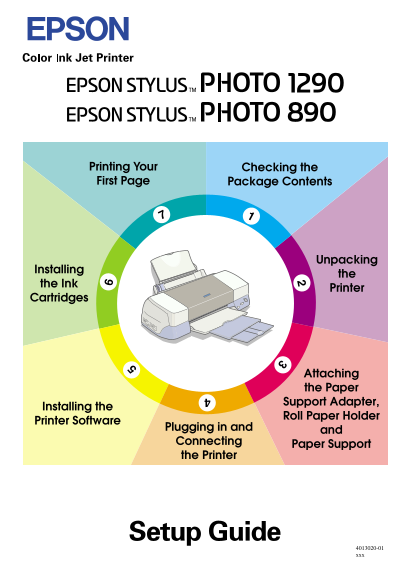
Page 1 Text Content
Proof Sign-off:
R4C725/726 Setup Guide
K.Gazan CRE Tsukada
Rev.E N.Nomoto
A5 size SETUP.FM Lipsett
Printing Your Checking the First Page Package Contents
Unpacking
Installing
the Ink
Printer
Cartridges
Attaching the Paper Support Adapter,
Installing the
Roll Paper Holder
Printer Software
Plugging in and
Connecting
Paper Support
the Printer
4013020-01 xxx
Page Summary Contents For EPSON STYLUS PHOTO 1290 890 USER GUIDE
Manual Details
| Brand | Epson |
|---|---|
| Pages | 16 |
| File Size | 644.37 KB |
| Published | May 20, 2026 |
Enter the captcha to get the download link:

Frequently Asked Questions
What types of connections are available for the printer?
It connects via parallel or USB interface; Macintosh units can only use USB.
How do I connect a PC using a parallel cable?
Turn off both devices, plug the cable into the printer's connector, and secure the ground wire if present. Plug the other end into the computer's parallel port.
What supplies are included in the package?
The box contains black color ink cartridges, paper support, printing manuals, power cord, roll paper, and a protective film.
Which operating systems can connect via USB?
Windows Me, 98 or Windows 2000 pre-installed models (that have a USB port) are required for USB connection.