Dell Universal Dock D6000S User's Guide
Summary
This document is the User Guide for the Dell Universal Dock D6000S. It covers the dock's specifications, package contents, upstream connectivity options including USB 3.0 Type-A and USB-C with power delivery up to 65W, and downstream ports including USB 3.0 Type-A, USB-C, HDMI, DisplayPort, and Gigabit Ethernet. The guide provides setup instructions and usage information. It is intended for end users and IT professionals who need to understand the connectivity options and capabilities of the Dell Universal Dock D6000S.
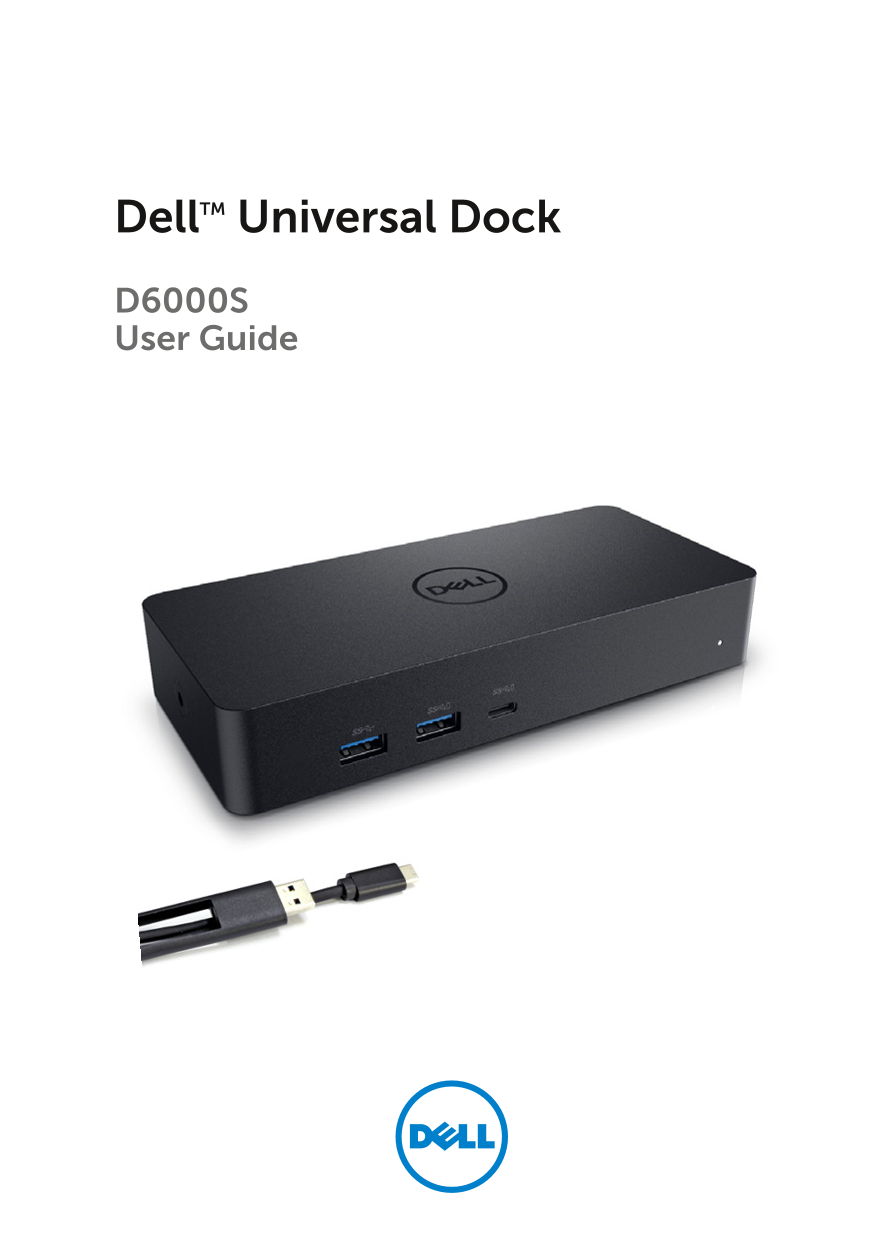
Page 1 Text Content
Dell TM Universal Dock D6000S User Guide
Page Summary Contents For Dell Universal Dock D6000S User's Guide
Manual Details
| Brand | Dell |
|---|---|
| Pages | 14 |
| File Size | 1003.22 KB |
| Published | June 24, 2026 |
Enter the captcha to get the download link:

Frequently Asked Questions
What are the minimum system requirements for video playback?
Intel SkyLake i3 or i7, 8GB memory, and an Nvidia GeForce 7xxM or better GPU.
What is the maximum resolution supported by the dock?
Up to 5K at 60Hz with DisplayLink driver installed, or 4K at 60Hz via Alt-mode.
How should I install the drivers for Windows 7, 8, 8.1, or 10?
Install the drivers first, then connect the dock; drivers are available on Dell or DisplayLink support sites.
What should I do if no video appears on the monitors?
Check if the computer video output is enabled, verify resolution settings, ensure cables are connected, and try reinstalling the DisplayLink driver.
Does the dock support power delivery for laptop charging?
Yes, USB-C upstream support includes power delivery up to 65W.