Dell Performance Dock - WD19DCS - Quick Start Guide
Summary
Quick start guide for the Dell Performance Dock WD19DCS USB Type-C docking station. Emphasizes updating computer BIOS and dock drivers before use. Lists electrical specs including input voltage (100-240V AC), output (19.5V DC), and USB-C capabilities with DisplayPort Alt Mode and power delivery. Includes multilingual regulatory information. Targeted at end users setting up the WD19DCS with Dell laptops.
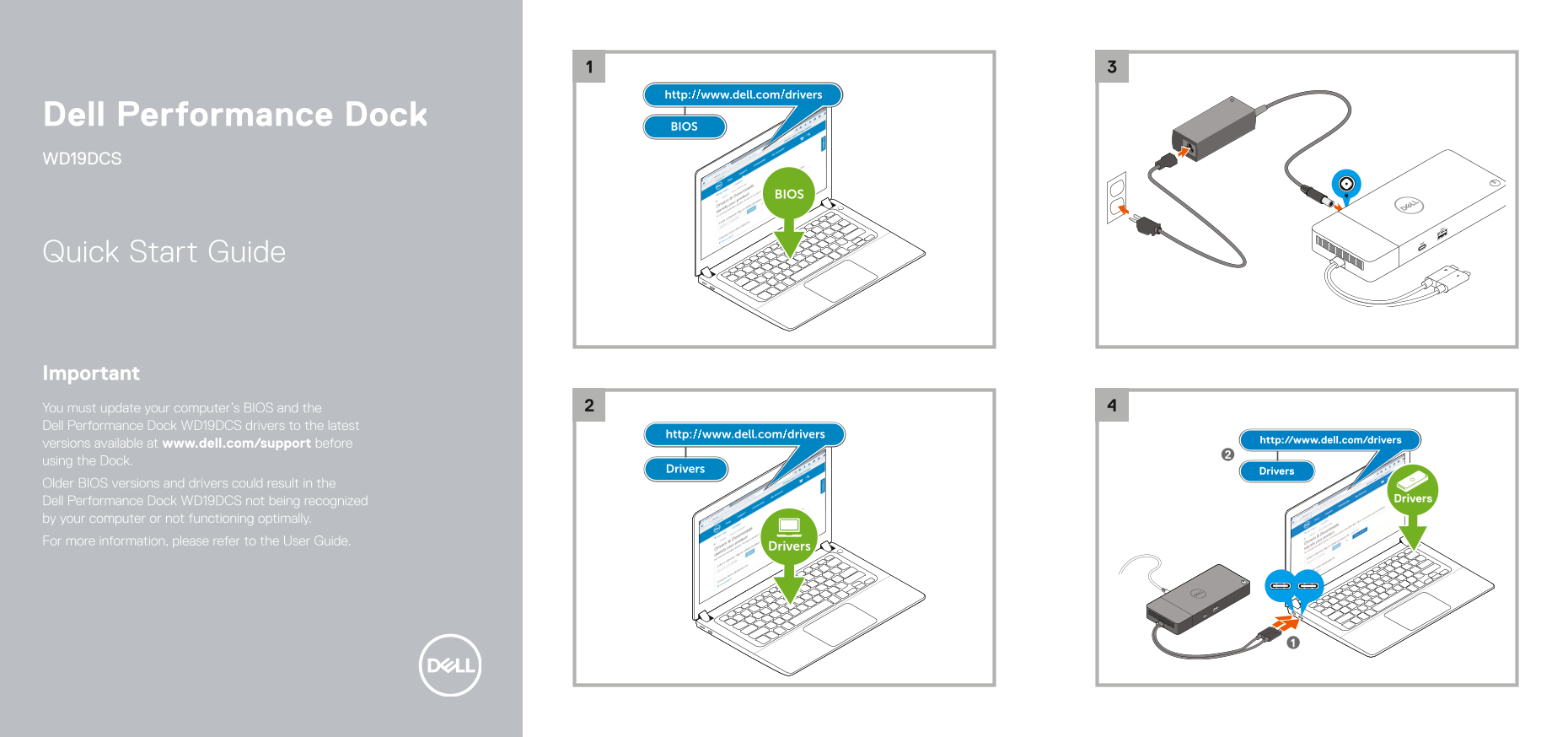
Page 1 Text Content
Dell Performance Dock WD19DCS
Quick Start Guide
Important You must update your computer’s BIOS and the Dell Performance Dock WD19DCS drivers to the latest versions available at www.dell.com/support before using the Dock. Older BIOS versions and drivers could result in the Dell Performance Dock WD19DCS not being recognized by your computer or not functioning optimally. For more information, please refer to the User Guide.
Page Summary Contents For Dell Performance Dock - WD19DCS - Quick Start Guide
Manual Details
| Brand | Dell |
|---|---|
| Pages | 2 |
| File Size | 773.29 KB |
| Published | June 24, 2026 |
Enter the captcha to get the download link:

Frequently Asked Questions
What are the power requirements for the Dell Performance Dock WD19DCS?
It operates on 100-240 V AC and 50-60 Hz, with a maximum input current of 3.5 A.
What voltage and current does the dock output?
It outputs 19.5 V DC at 12.3 A or 12.31 A.
What is the speed of the USB Type-C port?
The USB Type-C port supports USB 3.1 Gen 1 (5Gbps) or USB 3.1 Gen 2 (10Gbps).
What is the power output of the USB Type-C port?
The USB Type-C port provides 5 V/1.5 A or 5 V/3 A.