Dell S6100-ON System Release Notes, OS Version 9.14.1.10 Owner's Manual
Summary
Dell S6100-ON System Release Notes for OS Version 9.14(1.10). This document contains release information for Dell EMC Networking OS, including new features, resolved issues, known issues, and upgrade procedures for the S6100-ON open networking platform. Target users: network engineers and administrators managing Dell EMC data center switching infrastructure.
Page 1 Text Content
Rev. A00 September 2021
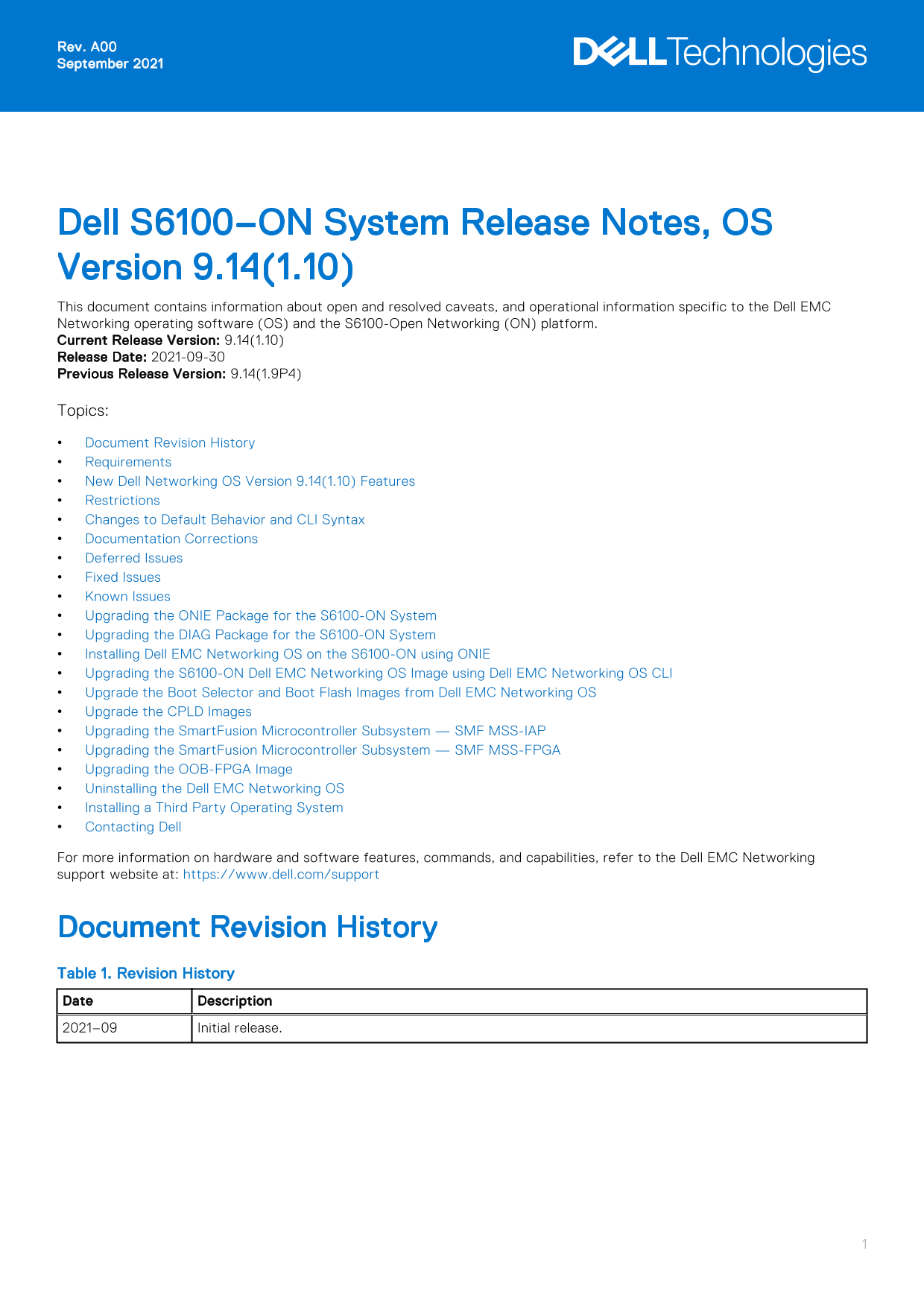
Dell S6100–ON System Release Notes, OS Version 9.14(1.10) This document contains information about open and resolved caveats, and operational information specific to the Dell EMC Networking operating software (OS) and the S6100-Open Networking (ON) platform. Current Release Version: 9.14(1.10) Release Date: 2021-09-30 Previous Release Version: 9.14(1.9P4) Topics: Document Revision History Requirements New Dell Networking OS Version 9.14(1.10) Features Restrictions Changes to Default Behavior and CLI Syntax Documentation Corrections Deferred Issues Fixed Issues Known Issues Upgrading the ONIE Package for the S6100-ON System Upgrading the DIAG Package for the S6100-ON System Installing Dell EMC Networking OS on the S6100-ON using ONIE Upgrading the S6100-ON Dell EMC Networking OS Image using Dell EMC Networking OS CLI Upgrade the Boot Selector and Boot Flash Images from Dell EMC Networking OS Upgrade the CPLD Images Upgrading the Smart Fusion Microcontroller Subsystem — SMF MSS-IAP Upgrading the Smart Fusion Microcontroller Subsystem — SMF MSS-FPGA Upgrading the OOB-FPGA Image Uninstalling the Dell EMC Networking OS Installing a Third Party Operating System Contacting Dell For more information on hardware and software features, commands, and capabilities, refer to the Dell EMC Networking support website at: https://www.dell.com/support
Document Revision History Table 1. Revision History Date Description 2021–09 Initial release.
Page Summary Contents For Dell S6100-ON System Release Notes, OS Version 9.14.1.10 Owner's Manual
Manual Details
| Brand | Dell |
|---|---|
| Pages | 28 |
| File Size | 248.78 KB |
| Published | June 24, 2026 |
Enter the captcha to get the download link:

Frequently Asked Questions
What are the required hardware limitations for the S6100-ON system?
It must support up to four I/O modules for QSFP28, QSFP+, or a mix of 10/25/40/50/100 GbE ports, along with necessary PSUs and fans.
What happens if the fan airflow direction is mixed?
The switch detects the discrepancy, issues an alarm, and may auto-shutdown to prevent heat damage to components. All fans and PSUs must have the same airflow direction.
Can I install a non-Dell OS on the S6100-ON?
Yes, you can install a supported third party operating system; consult the vendor's website for installation instructions.
What precautions are needed before downgrading the Dell EMC Networking OS?
Before downgrading from 9.14(1.10), save your current configuration and remove the CDB files (confd_cdb.tar.gz.version and confd_cdb.tar.gz).