# A B C D E F G H I J K L M N O P Q R S T U V W X Y Z

Dell S6010-ON System Release Notes, OS Version 9.14.1.12 Owner's Manual

Summary

Dell S6010-ON Open Networking switch system release notes for Dell Networking OS version 9.14(1.12), released May 2022. Documents new features, operational restrictions, resolved caveats, known issues, supported hardware and software platforms, and upgrade procedures from previous version 9.14(1.10). Essential reference for network administrators managing 10/40GbE data center switching infrastructure.
📄 Preview 📖 Table of Contents Contents PAGE OF 24

Page 1 Text Content

Rev. A00 May 2022

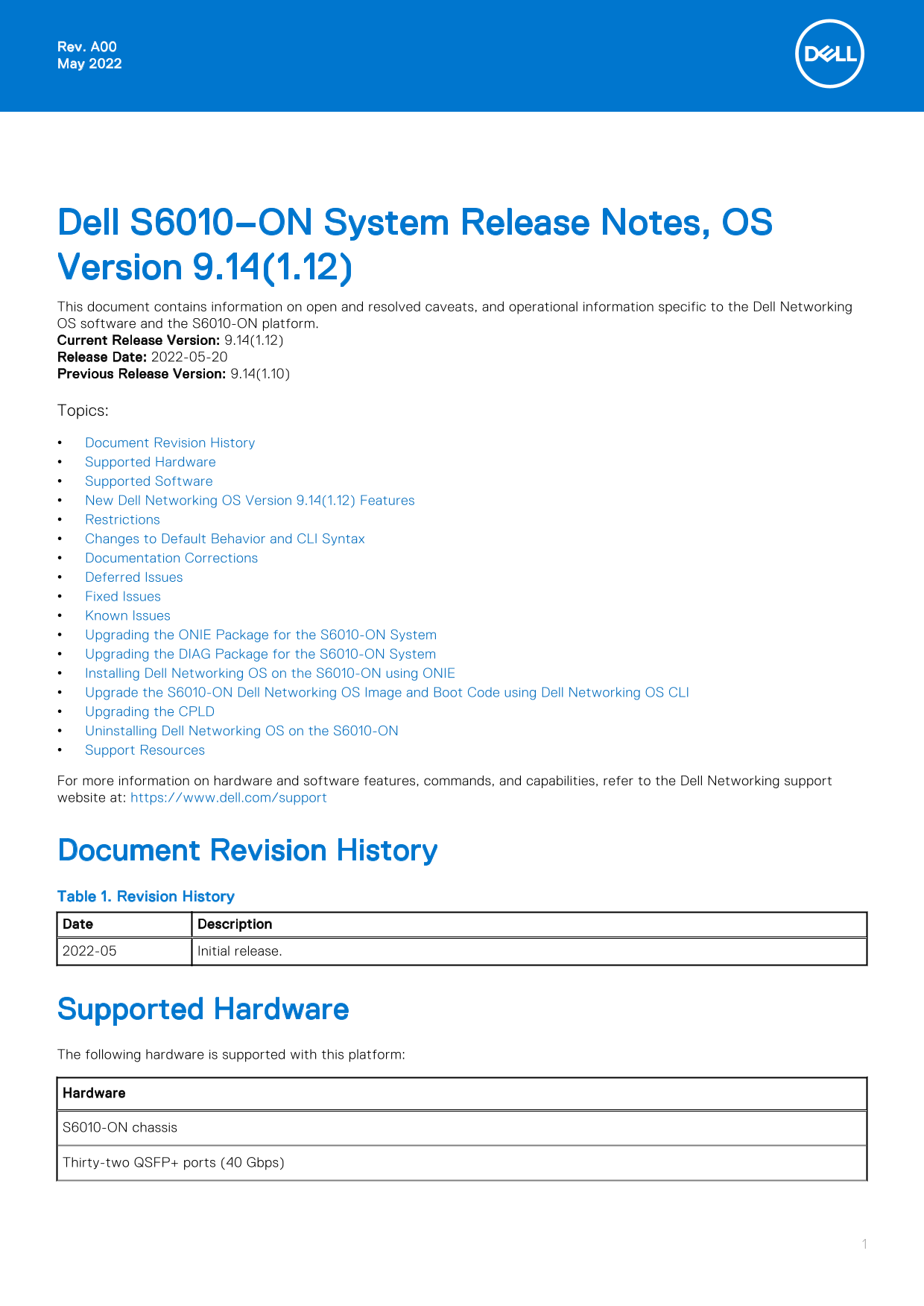
Dell S6010–ON System Release Notes, OS Version 9.14(1.12) This document contains information on open and resolved caveats, and operational information specific to the Dell Networking OS software and the S6010-ON platform. Current Release Version: 9.14(1.12) Release Date: 2022-05-20 Previous Release Version: 9.14(1.10) Topics: Document Revision History Supported Hardware Supported Software New Dell Networking OS Version 9.14(1.12) Features Restrictions Changes to Default Behavior and CLI Syntax Documentation Corrections Deferred Issues Fixed Issues Known Issues Upgrading the ONIE Package for the S6010-ON System Upgrading the DIAG Package for the S6010-ON System Installing Dell Networking OS on the S6010-ON using ONIE Upgrade the S6010-ON Dell Networking OS Image and Boot Code using Dell Networking OS CLI Upgrading the CPLD Uninstalling Dell Networking OS on the S6010-ON Support Resources For more information on hardware and software features, commands, and capabilities, refer to the Dell Networking support website at: https://www.dell.com/support

Document Revision History Table 1. Revision History Date Description 2022-05 Initial release.

Supported Hardware The following hardware is supported with this platform: Hardware S6010-ON chassis Thirty-two QSFP+ ports (40 Gbps)

Page Summary Contents For Dell S6010-ON System Release Notes, OS Version 9.14.1.12 Owner's Manual

Page 1 Rev. A00 May 2022 Dell S6010–ON System Release Notes, OS Version 9.14(1.12) This document contains information on open and resolved caveats, and operational information specific to the Dell Networking...
Page 2 Hardware Two AC/DC PSUs Five fan subsystems NOTE: If all the five fan trays are found to be empty or faulty, the system shuts down after one minute. Supported Software The following software is suppor...
Page 3 state and generates a syslog message, such as: %S6010LC0640:8 %IFAGT-2-TRANSCEIVER_UNSUPPORTED_ERROR: Transceiver in slot 1 port 49 unrecognized, putting interface in operational-down state. To verify...
Page 4 Deferred Issues Issues that appear in this section were reported in Dell Networking OS version 9.14(1.0) as open, but have since been deferred. Deferred issues are those that are found to be invalid, ...
Page 5 Fixed S6010–ON 9.14(1.12) Software Issues NOTE: Dell Networking OS 9.14(1.12) includes fixes for issues addressed in previous 9.14 releases. Refer to the respective release notes documentation for the...
Page 6 Category Description PR# Problem Report number that identifies the issue. Severity S1 — Crash: A software crash occurs in the kernel or a running process that requires a restart of AFM, the router, sw...
Page 7 Use the ^ and v keys to select which entry is highlighted. Press enter to boot the selected OS, 'f' to boot FTOS, 'b' to go to BLI, 'o' to boot ONIE, 'd' to boot DIAG-OS, 'e' to edit the commands befo...
Page 8 Info: Trying DHCPv4 on interface: eth0 ONIE:/ # 5. At the ONIE prompt, to stop the ONIE discovery process, enter the following command: ONIE:/ # onie-discovery-stop The ONIE discovery stops, as shown:...
Page 9 Upgrading the DIAG Package for the S6010-ON System To upgrade the DIAG package, use one of the following two processes: Zero touch (dynamic): Copy the update ONIE installer for your system to the TFTP...
Page 10 NOTE: To choose an option from the menu, highlight one of the options using the up or down arrow key and press Enter. The ONIE Installer mode is enabled and the ONIE prompt appears, as shown: GRUB loa...
Page 11 Update mode: Copying rootfs..... Preparing /dev/sda3 EDA-DIAG for rootfs install untaring into /tmp/tmp.s2Oc TQ rootfs copy done Success: Support tarball created: /tmp/tmp.s2Oc TQ/onie-support.tar.bz2...
Page 12 |*ONIE: Install OS | | ONIE: Rescue | | ONIE: Uninstall OS | | ONIE: Update ONIE | | ONIE: Embed ONIE | | EDA-DIAG | | | | | | | | | | | | | Use the ^ and v keys to select which entry is highlighted. ...
Page 13 sda,gpt7,bsd12). grub-install: warning: Discarding improperly nested partition (hostdisk//dev/ sda,gpt7,bsd4). grub-install: warning: Discarding improperly nested partition (hostdisk//dev/ sda,gpt7,bs...
Page 14 Image File : FTOS-S6010-9.14.1.12.bin Image Compatibility : Verified Verifying MAC Address... MAC Address is Configured Image Platform : FTOS-S6010 Deleting Extra partitions... Done. Creating New part...
Page 15 EXEC Privilege Dell EMC#show boot sys stack-unit all Current system image information in the system: Type Boot Type A B stack-unit 1 FLASH BOOT 9.14(1.12)[boot] 9.14(1.10) stack-unit 2 is not present....
Page 16 * Warning - Upgrading boot flash is inherently risky and should only * * be attempted when necessary. A failure at this upgrade may cause * * a board RMA. Proceed with caution ! * Proceed upgrade Boot...
Page 17 Copyright (c) 1999-2021 by Dell EMC Inc. All Rights Reserved. Build Time: Thu Mar 24 11:00:02 2022 Build Path: /build/build02/SW/SRC Dell EMC Networking OS uptime is 1 minute(s) System image file is &...
Page 18 Speed in RPM Dell EMC# Upgrading the CPLD The S6010-ON system with Dell Networking OS Version 9.14(1.12) requires System CPLD revision 12, Master CPLD revision 12, and Slave CPLD revision 5. Verify th...
Page 19 upgrade fpga-image stack-unit booted EXEC Privilege Dell EMC#upgrade fpga-image stack-unit 1 booted Current information for the system: Card Device Name Current Version New Version Unit1 S6010-ON SYST...
Page 20 Built by root at ubuntu on Thu_Mar_24_07:13:20_UTC_2022 S6010 Boot Flash Label 3.26.2.10 Net Boot Label 3.26.2.10 2. At this prompt message, press the Esc key. The following menu appears: Grub 2.02~be...
Page 21 ONIE: bond0: link down. Skipping configuration. Info: eth0: Checking link... up. Info: Trying DHCPv4 on interface: eth0 [ 50.851074] random: nonblocking pool is initialized Warning: Unable to configur...
Page 22 CPGC Memtest ................................ PASS POST: RTC Battery OK at last cold boot RTC date Thursday 03/24/2022 15:40:49 POST SPD test ............................... PASS POST Lower DRAM Memor...
Page 23 Dell Technologies provides several online and telephone-based support and service options. Availability varies by country and product, and some services may not be available in your area. To contact D...
Page 24 Notes, cautions, and warnings NOTE: A NOTE indicates important information that helps you make better use of your product. CAUTION: A CAUTION indicates either potential damage to hardware or loss of d...

Manual Details

Brand Dell
Pages 24
File Size 208.12 KB
Published July 01, 2026
9 views

Enter the captcha to get the download link:

captcha

Frequently Asked Questions

Why did my 40GbE port become down after using a non-Dell transceiver?

The switch places the interface in an error-disabled state because Dell Networking does not guarantee performance for non-Dell qualified 40G transceivers.

What steps are required before downgrading the OS from version 9.14(1.12)?

First, save your current configuration. Then, you must remove the CDB files using the commands: write memory and then delete flash://confd_cdb.tar.gz.version and flash://confd_cdb.tar.gz.

Is it permissible to run both FRRP and xSTP simultaneously in a VLT domain?

No, you cannot co-exist with FRRP and any flavor of Spanning tree (xSTP) within the same VLT environment.