# A B C D E F G H I J K L M N O P Q R S T U V W X Y Z

Dell System S6010-ON 9.14.2.14 Release Notes

Summary

This release notes document describes new features, resolved issues, known issues, and limitations in Dell System S6010-ON version 9.14(2.14). Designed for network administrators, the document explains system requirements, upgrade paths, and known limitations. Environment requirements and support resources are also addressed.
📄 Preview 📖 Table of Contents Contents PAGE OF 24

Page 1 Text Content

Rev. A00 April 2022

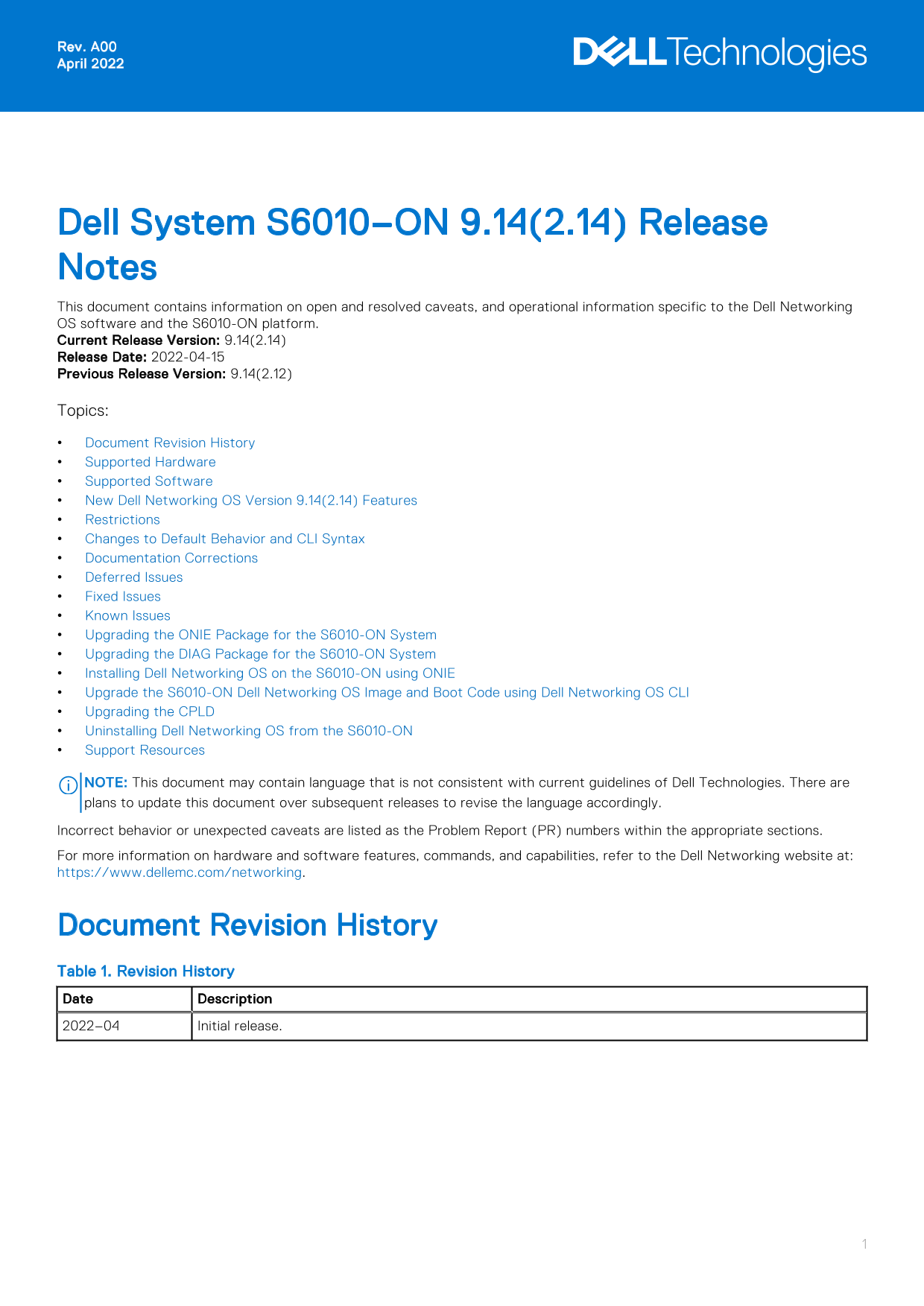
Dell System S6010–ON 9.14(2.14) Release Notes This document contains information on open and resolved caveats, and operational information specific to the Dell Networking OS software and the S6010-ON platform. Current Release Version: 9.14(2.14) Release Date: 2022-04-15 Previous Release Version: 9.14(2.12) Topics: Document Revision History Supported Hardware Supported Software New Dell Networking OS Version 9.14(2.14) Features Restrictions Changes to Default Behavior and CLI Syntax Documentation Corrections Deferred Issues Fixed Issues Known Issues Upgrading the ONIE Package for the S6010-ON System Upgrading the DIAG Package for the S6010-ON System Installing Dell Networking OS on the S6010-ON using ONIE Upgrade the S6010-ON Dell Networking OS Image and Boot Code using Dell Networking OS CLI Upgrading the CPLD Uninstalling Dell Networking OS from the S6010-ON Support Resources

NOTE: This document may contain language that is not consistent with current guidelines of Dell Technologies. There are plans to update this document over subsequent releases to revise the language accordingly. Incorrect behavior or unexpected caveats are listed as the Problem Report (PR) numbers within the appropriate sections. For more information on hardware and software features, commands, and capabilities, refer to the Dell Networking website at: https://www.dellemc.com/networking.

Document Revision History Table 1. Revision History Date Description 2022–04 Initial release.

Page Summary Contents For Dell System S6010-ON 9.14.2.14 Release Notes

Page 1 Rev. A00 April 2022 Dell System S6010–ON 9.14(2.14) Release Notes This document contains information on open and resolved caveats, and operational information specific to the Dell Networking OS softwa...
Page 2 Supported Hardware The following hardware is supported with this platform: Hardware S6010-ON chassis Thirty-two QSFP+ ports (40 Gbps) Two AC/DC PSUs Five fan subsystems NOTE: If all the five fan trays...
Page 3 forty Gig E 1/49 is up, line protocol is down(error-disabled[Transceiver Unsupported]) Prerequisite steps to upgrade the Dell Networking OS from earlier version to 9.14.2.0 or later: 1. Uninstall the ...
Page 4 Deferred Issues Issues that appear in this section were reported in Dell Networking OS version 9.14(2.0) as open, but have since been deferred. Deferred caveats are those that are found to be invalid,...
Page 5 Category Description Work around Work around describes a mechanism for circumventing, avoiding, or recovering from the issue. It might not be a permanent solution. Issues listed in the “Closed Caveats...
Page 6 Category Description S2 — Critical: An issue that renders the system or a major feature unusable, which can have a pervasive impact on the system or network, and for which there is no work-around acce...
Page 7 Use the ^ and v keys to select which entry is highlighted. Press enter to boot the selected OS, 'f' to boot FTOS, 'b' to go to BLI, 'o' to boot ONIE, 'd' to boot DIAG-OS, 'e' to edit the commands befo...
Page 8 ONIE:/ # ONIE:/ # 5. At the ONIE prompt, to stop the ONIE discovery process, enter the following command: ONIE:/ # onie-discovery-stop The ONIE discovery stops, as shown: discover: ONIE update mode de...
Page 9 BIOS initializations... CPGC Memtest ................................ PASS Upgrading the DIAG Package for the S6010-ON System To upgrade the DIAG package, use one of the following two processes: Zero ...
Page 10 before booting or `c' for a command-line. 4. From this menu, choose the ONIE : Install OS option. NOTE: To choose an option from the menu, highlight one of the options using the up or down arrow key a...
Page 11 Diag OS Installer Mode : UPDATE EDA-DIAG dev is /dev/sda3 Mounted /dev/sda3 on /tmp/tmp.s2Feb Q Update mode: Copying rootfs..... Preparing /dev/sda3 EDA-DIAG for rootfs install untaring into /tmp/tmp....
Page 12 The following menu appears: GNU GRUB version 2.02~beta2+e4a1fe391 |*ONIE: Install OS | | ONIE: Rescue | | ONIE: Uninstall OS | | ONIE: Update ONIE | | ONIE: Embed ONIE | | EDA-DIAG | | | | | | | | | |...
Page 13 Starting: telnetd... done. Installing for i386-pc platform. /proc/devices: No entry for device-mapper found grub-install: warning: Discarding improperly nested partition (hostdisk//dev/ sda,gpt7,bsd4)...
Page 14 Info: Fetching tftp://10.16.127.35/ONIE-FTOS-S6010-9.14.2.14.bin ... ONIE-FTOS-S6010-9-14 100% |*******************************| 105M 0:00:00 ETA ONIE: Executing installer: tftp://10.16.127.35/ONIE-FT...
Page 15 72268454 bytes successfully copied System image upgrade completed successfully. Dell EMC#Feb 21 14:23:49: %STKUNIT1-M:CP %DOWNLOAD-6-UPGRADE: Upgrade completed successfully 3. Verify that the Dell Net...
Page 16 Destination file name []: FTOS-S6010-9.14.2.14.bin 00:09:22 : Discarded 1 pkts. Expected block num : 51. Received block num: 50 Current Boot information in the system: Card Boot Flash Current Version ...
Page 17 Dell EMC#reload Proceed with reload [confirm yes/no]: y 8. Verify that the ONIE has been upgraded to the Dell Networking OS version 9.14(2.14). EXEC Privilege Mode show version Dell EMC#show version D...
Page 18 1 2 up AC up 14752 61 54 02/21/2022-02:42 -- Fan Status -- Unit Bay Tray Status Fan1 Speed 1 1 up up 10780 1 2 up up 10780 1 3 up up 10780 1 4 up up 10780 1 5 up up 10780 Speed in RPM Dell EMC# Upgrad...
Page 19 Upgrading the CPLD Image NOTE: The upgrade fpga-image stack-unit 1 booted command is hidden when using the FPGA Upgrade feature in the CLI. However, it is a supported command and will be accepted when...
Page 20 Uninstalling Dell Networking OS from the S6010-ON To uninstall the Dell Networking OS version 9.14(2.14) from the S6010-ON device, perform the following steps: 1. Reboot the system. During the reboot ...
Page 21 busid passed, refusing all cards [ 3.105962] intel_rapl: driver does not support CPU family 6 model 77 Info: Mounting kernel filesystems... done. Info: Mounting ONIE-BOOT on /mnt/onie-boot ... Info: U...
Page 22 Microcode Revision 125 Platform ID: 0x10041A48 PMG_CST_CFG_CTL: 0x40006 BBL_CR_CTL3: 0x7E2801FF Misc EN: 0x840081 Gen PM Con1: 0x203808 Therm Status: 0x884D0000 POST Control=0x EA000303, Status=0x E60...
Page 23 For more information about the open network installation environment (ONIE)-compatible third-party operating system, refer to http://onie.org. Contacting Dell NOTE: If you do not have an active Intern...
Page 24 Notes, cautions, and warnings NOTE: A NOTE indicates important information that helps you make better use of your product. CAUTION: A CAUTION indicates either potential damage to hardware or loss of d...

Manual Details

Brand Dell
Pages 24
File Size 207.44 KB
Published July 01, 2026
8 views

Enter the captcha to get the download link:

captcha

Frequently Asked Questions

What happens if I insert a non-Dell qualified transceiver of 25G and above?

The switch places the interface in an error-disabled (down) state and generates a syslog message.

What are the prerequisite steps to upgrade the OS to version 9.14.2.0 or later?

Uninstall the older OA package, upgrade the OS, and then install SmartScripts, Puppet, OMI, and SNMP MIB packages.

Can I use non-Dell qualified cables and adapters?

Yes, but Dell does not guarantee performance for non-Dell qualified transceivers of 25G and above.

What causes the CDB boot error when downgrading to version 9.11.0.0 or older?

The CDB file format error occurs due to incompatible file versions after downgrading.