Dell S6000–ON System Release Notes, OS Version 9.14.1.12 Owner's Manual
Summary
This release notes document describes Dell Networking OS Version 9.14(1.12) for the S6000-ON switch platform, covering new features, open and resolved caveats, supported hardware and software configurations, and operational changes from previous versions. It includes upgrade considerations and known restrictions. Intended for network administrators deploying or maintaining Dell S6000-ON switches.
Page 1 Text Content
Rev. A00 May 2022
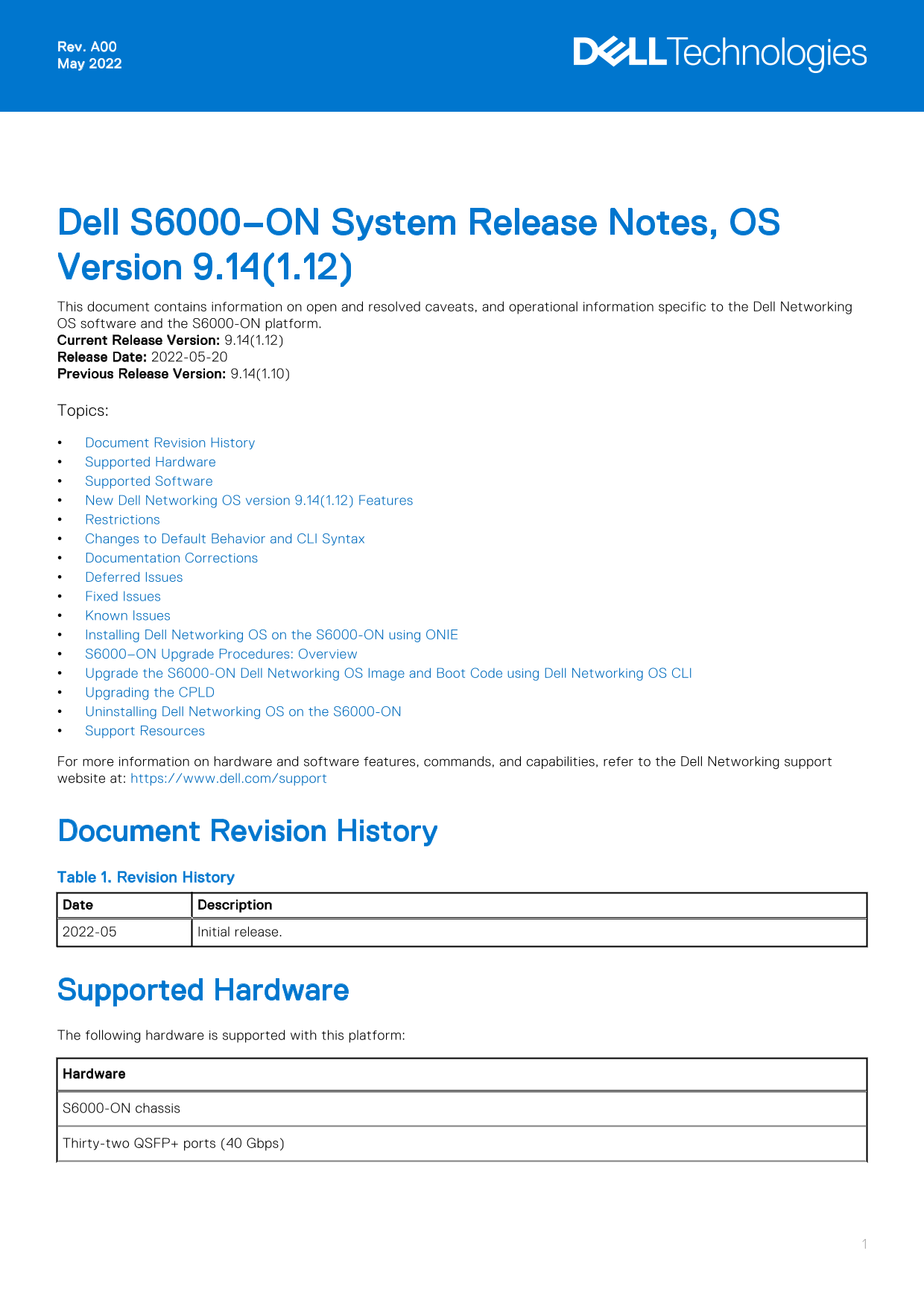
Dell S6000–ON System Release Notes, OS Version 9.14(1.12) This document contains information on open and resolved caveats, and operational information specific to the Dell Networking OS software and the S6000-ON platform. Current Release Version: 9.14(1.12) Release Date: 2022-05-20 Previous Release Version: 9.14(1.10) Topics: Document Revision History Supported Hardware Supported Software New Dell Networking OS version 9.14(1.12) Features Restrictions Changes to Default Behavior and CLI Syntax Documentation Corrections Deferred Issues Fixed Issues Known Issues Installing Dell Networking OS on the S6000-ON using ONIE S6000–ON Upgrade Procedures: Overview Upgrade the S6000-ON Dell Networking OS Image and Boot Code using Dell Networking OS CLI Upgrading the CPLD Uninstalling Dell Networking OS on the S6000-ON Support Resources For more information on hardware and software features, commands, and capabilities, refer to the Dell Networking support website at: https://www.dell.com/support
Document Revision History Table 1. Revision History Date Description 2022-05 Initial release.
Supported Hardware The following hardware is supported with this platform: Hardware S6000-ON chassis Thirty-two QSFP+ ports (40 Gbps)
Page Summary Contents For Dell S6000–ON System Release Notes, OS Version 9.14.1.12 Owner's Manual
Manual Details
| Brand | Dell |
|---|---|
| Pages | 18 |
| File Size | 175.36 KB |
| Published | July 01, 2026 |
Enter the captcha to get the download link:

Frequently Asked Questions
What is the default minimum RSA key size for this OS version?
The default RSA key size was enhanced to 2048 bits.
How do I downgrade the Dell Networking OS below v9.14(1.12)?
Before downgrading, save your configuration and remove the CDB files using: write memory; delete flash://confd_cdb.tar.gz.version; delete flash://confd_cdb.tar.gz.
Which network protocols cannot coexist in a VLT environment?
FRRP and any flavor of Spanning tree should not concurrently be enabled on nodes within the specified VLT domain.
Are there limitations when configuring multiple VNI profiles?
When 1024 or more VNI profiles are configured, it slows down system loading; restrict them to less than 1000 for best performance.