# A B C D E F G H I J K L M N O P Q R S T U V W X Y Z

Dell S6100-ON System Release Notes, OS Version 9.14.2.12

Summary

Release notes for Dell S6100-ON Open Networking switch running OS version 9.14(2.12), released March 2022. Details new OS features, resolved and open caveats, upgrade procedures for ONIE, DIAG, CPLD, SmartFusion microcontroller, and OOB-FPGA sub-components. Covers hardware requirements for the 25.6 Tbps L2/L3 switching platform with 48x 10GbE SFP+ and 8x 40GbE QSFP+ ports. Provides instructions for installing, upgrading, and uninstalling Dell Networking OS and third-party operating systems. Targeted at data center network administrators.
📄 Preview 📖 Table of Contents Contents PAGE OF 27

Page 1 Text Content

Rev. A00 March 2022

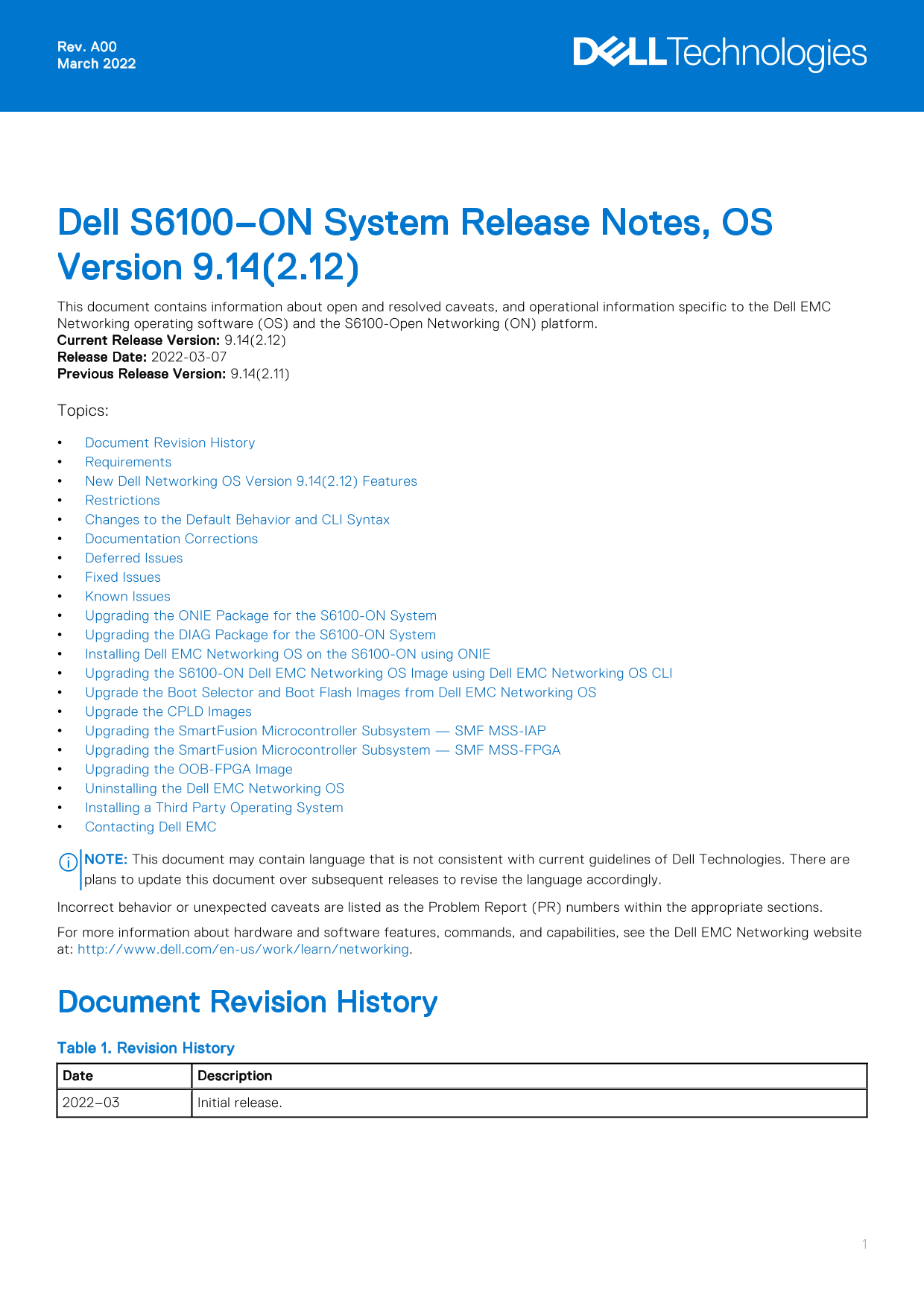
Dell S6100–ON System Release Notes, OS Version 9.14(2.12) This document contains information about open and resolved caveats, and operational information specific to the Dell EMC Networking operating software (OS) and the S6100-Open Networking (ON) platform. Current Release Version: 9.14(2.12) Release Date: 2022-03-07 Previous Release Version: 9.14(2.11) Topics: Document Revision History Requirements New Dell Networking OS Version 9.14(2.12) Features Restrictions Changes to the Default Behavior and CLI Syntax Documentation Corrections Deferred Issues Fixed Issues Known Issues Upgrading the ONIE Package for the S6100-ON System Upgrading the DIAG Package for the S6100-ON System Installing Dell EMC Networking OS on the S6100-ON using ONIE Upgrading the S6100-ON Dell EMC Networking OS Image using Dell EMC Networking OS CLI Upgrade the Boot Selector and Boot Flash Images from Dell EMC Networking OS Upgrade the CPLD Images Upgrading the Smart Fusion Microcontroller Subsystem — SMF MSS-IAP Upgrading the Smart Fusion Microcontroller Subsystem — SMF MSS-FPGA Upgrading the OOB-FPGA Image Uninstalling the Dell EMC Networking OS Installing a Third Party Operating System Contacting Dell EMC

NOTE: This document may contain language that is not consistent with current guidelines of Dell Technologies. There are plans to update this document over subsequent releases to revise the language accordingly. Incorrect behavior or unexpected caveats are listed as the Problem Report (PR) numbers within the appropriate sections. For more information about hardware and software features, commands, and capabilities, see the Dell EMC Networking website at: http://www.dell.com/en-us/work/learn/networking.

Document Revision History Table 1. Revision History Date Description 2022–03 Initial release.

Page Summary Contents For Dell S6100-ON System Release Notes, OS Version 9.14.2.12

Page 1 Rev. A00 March 2022 Dell S6100–ON System Release Notes, OS Version 9.14(2.12) This document contains information about open and resolved caveats, and operational information specific to the Dell EMC N...
Page 2 Requirements The following requirements apply to the S6100-ON system. Hardware Requirements The following lists the Dell S6100-ON system hardware requirements: Up to four I/O modules of 8 x 10/25/40/5...
Page 3 Restrictions Prerequisite steps to upgrade the Dell EMC Networking OS from earlier version to 9.14.2.0 or later: 1. Uninstall the older version of the Open Automation (OA) package 2. Upgrade the Dell ...
Page 4 NOTE: The above restriction is not applicable for systems using BCM56960_B0 chipset. You cannot use the established keyword in an ACL rule, along with the other control flags. While using the establis...
Page 5 Category Description PR# Problem Report number that identifies the issue. Severity S1—Crash: A software crash occurs in the kernel or a running process that requires a restart of AFM, the router, swit...
Page 6 Fixed S6100-ON 9.14(2.12) Software Issues NOTE: Dell EMC Networking OS 9.14(2.12) includes fixes for caveats addressed in the previous 9.14 releases. See the respective release notes documentation for...
Page 7 Upgrading the ONIE Package for the S6100-ON System To upgrade the ONIE package, use one of the following two processes: Zero touch (dynamic): Copy the update ONIE installer for your system to the TFTP...
Page 8 Info: Mounting kernel filesystems... done. Info: Mounting LABEL=ONIE-BOOT on /mnt/onie-boot ... Info: Using eth0 MAC address: 90:b1:1c:f4:23:56 Info: eth0: Checking link... up. Info: Trying DHCPv4 on ...
Page 9 S6100 3.25.0.0-6 32 port 100G / 2 port sfp+ mgmt Booting Primary BIOS SMF Version 0x12: Last POR=0x11, Reset=0x55 POST Configuration CPU Signature 406D8 CPU Family ID=6, Model=4D, Stepping Id=8, Proce...
Page 10 The following menu appears: GNU GRUB version 1.99~rc1 |*ONIE: Install OS | | ONIE: Rescue | | ONIE: Uninstall OS | | ONIE: Update ONIE | | ONIE: Embed ONIE | | | Use the ^ and v keys to select which e...
Page 11 The DIAG is updated on the system, as shown: ONIE:/ # onie-nos-install ftp://ftp:[email protected]/tftpboot/diag-installer-x86_64- dell_s6100_c2538-r0.3.25.4.1.bin discover: installer mode detected. S...
Page 12 Press enter to boot the selected OS, 'f' to boot Dell EMC Networking OS, 'b' to go to BLI, 'o' to boot ONIE, 'd' to boot DIAG-OS, 'e' to edit the commands before booting or 'c' for a command-line. 3. ...
Page 13 Stopping: discover... done. ONIE:/ # ONIE:/ # onie-discovery-stop discover: installer mode detected. Stopping: discover... done. ONIE:/ # 6. Configure an interface and assign an IP address to that int...
Page 14 Upgrading the S6100-ON Dell EMC Networking OS Image using Dell EMC Networking OS CLI Bare Metal Provisioning NOTE: If you are using Bare Metal Provisioning (BMP), see the Bare Metal Provisioning topic...
Page 15 EXEC Privilege Mode upgrade system [flash: | ftp: stack-unit <id> | tftp: | scp: | usbflash:] [A: | B:] Dell EMC#upgrade system tftp: A: Address or name of remote host []: 10.16.127.144 Source f...
Page 16 Dell EMC Operating System Version: 2.0 Dell EMC Application Software Version: 9.14(2.12) Copyright (c) 1999-2021 by Dell EMC Inc. All Rights Reserved. Build Time: Mon Feb 21 00:15:13 2022 Build Path: ...
Page 17 Card Boot Flash Current Version New Version Unit1 Boot Flash 3.25.2.11 3.25.2.14 * Warning - Upgrading boot flash is inherently risky and should only * * be attempted when necessary. A failure at this...
Page 18 Module Type : S6100-MOD-8x ETH100-4CXP-T - 8-port 100GE QSFP28_4CXP+ Num Ports : 8 Hot Pluggable : no -- Module 4 -- Status : online Module Type : S6100-MOD-8x ETH100-4CXP-T - 8-port 100GE QSFP28_4CXP...
Page 19 Verify that you need a CPLD upgrade To identify the CPLD version, use the show revision command. Dell EMC# show revision -- Stack unit 1 -- S6100-ON SWITCHCARD CPLD : 5 S6100-ON IOM CPLD1 : 5 S6100-ON...
Page 20 NOTE: Ensure that the BIOS version is 3.25.0.0-6. You can verify this version using the show system stack-unit 1 command. To upgrade the CPLD image, follow these steps. 1. Upgrade the switchcard-CPLD ...
Page 21 Upgrading the 40G Module CPLD image The S6100-ON system with Dell EMC Networking OS Version 9.14(2.12) requires 40G MODULE CPLD image 12. To display the 40G module CPLD version currently running on an...
Page 22 * Warning - Upgrading FPGA is inherently risky and should * * only be attempted when necessary. A failure at this upgrade may * * cause a board RMA. Proceed with caution ! * Upgrade image for stack-un...
Page 23 Upgrading the Smart Fusion Microcontroller Subsystem — SMF MSS-FPGA The S6100-ON system with Dell EMC Networking OS Version 9.14(2.12) requires mss-fpga image 1.1. NOTE: Before upgrading the Smart Fus...
Page 24 CP S6100-ON OOB-FPGA 1.0 1.0 * Warning - Upgrading FPGA is inherently risky and should * * only be attempted when necessary. A failure at this upgrade may * * cause a board RMA. Proceed with caution !...
Page 25 Use the ^ and v keys to select which entry is highlighted. Press enter to boot the selected OS, `e' to edit the commands before booting or `c' for a command-line. 4. From this menu, choose the ONIE : ...
Page 26 BBL_CR_CTL3: 0x7E2801FF Misc EN: 0x840081 Gen PM Con1: 0x203808 Therm Status: 0x88440000 POST Control=0x EA010303, Status=0x E6009F00 BIOS initializations... CPGC Memtest ................................
Page 27 Notes, cautions, and warnings NOTE: A NOTE indicates important information that helps you make better use of your product. CAUTION: A CAUTION indicates either potential damage to hardware or loss of d...

Manual Details

Brand Dell
Pages 27
File Size 244.96 KB
Published June 26, 2026
6 views

Enter the captcha to get the download link:

captcha

Frequently Asked Questions

What are the hardware compatibility requirements for the S6100-ON system?

The system requires up to four I/O modules supporting QSFP28, QSFP+, and CXP ports, and supports up to 128 10G/25G/40G/50G/100G ports depending on the module.

How do I install a third-party operating system?

You can install a supported third party OS on the S6100-ON system; refer to the third party OS vendor's website for specific installation instructions.

What happens if I mix the airflow direction of fans and power supplies?

The switch detects the discrepancy, issues an alarm, and may automatically shut down to avoid heat damage. You must correct the mixed airflow direction.