# A B C D E F G H I J K L M N O P Q R S T U V W X Y Z

Dell EMC S4048–ON System Release Notes, OS Version 9.14.1.10 Owner's Manual

Summary

Comprehensive reference guide detailing the Dell EMC S4048-ON networking switch platform and its Operational Software Version 9.14(1.10). This manual is essential for network administrators and IT professionals responsible for deploying, upgrading, or troubleshooting the system. It covers supported hardware/software compatibility, comprehensive upgrade procedures (including ONIE installation), known OS features, current service restrictions, resolved issues, and critical caveats related to stable operation.
📄 Preview 📖 Table of Contents Contents PAGE OF 22

Page 1 Text Content

Rev. A00 September 2021

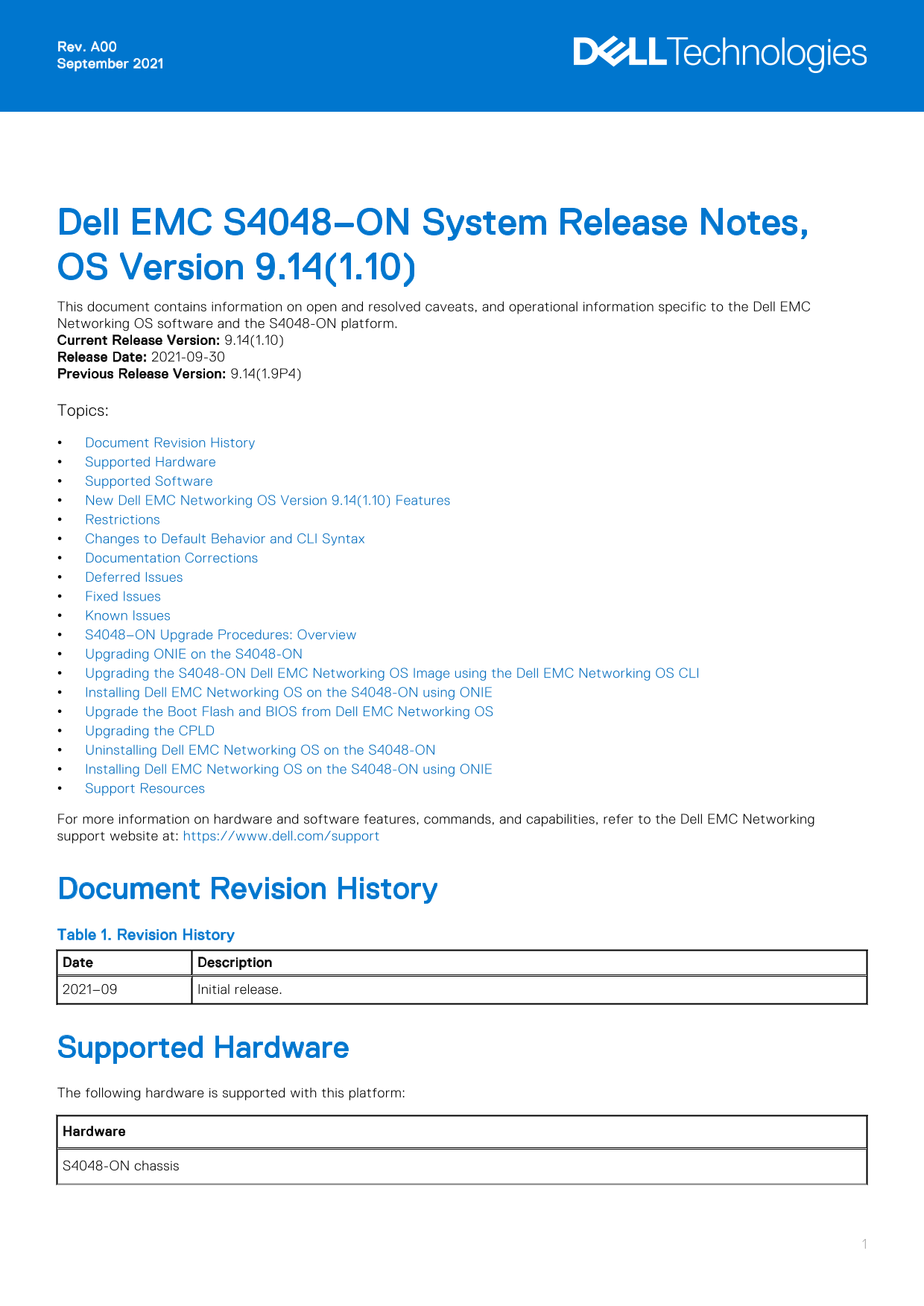
Dell EMC S4048–ON System Release Notes, OS Version 9.14(1.10) This document contains information on open and resolved caveats, and operational information specific to the Dell EMC Networking OS software and the S4048-ON platform. Current Release Version: 9.14(1.10) Release Date: 2021-09-30 Previous Release Version: 9.14(1.9P4) Topics: Document Revision History Supported Hardware Supported Software New Dell EMC Networking OS Version 9.14(1.10) Features Restrictions Changes to Default Behavior and CLI Syntax Documentation Corrections Deferred Issues Fixed Issues Known Issues S4048–ON Upgrade Procedures: Overview Upgrading ONIE on the S4048-ON Upgrading the S4048-ON Dell EMC Networking OS Image using the Dell EMC Networking OS CLI Installing Dell EMC Networking OS on the S4048-ON using ONIE Upgrade the Boot Flash and BIOS from Dell EMC Networking OS Upgrading the CPLD Uninstalling Dell EMC Networking OS on the S4048-ON Installing Dell EMC Networking OS on the S4048-ON using ONIE Support Resources For more information on hardware and software features, commands, and capabilities, refer to the Dell EMC Networking support website at: https://www.dell.com/support

Document Revision History Table 1. Revision History Date Description 2021–09 Initial release.

Supported Hardware The following hardware is supported with this platform: Hardware S4048-ON chassis

Page Summary Contents For Dell EMC S4048–ON System Release Notes, OS Version 9.14.1.10 Owner's Manual

Page 1 Rev. A00 September 2021 Dell EMC S4048–ON System Release Notes, OS Version 9.14(1.10) This document contains information on open and resolved caveats, and operational information specific to the Dell ...
Page 2 Hardware Forty eight SFP+ ports (10 Gbps) Six QSFP+ ports (40 Gbps) Two AC/DC PSUs Three fan subsystems One Micro USB serial console port One universal serial bus (USB Type-A) port for additional file...
Page 3 Dell EMC#delete flash://confd_cdb.tar.gz Dell EMC#reload In a VXLAN scenario, hybrid port is not supported. While deploying the system in the normal-reload mode in BMP configuration, use the ip ssh se...
Page 4 Changes to Default Behavior and CLI Syntax Following default behavior and CLI syntax changes occurred during the Dell EMC Networking OS release: To enhance security, the default RSA key size has been ...
Page 5 Category Description Severity S1 — Crash: A software crash occurs in the kernel or a running process that requires a restart of AFM, the router, switch, or process. S2 — Critical: An issue that render...
Page 6 Release Notes: SSH connections may be vulnerable with switches running on a 1024 bit RSA key. Workaround: Create a new 2048 bit RSA key using the crypto key generate rsa command. PR#170206 Severity: S...
Page 7 Known S4048–ON 9.14(1.10) Software Issues The following issues are open in Dell EMC Networking OS version 9.14(1.10): PR#169841 Severity: Sev 2 Synopsis: In certain scenarios, an MSDP learnt PIM TIB e...
Page 8 machine restart 4. Upgrade the DIAG installer package. ONIE:/ # ONIE:/ # onie-nos-install tftp://10.16.127.143/diag-installer-x86_64-s4000_c2338- r0.bin Stopping: discover... done. Info: Fetching tftp...
Page 9 Built by root at gbbdev-maa-01 on Fri_Sep_24_12:54:44_UTC_2021 S4000 Boot Flash Label 3.21.2.9 Net Boot Label 3.21.2.9 NOTE: For the latest diagnostics version, see the Dell EMC S4048–Open Networking ...
Page 10 stack-unit 1 FLASH BOOT 9.14(1.10)[boot] 9.14(1.9P4) stack-unit 2 is not present. stack-unit 3 is not present. stack-unit 4 is not present. stack-unit 5 is not present. stack-unit 6 is not present. De...
Page 11 Installing Dell EMC Networking OS on the S4048-ON using ONIE NOTE: The Dell EMC Networking OS installer package, ONIE-FTOS-SK-9.14.1.10.bin, is required for installing Dell EMC Networking OS on S4048-...
Page 12 POST Configuration CPU Signature 406D8 CPU Family ID=6, Model=4D, Stepping Id=8, Processor=0 Microcode Revision 125 Platform ID: 0x10041838 PMG_CST_CFG_CTL: 0x40006 BBL_CR_CTL3: 0x7E2801FF Misc EN: 0x...
Page 13 Dell EMC> Upgrade the Boot Flash and BIOS from Dell EMC Networking OS To upgrade the Boot Flash and BIOS from Dell EMC Networking OS, perform the following steps: 1. Upgrade the S4048-ON Boot Flash...
Page 14 4. Verify the Boot Selector image show system stack-unit <id> EXEC Privilege Dell EMC#show system stack-unit 1 -- Unit 1 -- Unit Type : Management Unit Status : online Next Boot : online Require...
Page 15 BOOT IMAGE INFORMATION : Type Version Target checksum boot flash 3.21.2.9 Control Processor passed BOOTSEL IMAGE INFORMATION : Type Version Target checksum boot selector 3.21.0.0-6 Control Processor p...
Page 16 NOTE: Do not switch on the system with PSU–REAR LED glowing AMBER. You can alternatively power cycle the switch using the power-cycle stack-unit <1-6> command as follows: Dell EMC#power-cycle st...
Page 17 | ONIE: Diag ONIE | | DELL-DIAG | 4. From this menu, choose the ONIE : Uninstall OSoption. NOTE: To choose an option from the menu, highlight one of the options using the up or down arrow key and pres...
Page 18 Misc EN: 4000840081 Gen PM Con1: 3008 Therm Status: 8841000F BIOS initializations... CPGC Memtest for Channel 0 ..................... PASS ECC enabled: channel 0 DECCCTRL_DUNIT_REG=0x000200F3 POST: RT...
Page 19 ONIE-FTOS-SK-9.14.1.10 100% |*******************************| 112M 0:00:00 ETA ONIE: Executing installer: tftp://10.16.127.143/ONIE-FTOS-SK-9.14.1.10.bin Verifying image checksum ... OK. Preparing ima...
Page 20 Version 2.16.1242. Copyright (C) 2020 American Megatrends, Inc. BIOS Date: 09/24/2021 17:47:30 Ver: 0ACBZ018 Press <DEL> or <F2> to enter setup. Grub 1.99~rc1 (Dell EMC) Built by root at u...
Page 21 Finding Documentation This document contains operational information specific to the S4048–ON system. For information about using the S4048–ON, refer to the documents at http://www.dell.com/support. F...
Page 22 Notes, cautions, and warnings NOTE: A NOTE indicates important information that helps you make better use of your product. CAUTION: A CAUTION indicates either potential damage to hardware or loss of d...

Manual Details

Brand Dell
Pages 22
File Size 199.33 KB
Published June 23, 2026
11 views

Enter the captcha to get the download link:

captcha

Frequently Asked Questions

What hardware components are supported by the S4048-ON chassis?

It supports forty eight SFP+ ports, six QSFP+ ports, three PSUs, and multiple console/USB interfaces.

What must I do before downgrading the Dell EMC Networking OS version?

Before downgrading from 9.14(1.10), save your current configuration and then delete the CDB files using specific `delete flash` commands.

What happens if I use a non-Dell qualified 40G transceiver port?

The switch places the interface in an 'error-disabled' (operationally down) state and generates a corresponding syslog message.

What is the potential risk associated with fan subsystems in the S4048-ON?

If all three fan trays are found to be empty or faulty, the system will automatically shut down after one minute.