# A B C D E F G H I J K L M N O P Q R S T U V W X Y Z

Dell EMC S5048F-ON System Release Notes, OS Version 9.14.2.11

Summary

This document contains the Dell EMC S5048F-ON System Release Notes for OS Version 9.14(2.11), released November 25, 2021. It provides operational information specific to the S5048F-ON open networking platform, including hardware requirements, new features, restrictions, CLI syntax changes, fixed issues, known issues, and upgrade procedures for ONIE package, DIAG package, CPLD, SmartFusion Microcontroller Subsystem, OOB-FPGA, and Networking OS image. The target audience includes data center network engineers and administrators deploying S5048F-ON switches in software-defined networking environments.
📄 Preview 📖 Table of Contents Contents PAGE OF 30

Page 1 Text Content

Rev. A00 June 2021

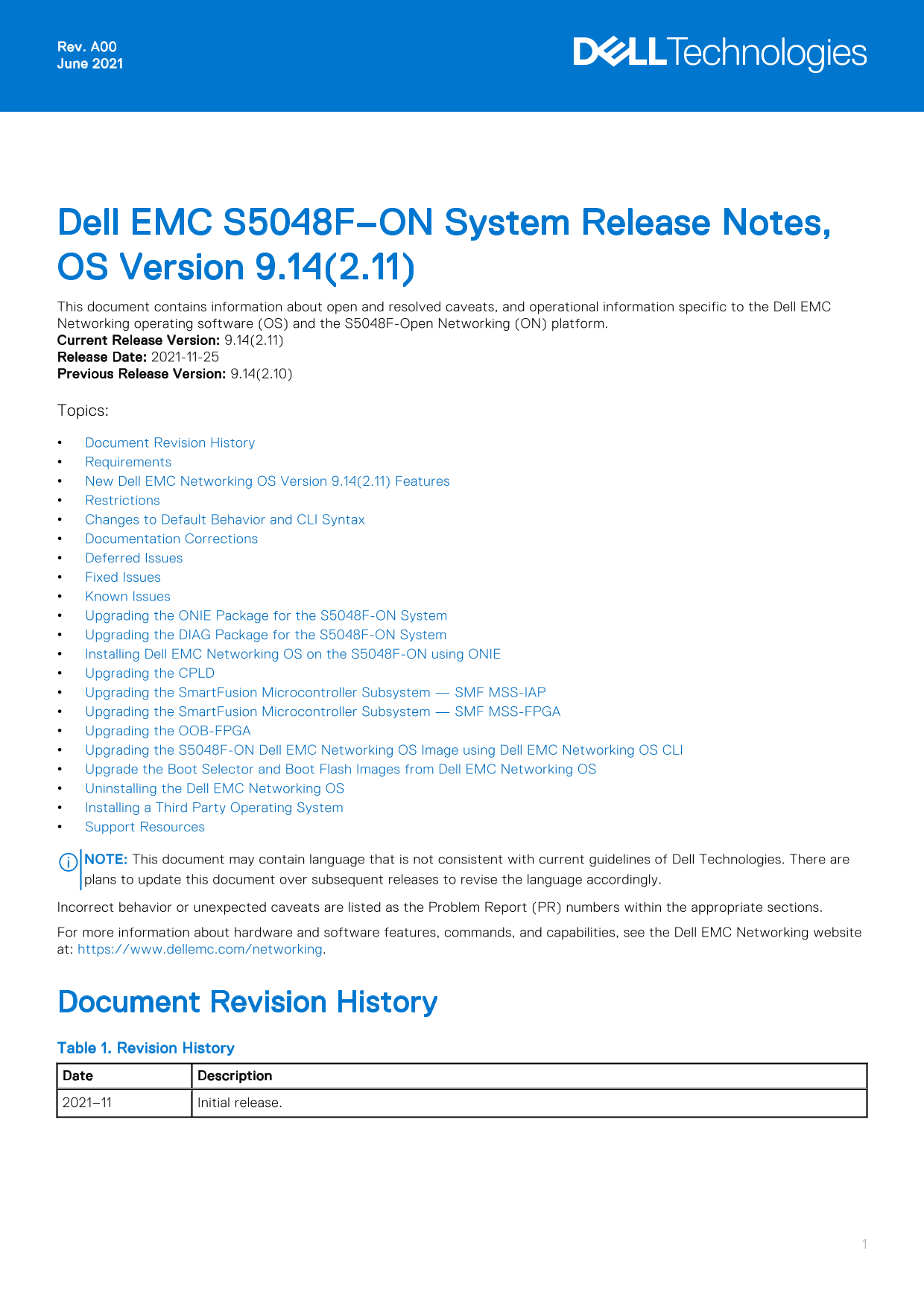
Dell EMC S5048F–ON System Release Notes, OS Version 9.14(2.11) This document contains information about open and resolved caveats, and operational information specific to the Dell EMC Networking operating software (OS) and the S5048F-Open Networking (ON) platform. Current Release Version: 9.14(2.11) Release Date: 2021-11-25 Previous Release Version: 9.14(2.10) Topics: Document Revision History Requirements New Dell EMC Networking OS Version 9.14(2.11) Features Restrictions Changes to Default Behavior and CLI Syntax Documentation Corrections Deferred Issues Fixed Issues Known Issues Upgrading the ONIE Package for the S5048F-ON System Upgrading the DIAG Package for the S5048F-ON System Installing Dell EMC Networking OS on the S5048F-ON using ONIE Upgrading the CPLD Upgrading the Smart Fusion Microcontroller Subsystem — SMF MSS-IAP Upgrading the Smart Fusion Microcontroller Subsystem — SMF MSS-FPGA Upgrading the OOB-FPGA Upgrading the S5048F-ON Dell EMC Networking OS Image using Dell EMC Networking OS CLI Upgrade the Boot Selector and Boot Flash Images from Dell EMC Networking OS Uninstalling the Dell EMC Networking OS Installing a Third Party Operating System Support Resources

NOTE: This document may contain language that is not consistent with current guidelines of Dell Technologies. There are plans to update this document over subsequent releases to revise the language accordingly. Incorrect behavior or unexpected caveats are listed as the Problem Report (PR) numbers within the appropriate sections. For more information about hardware and software features, commands, and capabilities, see the Dell EMC Networking website at: https://www.dellemc.com/networking.

Document Revision History Table 1. Revision History Date Description 2021–11 Initial release.

Page Summary Contents For Dell EMC S5048F-ON System Release Notes, OS Version 9.14.2.11

Page 1 Rev. A00 June 2021 Dell EMC S5048F–ON System Release Notes, OS Version 9.14(2.11) This document contains information about open and resolved caveats, and operational information specific to the Dell E...
Page 2 Requirements The following requirements apply to the S5048F-ON system. Hardware Requirements The following lists the Dell EMC S5048F-ON system hardware requirements: 1/10/25/40/50/100 Gb E switch Fort...
Page 3 Restrictions Prerequisite steps to upgrade the Dell EMC Networking OS from earlier version to 9.14.2.0 or later: 1. Uninstall the older version of the Open Automation (OA) package 2. Upgrade the Dell ...
Page 4 When 1024 or more VNI profiles are configured, the system takes more time to load. Dell EMC recommends to restrict the VNI profiles to be less than 1000. If you use the interface range command to sele...
Page 5 Category Description S3 — Major: An issue that affects the functionality of a major feature or negatively effects the network for which there exists a work-around that is acceptable to the customer. S...
Page 6 PR# 170066 Severity: Sev 3 Synopsis: In certain scenarios, performing ssh to a switch may not work as expected. Release Notes: In certain scenarios, performing ssh to a switch may not work as expected...
Page 7 Severity: Sev 2 Synopsis: A BGP route added using the network command does not get deleted even when the contributing route is deleted. Release Notes: A BGP route added using the network command does ...
Page 8 Built by root at gbbdev-maa-01 on Mon_Oct_18_08:55:22_UTC_2021 S5048F Boot Flash Label 3.38.2.6 Net Boot Label 3.38.2.6 2. At this prompt message, press the Esc key. The following menu appears: GNU Gr...
Page 9 discover: ONIE update mode detected. Running updater. Starting: discover... done. Please press Enter to activate this console. Info: eth0: Checking link... up. Info: Trying DHCPv4 on interface: eth0 W...
Page 10 Primary BIOS Version 3.38.0.1-4 SMF Version: MSS 1.4, FPGA 0.1 Last POR=0x11, Reset Cause=0x44 POST Configuration CPU Signature 406D8 CPU Family ID=6, Model=4D, Stepping Id=8, Processor=0 Microcode Re...
Page 11 The following menu appears: GNU Grub 2.02~beta2 (Dell EMC) |*ONIE: Install OS | | ONIE: Rescue | | ONIE: Uninstall OS | | ONIE: Update ONIE | | ONIE: Embed ONIE | | | Use the ^ and v keys to select wh...
Page 12 7. Enter the following command to upgrade DIAG on the S5048F-ON system: onie-nos-install ftp://ftp:ftp@<ftp-server-adress>/tftpboot/diag-installer-x86_64- dellemc_s5048f_c2538-r0-3.38.3.1-1-2021...
Page 13 Manufacturer 0x2B 5 CES00 Country Code 0x2C 2 CN Vendor Name 0x2D 8 Dell EMC Service Tag 0x2F 7 8VSRG02 Vendor Extension 0x FD 4 0x00 0x00 0x02 0x A2 Part Number 0x22 6 0797T2 Serial Number 0x23 20 CN...
Page 14 Use the ^ and v keys to select which entry is highlighted. Press enter to boot the selected OS, 'f' to boot FTOS, 'b' to go to BLI, 'o' to boot ONIE, 'd' to boot DIAG-OS, 'e' to edit the commands befo...
Page 15 ONIE:/ # onie-discovery-stop The ONIE discovery stops, as shown: ONIE:/ # onie-discovery-stop discover: installer mode detected. Stopping: discover... done. ONIE:/ # 6. Configure an interface and assi...
Page 16 BIOS Boot Selector for S5048F Primary BIOS Version 3.38.0.1-4 SMF Version: MSS 1.4, FPGA 0.1 Last POR=0x11, Reset Cause=0x55 POST Configuration CPU Signature 406D8 CPU Family ID=6, Model=4D, Stepping ...
Page 17 Verify that you need a CPLD upgrade To identify the CPLD version, use the show revision command. Dell EMC#show revision -- Stack unit 1 -- S5048F-ON CPLD 1 : 1.0 S5048F-ON CPLD 2 : 1.0 S5048F-ON CPLD ...
Page 18 2. Upgrade the CPLD image. EXEC Privilege Mode upgrade fpga-image system cpld stack-unit <id> booted Dell EMC#upgrade fpga-image system cpld stack-unit 1 booted Current information for the syste...
Page 19 S5048F-ON OOB-FPGA : 1.0 NOTE: Do not power off the system while FPGA upgrade is in progress. For any queries, contact technical support. Upgrading the Smart Fusion Microcontroller Subsystem — SMF MSS...
Page 20 EXEC Privilege Mode show revision Dell EMC#show revision -- Stack unit 1 -- S5048F-ON CPLD 1 : 1.0 S5048F-ON CPLD 2 : 1.0 S5048F-ON CPLD 3 : 1.0 S5048F-ON CPLD 4 : 1.0 S5048F-ON MSS FPGA : 0.1 S5048F-...
Page 21 SMF FPGA upgrade in progress!!! Please do NOT power off the unit!!! Auto Reset will happen at the end of Upgrade!!! Upgrade result : UNIT1 SMF FPGA upgrade successful UNIT1. will go for reboot to comp...
Page 22 * cause a board RMA. Proceed with caution ! * Upgrade image for system 1 [yes/no]: yes OOB FPGA upgrade in progress!!! Please do NOT power off the unit!!! Upgrade result : UNIT1 OOB FPGA upgrade succe...
Page 23 Type Boot Type A B stack-unit 1 FLASH BOOT 9.14(2.11)[boot] 9.14(2.9) stack-unit 2 is not present. stack-unit 3 is not present. stack-unit 4 is not present. stack-unit 5 is not present. stack-unit 6 i...
Page 24 Upgrade the Boot Selector and Boot Flash Images from Dell EMC Networking OS To upgrade the Boot Selector and Boot Flash images from Dell EMC Networking OS, perform the following steps: 1. Upgrade the ...
Page 25 Piece Part ID : CN-082VTG-CES00-78I-0057 PPID Revision : X01 Service Tag : 8X5TG02 Expr Svc Code : 194 194 143 38 Auto Reboot : enabled Burned In MAC : 34:17:eb:37:37:00 No Of MACs : 3 -- Power Suppli...
Page 26 POE Capable : no FIPS Mode : disabled Boot Flash : 3.38.2.6 Boot Selector : 3.38.0.1-5 Memory Size : 3204816896 bytes Temperature : 31C Voltage : ok Serial Number : NA Part Number : 082VTG Rev X01 Ven...
Page 27 BLI, 'o' to boot ONIE, 'd' to boot DIAG-OS, 'e' to edit the commands before booting or 'c' for a command-line. 3. From the menu, choose the ONIE option. NOTE: To choose an option from the menu, highli...
Page 28 Sent SIGKILL to all processes Requesting system reboot sd 4:0:0:0: [sda] Synchronizing SCSI cache Restarting system. machine restart BIOS Boot Selector for S5048F Primary BIOS Version 3.38.0.1-4 SMF V...
Page 29 Dell EMC Networking Configuration Guide for the S5048F-ON System For more information about hardware features and capabilities, refer to the Dell EMC Networking website at https:// www.dellemc.com/net...
Page 30 Notes, cautions, and warnings NOTE: A NOTE indicates important information that helps you make better use of your product. CAUTION: A CAUTION indicates either potential damage to hardware or loss of d...

Manual Details

Brand Dell
Pages 30
File Size 243.23 KB
Published June 23, 2026
8 views

Enter the captcha to get the download link:

captcha

Frequently Asked Questions

What are the hardware requirements for the S5048F-ON?

It requires a 1U switch with 48 SFP28 ports, 6 QSFP28 ports, and an On-board Rangeley CPU with 8GB RAM and 16GB SSD.

Can I mix fan airflow directions?

No, all fans and power supplies must have the same airflow direction. If mixed, the switch will issue an alarm and may auto-shutdown.

What are the prerequisite steps to upgrade the OS to 9.14.2.0 or later?

You must uninstall the older Open Automation (OA) package, upgrade the OS, and then reinstall SmartScripts, Puppet, OMI, and SNMP MIB.

What is the minimum OS version supported?

The minimum supported Dell EMC Networking OS version is 9.14(2.11).