Dell Intel Ready Mode Technology Owner's Manual
Summary
Experience superior standby power and performance with this advanced Intel Ready Mode Technology for Desktops and All-in-One PCs. This innovative feature streamlines computing, offering instant wake times and continuous connectivity while utilizing minimal power—a significant upgrade over traditional sleep modes. The included guides provide comprehensive support covering setup, configuration, troubleshooting, and advanced features, ensuring any user can maintain a constantly current and highly efficient digital workspace.
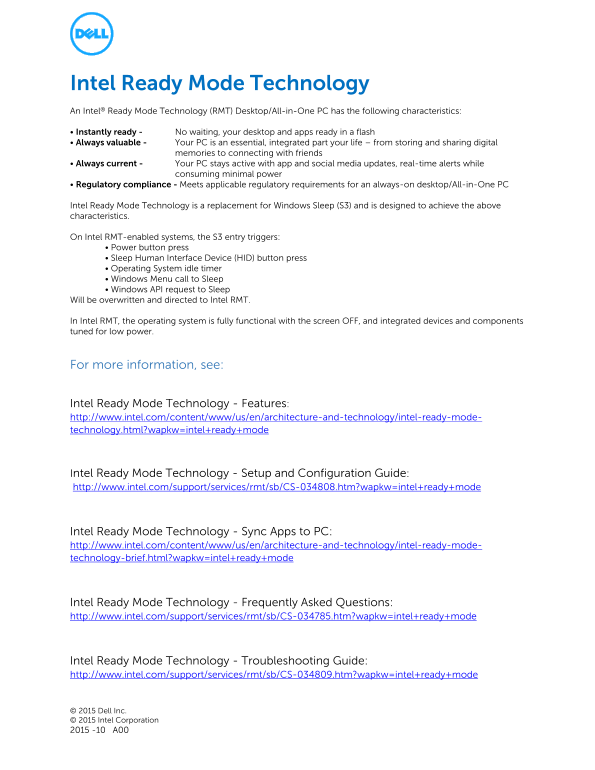
Page 1 Text Content
Intel Ready Mode Technology An Intel® Ready Mode Technology (RMT) Desktop/All-in-One PC has the following characteristics: • Instantly ready - No waiting, your desktop and apps ready in a flash • Always valuable - Your PC is an essential, integrated part your life – from storing and sharing digital
memories to connecting with friends
• Always current - Your PC stays active with app and social media updates, real-time alerts while
consuming minimal power
• Regulatory compliance - Meets applicable regulatory requirements for an always-on desktop/All-in-One PC
Intel Ready Mode Technology is a replacement for Windows Sleep (S3) and is designed to achieve the above characteristics.
On Intel RMT-enabled systems, the S3 entry triggers:
• Power button press • Sleep Human Interface Device (HID) button press • Operating System idle timer • Windows Menu call to Sleep • Windows API request to Sleep
Will be overwritten and directed to Intel RMT.
In Intel RMT, the operating system is fully functional with the screen OFF, and integrated devices and components tuned for low power.
For more information, see:
Intel Ready Mode Technology - Features: http://www.intel.com/content/www/us/en/architecture-and-technology/intel-ready-mode- technology.html?wapkw=intel+ready+mode
Intel Ready Mode Technology - Setup and Configuration Guide: http://www.intel.com/support/services/rmt/sb/CS-034808.htm?wapkw=intel+ready+mode
Intel Ready Mode Technology - Sync Apps to PC: http://www.intel.com/content/www/us/en/architecture-and-technology/intel-ready-mode- technology-brief.html?wapkw=intel+ready+mode
Intel Ready Mode Technology - Frequently Asked Questions: http://www.intel.com/support/services/rmt/sb/CS-034785.htm?wapkw=intel+ready+mode
Intel Ready Mode Technology - Troubleshooting Guide: http://www.intel.com/support/services/rmt/sb/CS-034809.htm?wapkw=intel+ready+mode
© 2015 Dell Inc. © 2015 Intel Corporation 2015 -10 A00
Page Summary Contents For Dell Intel Ready Mode Technology Owner's Manual
Manual Details
| Brand | Intel |
|---|---|
| Pages | 1 |
| File Size | 135.11 KB |
| Published | May 23, 2026 |
Enter the captcha to get the download link:

Frequently Asked Questions
What does Intel Ready Mode Technology replace?
It is designed as a replacement for Windows Sleep (S3).
How do integrated devices behave in RMT mode?
The operating system remains fully functional while the screen is off, and components are tuned for low power.
Which actions can trigger Intel Ready Mode Technology?
It can be triggered by a power button press, Sleep HID button press, OS idle timer, or Windows Menu call to Sleep.