Siemens Industrial 5ST3 COM Fault Signal Switch - 5ST3 COM Fault Signal Switch User Manual
Summary
This comprehensive guide is essential for electrical technicians, engineers, and facility managers working with advanced industrial monitoring systems. It outlines installation procedures, detailed wiring specifications, and complex operating protocols for ensuring system accuracy. The manual provides full troubleshooting support by interpreting sophisticated LED status codes and warns users about error states, such as communication failures or threshold exceedances, guaranteeing safe setup and reliable maintenance of your power management equipment.
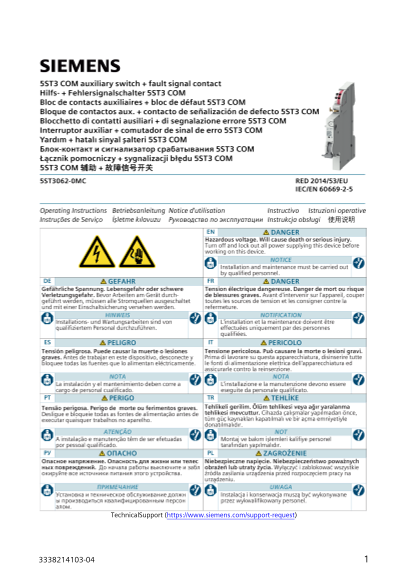
Page 1 Text Content
Technical Support (https://www.siemens.com/support-request)
Page Summary Contents For Siemens Industrial 5ST3 COM Fault Signal Switch - 5ST3 COM Fault Signal Switch User Manual
Manual Details
| Brand | Siemens |
|---|---|
| Pages | 8 |
| File Size | 2.31 MB |
| Published | May 29, 2026 |
Enter the captcha to get the download link:

Frequently Asked Questions
What does a blinking yellow/green LED indicate?
It indicates a communication error or that the device is not configured with a master device.
When should I reset the device to factory default?
Press the unpair button for at least 10 seconds, or after the specific sequence of flashing lights (2 Hz green for 7s, then 10 Hz green).
What is the operating frequency range and max output power for the wireless protocol?
The range is 2400-2483.5 MHz with a maximum output power of less than 2.5 dBm EIRP.
What does an alternating yellow/red LED flash mean?
This usually signals that a warning parameter, like life cycle limits or switching cycles, has been exceeded and requires intervention.