Samsung FHD UA39EH5003 User Guide
Summary
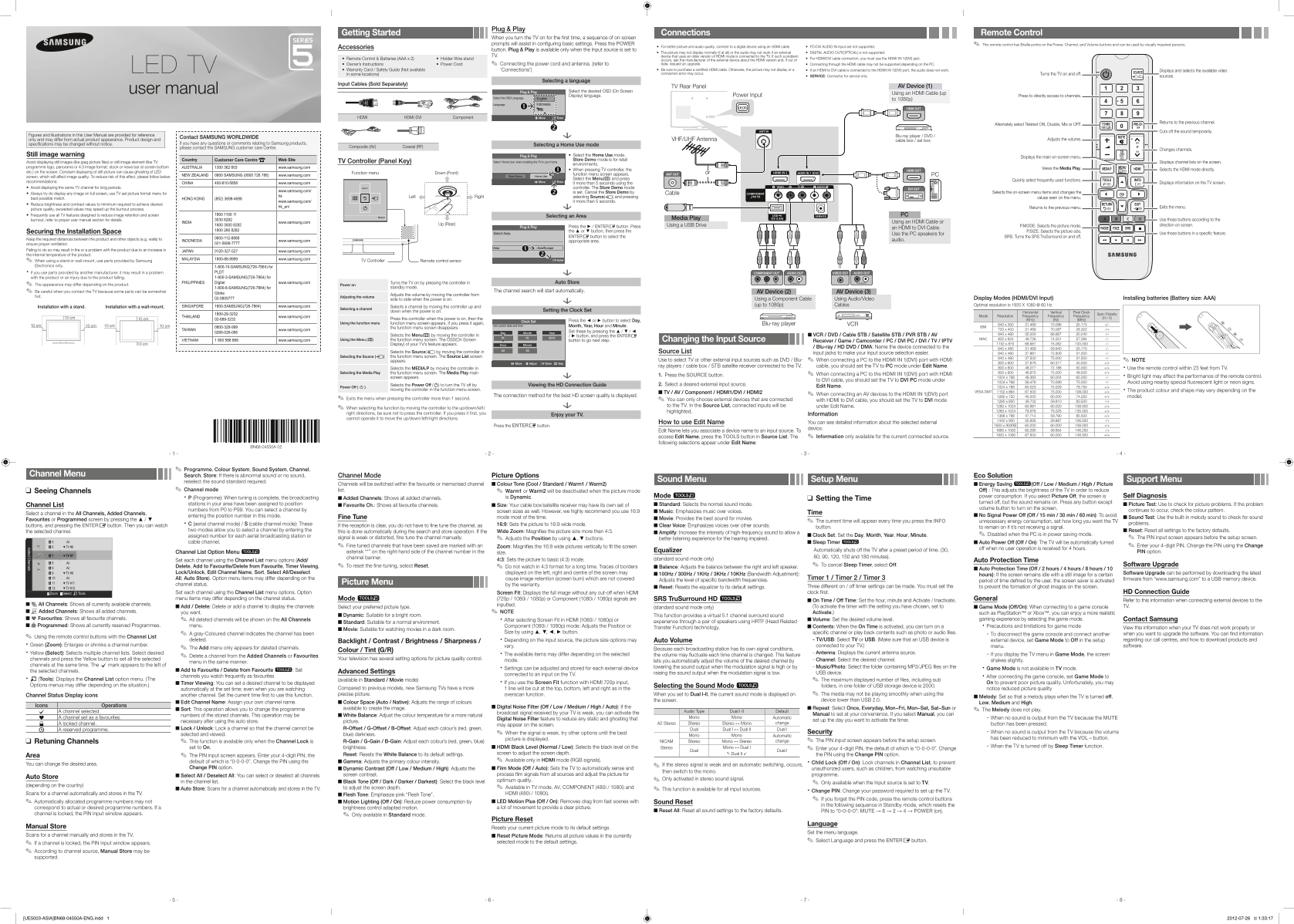
Get started with your new television featuring comprehensive setup guidance for optimal viewing. This manual provides step-by-step instructions on initial configuration, connecting various digital devices via HDMI/AV cables, and utilizing all smart features. Whether you are a first-time user or setting up advanced multi-source connections, this guide ensures easy understanding of features like Picture Mode settings and remote controls for flawless TV operation in your home.
Manual Details
| Brand | Samsung |
|---|---|
| Pages | 2 |
| File Size | 2.81 MB |
| Published | June 15, 2026 |
Enter the captcha to get the download link:

Frequently Asked Questions
What steps are required when connecting an external digital device?
Ensure the external device's video output matches the TV's input type, and select the correct source using the SOURCE button.
Which specific jack should I use for HDMI/DVI cable connections?
For HDMI/DVI connection, you must use the designated HDMI IN 1(DVI) jack.
What is recommended to prevent LED screen burnout?
Avoid displaying static images or logos on the screen for more than five seconds, and keep brightness and contrast settings optimal.
Are there any unsupported video inputs available?
The PC/DVI AUDIO IN inputs are not supported by this TV model.