Samsung FHD UA60EH6000 User Manual
Summary
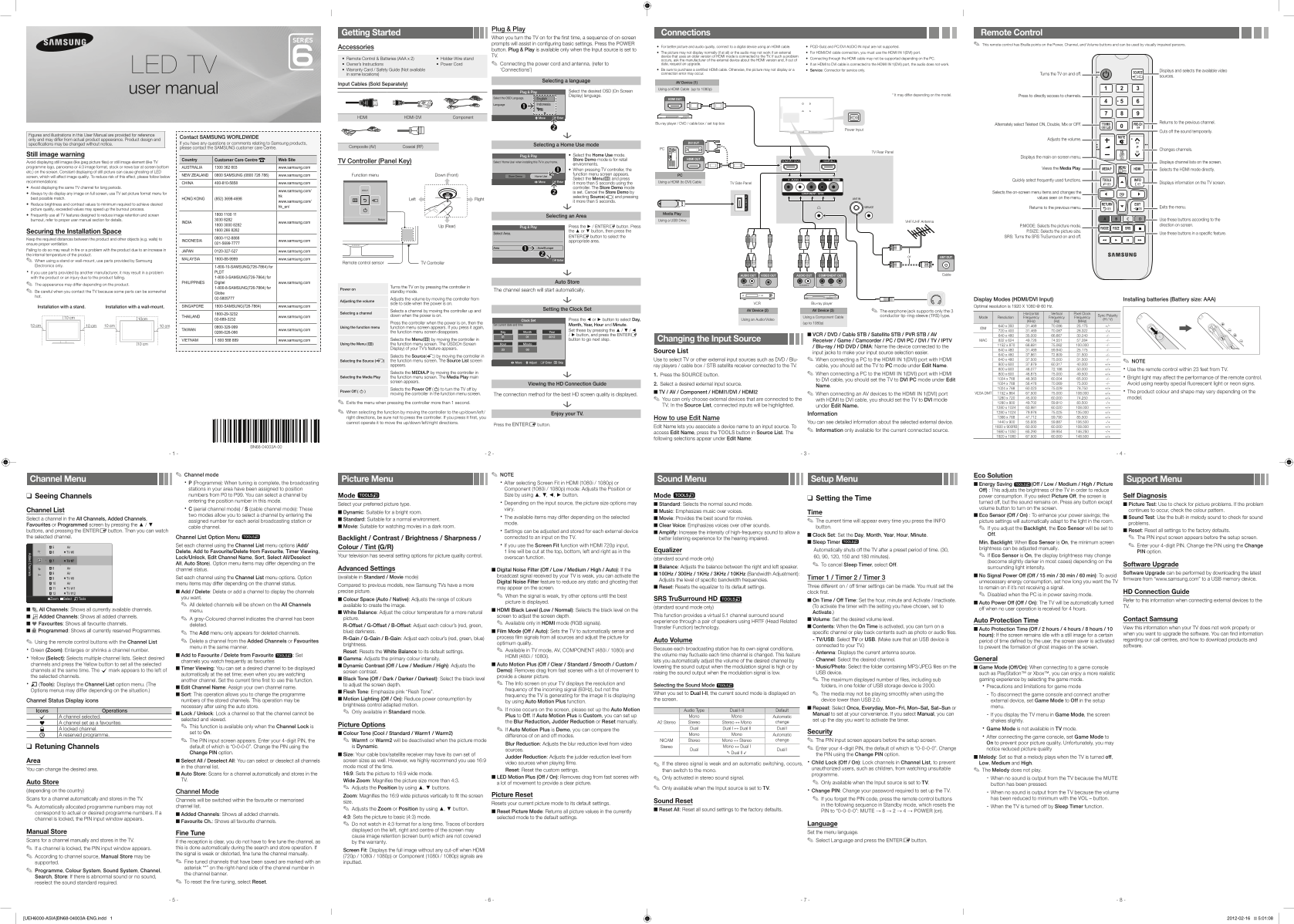
Master your new LED Smart TV with this comprehensive user guide. Learn simple plug-and-play setup instructions and detailed tutorials for optimal picture quality. It covers all connectivity options, including utilizing HDMI for modern devices like set-top boxes, as well as basic functions such as remote control adjustments and channel navigation. Perfect for new homeowners who want to maximize viewing performance and safely connect all their electronic entertainment sources.
Manual Details
| Brand | Samsung |
|---|---|
| Pages | 2 |
| File Size | 2.73 MB |
| Published | June 01, 2026 |
Enter the captcha to get the download link:

Frequently Asked Questions
What inputs are supported for connecting external devices?
HDMI, Component (AV), Coaxial (RF), and USB can be used for input connections.
Which port must be used for an HDMI/DVI cable connection?
You must use the HDMI IN 1(DVI) port when connecting via an HDMI or DVI cable.
What is required to avoid screen burn-in on LED TVs?
Avoid displaying still images (like JPEGs) or elements for more than five seconds, and use the picture format menu.
How do I troubleshoot if audio doesn't work with an HDMI-DVI cable?
If connecting an HDMI to DVI cable to HDMI IN 1(DVI), the manual warns that the audio will not work. Use an appropriate certified cable.