Roland V-Piano Addendum User's Manual
Summary
Essential guide for V-Piano owners detailing the entire system program update process. This manual provides comprehensive, step-by-step instructions needed to ensure your instrument runs with the latest features and optimal stability. It covers necessary pre-update preparations, including backups and material requirements, detailed upgrade execution procedures, and crucial post-update verification steps, guaranteeing seamless performance for years to come.
Page 1 Text Content
V-Piano Evolution System Program This system program updates the V-Piano to the latest version. If you want to use V-Piano Editor with V-Piano Evolution, you’ll need V-Piano Editor version 1.10 or later. Please be sure to read the following explanation to ensure that the update is performed correctly.
Never attempt to use this system program for the V-Piano Grand (GP-7). Doing so may damage the data or system of the V-Piano Grand (GP-7).
Changes
Four preset tones and demo songs have been added (p. 5).
Before you update
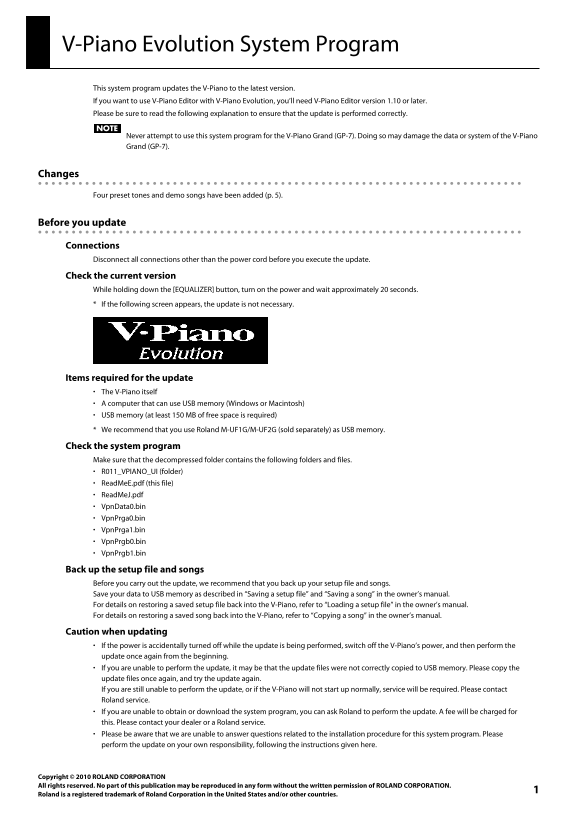
Connections Disconnect all connections other than the power cord before you execute the update. Check the current version While holding down the [EQUALIZER] button, turn on the power and wait approximately 20 seconds.
If the following screen appears, the update is not necessary.
Items required for the update The V-Piano itself
A computer that can use USB memory (Windows or Macintosh) USB memory (at least 150 MB of free space is required) We recommend that you use Roland M-UF1G/M-UF2G (sold separately) as USB memory.
Check the system program Make sure that the decompressed folder contains the following folders and files.
R011_VPIANO_UI (folder) Read Me E.pdf (this file) Read Me J.pdf Vpn Data0.bin Vpn Prga0.bin Vpn Prga1.bin Vpn Prgb0.bin Vpn Prgb1.bin
Back up the setup file and songs Before you carry out the update, we recommend that you back up your setup file and songs. Save your data to USB memory as described in “Saving a setup file” and “Saving a song” in the owner’s manual. For details on restoring a saved setup file back into the V-Piano, refer to “Loading a setup file” in the owner’s manual. For details on restoring a saved song back into the V-Piano, refer to “Copying a song” in the owner’s manual.
Caution when updating If the power is accidentally turned off while the update is being performed, switch off the V-Piano’s power, and then perform the
update once again from the beginning. If you are unable to perform the update, it may be that the update files were not correctly copied to USB memory. Please copy the update files once again, and try the update again. If you are still unable to perform the update, or if the V-Piano will not start up normally, service will be required. Please contact Roland service. If you are unable to obtain or download the system program, you can ask Roland to perform the update. A fee will be charged for this. Please contact your dealer or a Roland service. Please be aware that we are unable to answer questions related to the installation procedure for this system program. Please perform the update on your own responsibility, following the instructions given here.
Copyright © 2010 ROLAND CORPORATION All rig
1hts reserved. No part of this publication may be reproduced in any form without the written permission of ROLAND CORPORATION.
Rolan d is a registered trademark of Roland Corporation in the United States and/or other countries.
Page Summary Contents For Roland V-Piano Addendum User's Manual
Manual Details
| Brand | Roland |
|---|---|
| Pages | 5 |
| File Size | 248.88 KB |
| Published | June 04, 2026 |
Enter the captcha to get the download link:

Frequently Asked Questions
What should I do before starting the update process?
Disconnection all connections except the power cord, and back up your setup file and songs.
Can I use this program on the V-Piano Grand (GP-7)?
No. Using it on the GP-7 may damage the system or data.
What are the required files and folders for the update?
The folder must contain R011_VPIANO_UI, ReadMeE.pdf, ReadMeJ.pdf, VpnData0.bin, VpnPrga0.bin, VpnPrga1.bin, VpnPrgb0.bin, and VpnPrgb1.bin.
What happens if the power goes off during the update?
Switch off the V-Piano's power, and then restart the entire update process from the beginning.