Rockwell Automation 5069-IB8S, 5069-IB8SK Installation User Manual
Summary
These advanced 8-point safety sinking input modules provide reliable Safety I/O rated up to SIL CL 3 and PLe, Cat. 4 for industrial automation systems. This manual serves as a comprehensive guide covering every step from initial system installation and module wiring to configuring, powering, and maintaining your critical control components. Designed for professionally trained personnel, this resource ensures safe setup and operation when integrating these high-precision I/O modules with Compact GuardLogix controllers in demanding industrial environments.
Page 1 Text Content
Installation Instructions Original Instructions
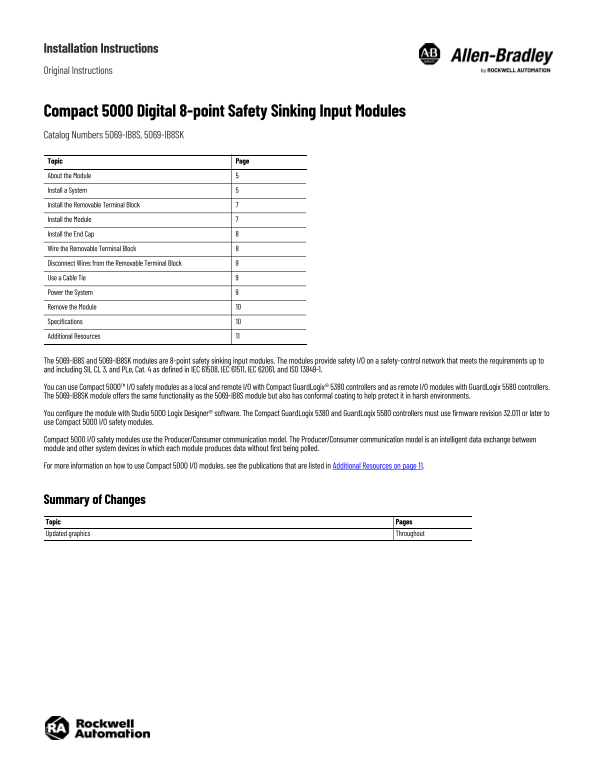
Compact 5000 Digital 8-point Safety Sinking Input Modules Catalog Numbers 5069-IB8S, 5069-IB8SK Topic Page About the Module Install a System Install the Removable Terminal Block Install the Module Install the End Cap Wire the Removable Terminal Block Disconnect Wires from the Removable Terminal Block Use a Cable Tie Power the System Remove the Module Specifications Additional Resources
The 5069-IB8S and 5069-IB8SK modules are 8-point safety sinking input modules. The modules provide safety I/O on a safety-control network that meets the requirements up to and including SIL CL 3, and PLe, Cat. 4 as defined in IEC 61508, IEC 61511, IEC 62061, and ISO 13849-1.
You can use Compact 5000™ I/O safety modules as a local and remote I/O with Compact Guard Logix® 5380 controllers and as remote I/O modules with Guard Logix 5580 controllers. The 5069-IB8SK module offers the same functionality as the 5069-IB8S module but also has conformal coating to help protect it in harsh environments.
You configure the module with Studio 5000 Logix Designer® software. The Compact Guard Logix 5380 and Guard Logix 5580 controllers must use firmware revision 32.011 or later to use Compact 5000 I/O safety modules.
Compact 5000 I/O safety modules use the Producer/Consumer communication model. The Producer/Consumer communication model is an intelligent data exchange between module and other system devices in which each module produces data without first being polled.
For more information on how to use Compact 5000 I/O modules, see the publications that are listed in Additional Resources on page 11.
Summary of Changes Topic Pages Updated graphics Throughout
Page Summary Contents For Rockwell Automation 5069-IB8S, 5069-IB8SK Installation User Manual
Manual Details
| Brand | Rockwell Automation |
|---|---|
| Pages | 12 |
| File Size | 2.72 MB |
| Published | June 04, 2026 |
Enter the captcha to get the download link:

Frequently Asked Questions
What safety standards does the 5069-IB8 module meet?
It meets requirements up to and including SIL CL 3, and PLe, Cat. 4 as defined in relevant IEC and ISO standards (IEC 61508/61511/62061, ISO 13849-1).
How do I program the module?
You configure the module using Studio 5000 Logix Designer® software.
What controllers are compatible with this safety module?
It can be used locally or remotely with Compact GuardLogix® 5380 and GuardLogix 5580 controllers, provided they use firmware revision 32.011 or later.
Does the SK model offer any advantages over the standard version?
The 5069-IB8SK module provides the same functionality but has conformal coating for harsh environments.