Philips EXP 101/103 Portable MPE-CD Player User Guide and Manual
Summary
Enjoy versatile, high-quality digital audio with this portable MP3/CD player. The comprehensive manual provides detailed instructions for setting up and operating all features, including program recording, repeat functions, advanced skip protection, and in-car connections. Whether you are a casual listener or seeking robust multimedia capability, this guide ensures optimal performance across both CD and MP3 formats, helping you troubleshoot effortlessly and maximize your musical experience.
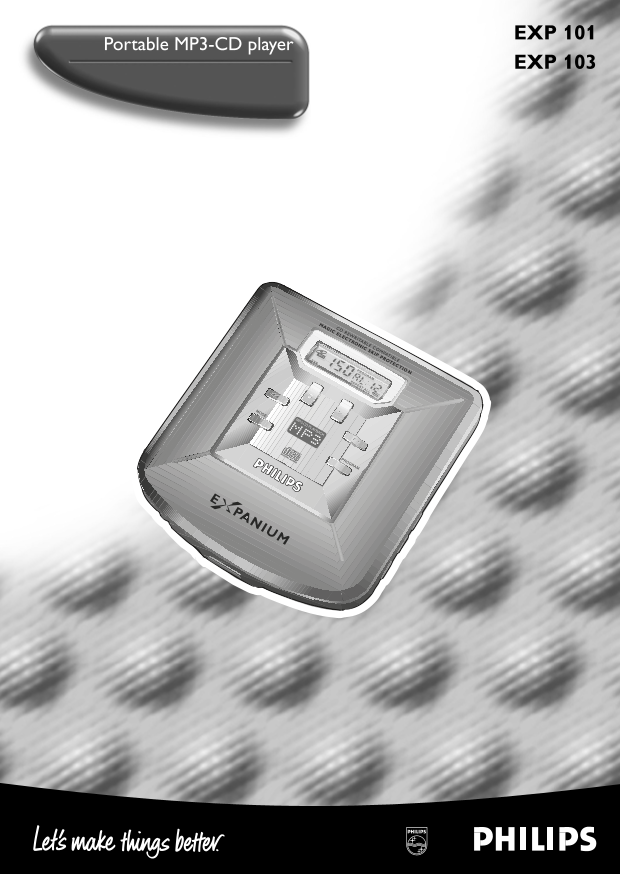
Page 1 Text Content
EXP101/01 eng 6/14/00 4:10 PM Page 1
EXP 101
Portable MP3-CD player
EXP 103
MAGIC ELECTRONIC SKIP PROTECTIO CD REWRITABLE COMPATIBLE
PROGRAM
REPEAT ALL
MP3-CD PLAYBACK
COMPACT
DIGITAL AUDIO
PROGRAM
Page Summary Contents For Philips EXP 101/103 Portable MPE-CD Player User Guide and Manual
Manual Details
| Brand | Philips |
|---|---|
| Pages | 13 |
| File Size | 1.47 MB |
| Published | July 15, 2026 |
Enter the captcha to get the download link:

Frequently Asked Questions
How do I connect an external audio device for line out?
Use the 3.5mm line out socket to connect the set to an audio input of an additional appliance.
What common troubleshooting steps should I check first if there's no sound?
Check all connection plugs, adjust the volume, and clean the headphone plug.
How do I activate electronic skip protection (ESP)?
Use the dedicated control knob or set it via the manual controls labeled OFF/ESP, which ensures continuous playback regardless of vibrations and shocks.
Can this device play MP3 cards using the 'AL' function?
Yes, pressing AL allows you to search a previous track or album when using the AA MP3 mode.
What should I do if my car radio connection fails to operate?
Ensure you switch on the ignition, use batteries, and check if the cassette player’s auto-reverse feature is suitable.