Philips PET716 PET719 PET716S Portable DVD Player User Manual
Summary
Experience portable movie magic with this DVD player, designed for convenient home viewing anywhere. The accompanying manual provides a comprehensive functional overview, detailing every feature of both the unit and the remote control, including setup procedures, subtitle selection, and parental lock functionality. It is the essential guide for all users looking to maximize enjoyment from their digital video discs, offering clear instructions on operation, advanced features, battery care, and troubleshooting tips.
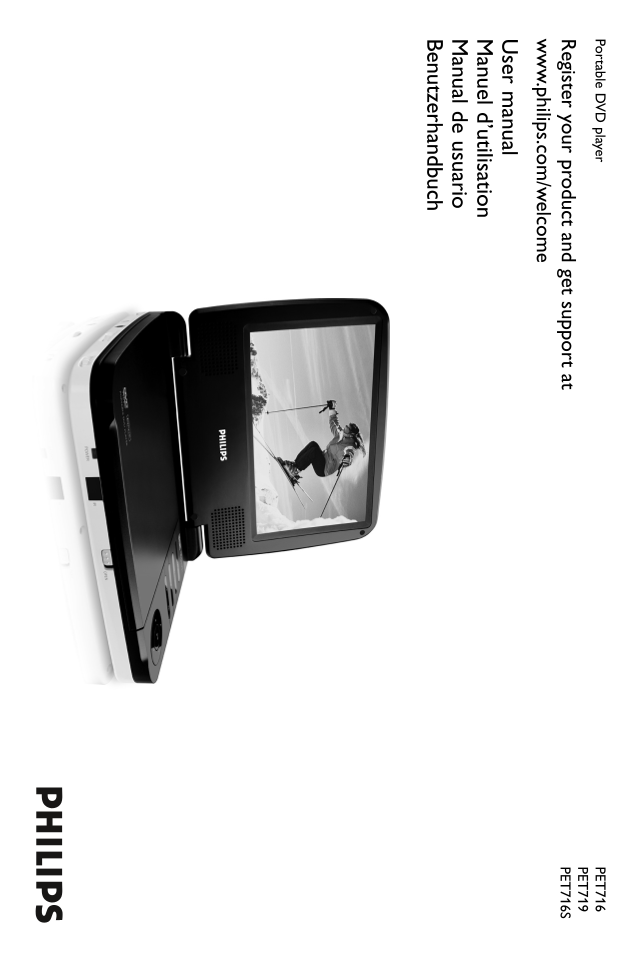
Page 1 Text Content
Portable D player PET
egister your product and get support at PET 716S .philips.com /w elcom ser m anual anuel d’utilisation anual de usuario Benutzerhandbuch
Page Summary Contents For Philips PET716 PET719 PET716S Portable DVD Player User Manual
Manual Details
| Brand | Philips |
|---|---|
| Pages | 17 |
| File Size | 622.24 KB |
| Published | July 04, 2026 |
Enter the captcha to get the download link:

Frequently Asked Questions
How do I properly recharge the built-in battery?
Use only the included AC adapter and connect the DVD player directly to AC mains electricity.
What should I do if the picture appears distorted or has no color?
First, check for fingerprints on the disc and clean it gently. Also verify that your TV's PAL setting matches the player’s setting.
Does this player have parental control features?
Yes, it includes a parental lock feature that allows you to decide which discs your children will be able to see.
What is the maximum operational temperature range for the unit?
The operating temperature range is specified as 0°C to 45°C (32°F to 113°F).