# A B C D E F G H I J K L M N O P Q R S T U V W X Y Z

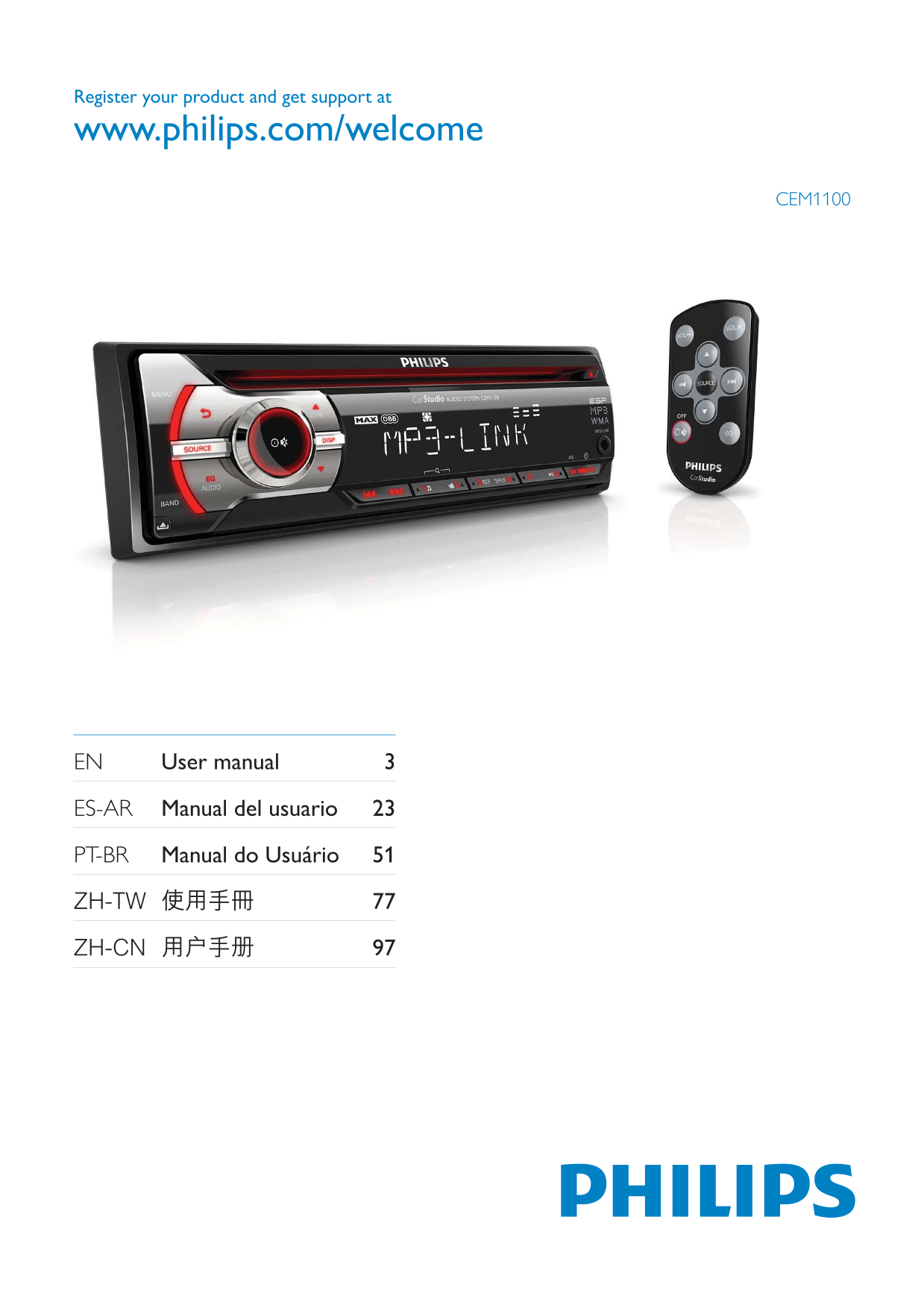
PHILIPS CEM1100 User Guide

Summary

Upgrade your sound system's capabilities with this versatile multi-zone audio processor. This comprehensive manual guides you through every aspect of setup, including configuring line outputs, AUX inputs, USB connectivity, and Bluetooth pairing for superior audio performance. Learn how to optimally route signals from various sources and customize detailed parameters like EQ settings. Essential reading for audiophiles, professional installers, or enthusiasts building a sophisticated, integrated home HiFi system that demands pristine sound quality across multiple zones.
📄 Preview PAGE OF 24

Page 1 Text Content

Register your product and get support at

www.philips.com/welcome

CEM1100

EN User manual 3

ES-AR Manual del usuario 23

PT-BR Manual do Usuário 51

Page Summary Contents For PHILIPS CEM1100 User Guide

Page 1 Register your product and get support at www.philips.com/welcome CEM1100 EN User manual 3 ES-AR Manual del usuario 23 PT-BR Manual do Usuário 51
Page 2 (DBB) 111 MAX 111 Aux 113
Page 3 Windows Media Windows Microsoft Corporation / 2002/96/EC ZH-CN
Page 4 2006/66/EC Philips 2011 © Koninklijke Philips Electronics N.V. Koninklijke Philips Electronics N.V. Philips ZH-CN
Page 5 f ISO Philips Philips www.philips.com/welcome FM AM (MW) CD MP3 afc ZH-CN
Page 6 dcb fa mn hi gopq a SOURCE b MENU e ZONE / MP3/WMA ZH-CN
Page 7 r RESET g MP3 LINK i DBB (DBB) k REP / SHUF a VOL +/- n DISP MP3/WMA o EQ / AUDIO d SOURCE q BAND ZH-CN
Page 8 f OFF/ / Philips Philips ZH-CN
Page 9 CEM1100 ZH-CN
Page 10 ANTENNA FRONT LINE OUT FRONT LINE OUT REAR LINE OUT ON/ACC REAR LINE OUT L OE REMOTE OE TEL MUTING REAR AUX LINE OUT R REAR AUX LINE +12V OUT L ZH-CN
Page 11 183 mm 183 mm ZH-CN
Page 12 2 (+/-) CR2025 www.dtsc.ca.gov/hazardouswaste/perchlorate [USA] [LATIN] ZH-CN
Page 13 [EUROPE] [RUS] [M-EAST] [ASIA] [JAP] 1 SOURCE [AUST] 2 BAND / [FM1] [FM2] [FM3] [AM1] [AM2] 1 MENU 1 SOURCE 1 MENU 2 MENU [AREA] 2 [CLOCK FORMAT] [USA] [CLOCK 12H] [LATIN] [CLOCK 24H] [EUROPE] [RUS] [...
Page 14 [LOCAL ON] [LOCAL OFF] 1 DBB [STORE - - -] CD (CD-R) CD (CD-RW) MP3 CD WMA CD 1 BAND CD CD CD ZH-CN
Page 15 1 REP [REPEAT] [REP TRK] [REP FLD] MP3/WMA [REP ALL] 1 SHUF [SHUFFLE] [SHUF FLD] [SHUF ALL] [SHUF OFF] 1 3.5 MP3 LINK 2 SOURCE [MP3 LINK] ZH-CN
Page 16 1 EQ / AUDIO 2 EQ / AUDIO [OPTIMAL] [FLAT] [POP] [USER] [TECHNO] [ROCK] [CLASSIC] [JAZZ] (DBB) Philips (Zone) 1 DBB [DBB ON] (DBB) [DBB OFF] DBB 2 DBB DBB 1 ZONE MAX 2 / [ALL] [FRONT-L] [FRONT-R] [MAX...
Page 17 [BAS] -7 +7 [TRE] -7 +7 [BAL] 12L 12R L= R= [FAD] 12R 12F R= F= 1 MENU [BEEP] [BEEP ON] [BEEP OFF] 1 MENU [DEMO] [DEMO ON] [DEMO OFF] 1 MENU [DIMMER] [DIMM HIGH] [DIMM LOW] ZH-CN
Page 18 1 MENU [DANCE] [DANCE ON] [DANCE OFF] LCD 1 MENU 2 [TEL MUTE] [NORMAL] [MUTE] [REAR AUX] [PHONE IN] TEL MUTING REAR AUX ZH-CN
Page 19 Philips ZH-CN
Page 20 WMA V4 V7 V8 V9 L1 L2 ISO9660 Joliet WMA 32 44.1 48 WMA 32~192 (kbps) 12 11 - 16 CD 99 CD 15 A 4 - 8 ID3 v2.0 50 x 4 22 x 4 RMS (4 MP3/WMA Word (.doc) Aux 500 .dlf MP3 AAC WAV PCM DRM WMA .wav .m4p .m...
Page 21 CD CD Philips (www.Philips.com/support) Philips RESET CD CD/CD-R/ CD-RW ZH-CN
Page 22 MP3 Motion Picture Experts Group 1 MPEG-1 Audio Layer 3 MP3 CD-R CD-RW CD WMA Windows Media Microsoft Microsoft Windows Media Microsoft Windows Media Microsoft Windows Media Windows Media ZH-CN
Page 23 ZH-CN
Page 24 © 2011 Koninklijke Philips Electronics N.V. All rights reserved. CEM1100_IFU_00_V2.0

Manual Details

Brand Philips
Pages 24
File Size 2.69 MB
Published July 04, 2026
6 views

Enter the captcha to get the download link:

captcha

Frequently Asked Questions

How do I connect external audio equipment to this unit?

You can utilize the available LINE OUTs for various connections, including the primary rear AUX line output or specific FRONT/REAR LINE OUTs.

What file formats does this stereo support playing?

The device supports major formats such as MP3 and WMA. It also lists compatibility with MPEG-1 Audio Layer 3.

If I want to repeat songs, what options are available?

You can select [REP TRK] for repeating tracks, [REP FLD] for repeating specific folders, or [REP ALL] for repeating the entire playlist content.