Page 1
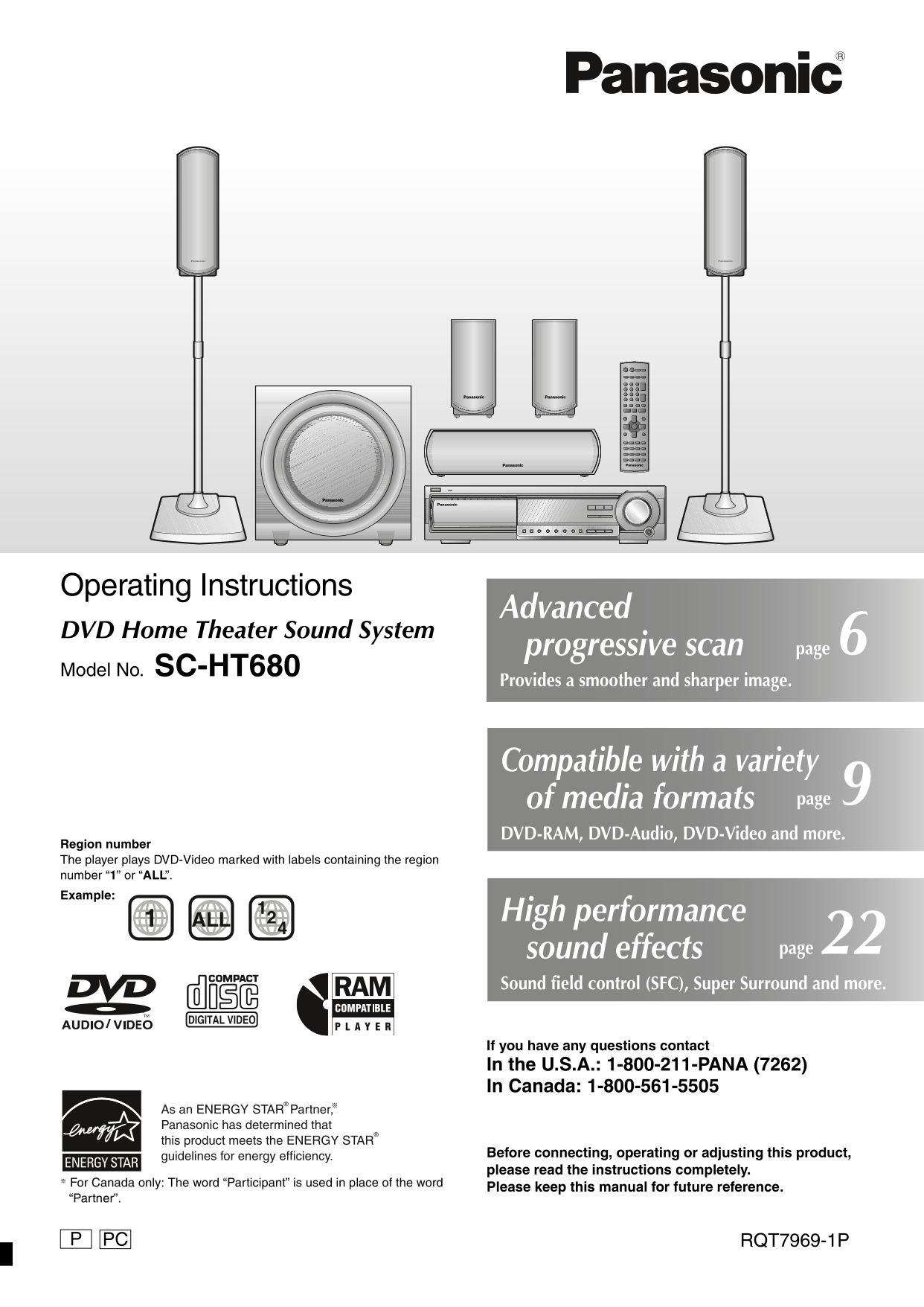
HT680.book Page 1 Thursday, March 10, 2005 10:38 AM Operating Instructions Advanced DVD Home Theater Sound System progressive scan 6page Model No. SC-HT680 Provides a smoother and sharper image. Compa...
Page 2
HT680.book Page 2 Tuesday, December 14, 2004 8:55 AM Dear customer System SC-HT680 Thank you for purchasing this product. Main unit SA-HT680 For optimum performance and safety, please read these instr...
Page 3
HT680.book Page 3 Tuesday, December 14, 2004 8:55 AM IMPORTANT SAFETY INSTRUCTIONS Read these operating instructions carefully before using the unit. Follow the safety instructions on the unit and the...
Page 4
HT680.book Page 4 Tuesday, December 14, 2004 8:55 AM ro sp ea ke as se bl Simple setup The supplied stands are specially designed for attachment to Panasonic SB-FS680 front speakers. STEP1 Front speak...
Page 5
7969en-p03-26.fm Page 5 Sunday, December 19, 2004 1:33 PM Preventing the speakers from falling over To prevent the speaker from falling over, thread the string (not included) from the wall to the spea...
Page 6
HT680.book Page 6 Tuesday, December 14, 2004 8:55 AM ea ke co ec ti s/ id eo ec ti STEP3 Speaker connections ≥Attach the speaker-cable stickers to make connection easier. 2 Sheets of speaker-cable sti...
Page 7
7969en-p03-26.fm Page 7 Friday, December 17, 2004 12:04 PM STEP5 Antennas and AC power supply cord ≥Connect the AC power supply cord after all other connections are complete. Conserving power The main...
Page 8
HT680.book Page 8 Thursday, March 10, 2005 10:38 AM IC /C tr l r ef er en ce id STEP7 QUICK SETUP The QUICK SETUP screen assists you to make necessary settings. Turn on the television and select the a...
Page 9
HT680.book Page 9 Thursday, March 10, 2005 10:38 AM Discs that can be played Indication in Disc Logo these operating Remarks instructions Recorded with devices using Version 1.1 of the Video Recording...
Page 10
7969en-p03-26.fm Page 10 Wednesday, December 15, 2004 11:09 AM Basic play as ic la Power on. POWER Start play. ≥The tray is closed automatically and play starts. ≥The disc indicators show which tray i...
Page 11
7969en-p03-26.fm Page 11 Friday, December 17, 2004 11:32 AM If you are experiencing problems, refer to troubleshooting (➜ page 28, 29). Using the remote control [RAM] [DVD-A] [DVD-V] [VCD] [CD] AV SYS...
Page 12
HT680.book Page 12 Thursday, March 10, 2005 10:38 AM Convenient functions on ve ni en fu ct io AV SYSTEM ADVANCED Reviewing titles to play VCRTV DISC REVIEW (ADVANCED DISC REVIEW) TV/VIDEO AUX TUNER/B...
Page 13
HT680.book Page 13 Tuesday, December 14, 2004 8:55 AM ZOOM SUBTITLE SHIFT CM SKIP Changing the zoom ratio AUDIO Changing soundtracks [DVD-A] (Motion picture part) [RAM] [DVD-V] [VCD] [DVD-A] [DVD-V] (...
Page 14
7969en-p03-26.fm Page 14 Friday, December 17, 2004 11:49 AM Convenient functions on ve ni en fu ct io PLAY MODE Program/Random play CD MODE Program play (up to 32 items) AV SYSTEM VCRTV When CD Mode i...
Page 15
HT680.book Page 15 Tuesday, December 14, 2004 8:55 AM Random play Manufactured under license from Dolby Laboratories. “Dolby”, “Pro Logic” and the double-D symbol are trademarks of When CD Mode is off...
Page 16
HT680.book Page 16 Tuesday, December 14, 2004 8:55 AM Using navigation menus si ng av ig at io en ≥Press [SHIFT]i[ANGLE/PAGE] to skip page by page in the group or content field. ≥To enjoy listening to...
Page 17
HT680.book Page 17 Tuesday, December 14, 2004 8:55 AM TOP MENU MENU Playing High MATTM discs Playing RAM discs DIRECT PLAY NAVIGATOR LIST [WMA] [MP3] [JPEG] [RAM] ≥Titles appear only if the titles are...
Page 18
7969en-p03-26.fm Page 18 Friday, December 17, 2004 11:51 AM Using on-screen menus si -s cr ee en Items shown differ depending on the AV SYSTEM VCRTV type of disc. TV/VIDEO AUX TUNER/BANDDISC DVD/CD CH...
Page 19
7969en-p03-26.fm Page 19 Friday, December 17, 2004 11:53 AM Other Settings Audio Menu [DVD-A] (Motion picture part) [RAM] [DVD-V] Play Speed To change play speed Dolby Pro (➜ page 22, Dolby Pro Logic ...
Page 20
HT680.book Page 20 Tuesday, December 14, 2004 8:55 AM Changing the player settings an in la ye se tt in AV SYSTEM Show the Setup menu. VCRTV SETUP If you have not set QUICK SETUP SHIFT MUTING TV/VIDEO...
Page 21
HT680.book Page 21 Thursday, March 10, 2005 10:38 AM TV Type ≥Standard (Direct View TV) ≥CRT Projector ≥LCD TV/Projector Select to suit the type of television. ≥Projection TV ≥Plasma TV Time Delay ≥0m...
Page 22
7969en-p03-26.fm Page 22 Friday, December 17, 2004 11:55 AM Sound field and sound quality ie ld nd nd al it C.FOCUS AV SYSTEM SHIFT SFC Center Focus VCRTV TV/VIDEO AUXDISC TUNER/BAND DVD/CD (Discs whe...
Page 23
HT680.book Page 23 Tuesday, December 14, 2004 8:55 AM Other useful functions TEST SLEEP CH SELECT Speaker level adjustments SHIFT SHIFT QUICK OSD Sleep timer This is one of the ways to get appropriate...
Page 24
7969en-p03-26.fm Page 24 Friday, December 17, 2004 11:59 AM The radio ra io FM MODE TUNE MODE MEMORY AV SYSTEM VCRTV POWER AC IN VOLUME TV/VIDEO TUNE MODE FM MODE MEMORY AUX TUNER/BANDDISC DVD/CD TUNI...
Page 25
7969en-p03-26.fm Page 25 Friday, December 17, 2004 12:35 PM Operating other equipment Connection example Television To show video from the video Video cassette recorder (not included) cassette recorde...
Page 26
7969en-p03-26.fm Page 26 Friday, December 17, 2004 12:52 PM Other speaker setup options th er ea ke se tu pt io Attaching to a wall You can attach all of the speakers to a wall. 1Drive a screw (not in...
Page 27
7969en-p27-32.fm Page 27 Monday, December 20, 2004 10:26 AM Specifications AMPLIFIER SECTION RMS Output Power: Dolby Digital Mode SPEAKER SECTION Front Ch 55 W per channel (6 ≠), 1 k Hz, 10 % THD [Fro...
Page 28
HT680.book Page 28 Thursday, March 10, 2005 10:38 AM Troubleshooting guide Tr bl es ot in id Before requesting service, make the following checks. If you are in doubt about some of the check points, o...
Page 29
HT680.book Page 29 Thursday, March 10, 2005 10:38 AM Menus Page The Setup menu cannot be ≥Select “DVD/CD” as the source. accessed. ≥Cancel program and random play. Picture abnormal or unviewable Pictu...
Page 30
HT680.book Page 30 Tuesday, December 14, 2004 8:55 AM Product Service ro ct Glossary er vi ce /M ai te an ce /G lo ss ar 1. Damage requiring service—The unit should be serviced by Decoder qualified se...
Page 31
HT680.book Page 31 Tuesday, December 14, 2004 8:55 AM Limited Warranty (ONLY FOR U.S.A.) Panasonic Consumer Electronics Company, Panasonic Puerto Rico, Inc. Division of Panasonic Corporation of North ...
Page 32
HT680.book Page 32 Thursday, March 10, 2005 10:38 AM Listening caution EST. 1924 Selecting fine audio equipment such as the unit you’ve just purchased is only the start of your musical enjoyment. Now ...