Panasonic KX-TPA50 User Guide
Summary
Seamlessly enhance your communication system with this accessory cordless handset for Panasonic SIP Phone models KX-TGP500/KX-TGP550. This manual guide provides comprehensive instructions covering everything necessary for initial setup, including battery installation, proper charging procedures (using Ni-MH batteries), and the crucial steps for registering the new unit to your base station. Designed for homeowners or businesses integrating a supplementary handset into an existing Panasonic phone system. Please follow all guidelines for safe and effective operation.
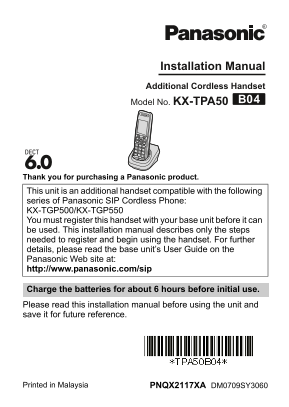
Page 1 Text Content
Installation Manual Additional Cordless Handset Model No. KX-TPA50
Thank you for purchasing a Panasonic product.
This unit is an additional handset compatible with the following series of Panasonic SIP Cordless Phone: KX-TGP500/KX-TGP550 You must register this handset with your base unit before it can be used. This installation manual describes only the steps needed to register and begin using the handset. For further details, please read the base unit’s User Guide on the Panasonic Web site at: http://www.panasonic.com/sip
Charge the batteries for about 6 hours before initial use. Please read this installation manual before using the unit and save it for future reference.
PNQX2117XA DM0709SY3060Printed in Malaysia
Page Summary Contents For Panasonic KX-TPA50 User Guide
Manual Details
| Brand | Panasonic |
|---|---|
| Pages | 10 |
| File Size | 268.83 KB |
| Published | June 21, 2026 |
Enter the captcha to get the download link:

Frequently Asked Questions
What type of batteries should I use in the handset?
Use only rechargeable Ni-MH AAA (R03) size batteries. Do not use Alkaline, Manganese, or Ni-Cd batteries.
How do I register a new handset to the base unit?
On the Handset, press {OKL} and wait for a long beep. Ensure you complete this step within 90 seconds of starting the process on the Base Unit.
What safety precaution should be taken regarding power connections?
Ensure the AC adaptor is fully inserted into the outlet, and regularly clean dust from the plug by unplugging it to prevent fire hazards.
What must I do if the operating time seems short even after charging?
Clean the battery ends (S, T) and the charge contacts with a dry cloth and charge the batteries again.