# A B C D E F G H I J K L M N O P Q R S T U V W X Y Z

Panasonic KX-TGA575 User's Manual (1)

Summary

Unlock advanced communication capabilities with this Panasonic 5.8 GHz USB Adaptor. Designed to integrate your existing GIGARANGE cordless phone system with internet calling via Skype, it provides seamless VoIP functionality. This comprehensive manual guides users through every technical detail: from connecting the unit to a broadband network and performing initial software setup, to making internet calls and utilizing advanced features like call history. It is essential reading for owners of compatible Panasonic handsets who wish to upgrade to modern digital communication standards using their established cordless system.
📄 Preview 📖 Table of Contents Contents PAGE OF 24

Page 1 Text Content

Operating Instructions

5.8 GHz USB Adaptor

Model No. KX-TGA575

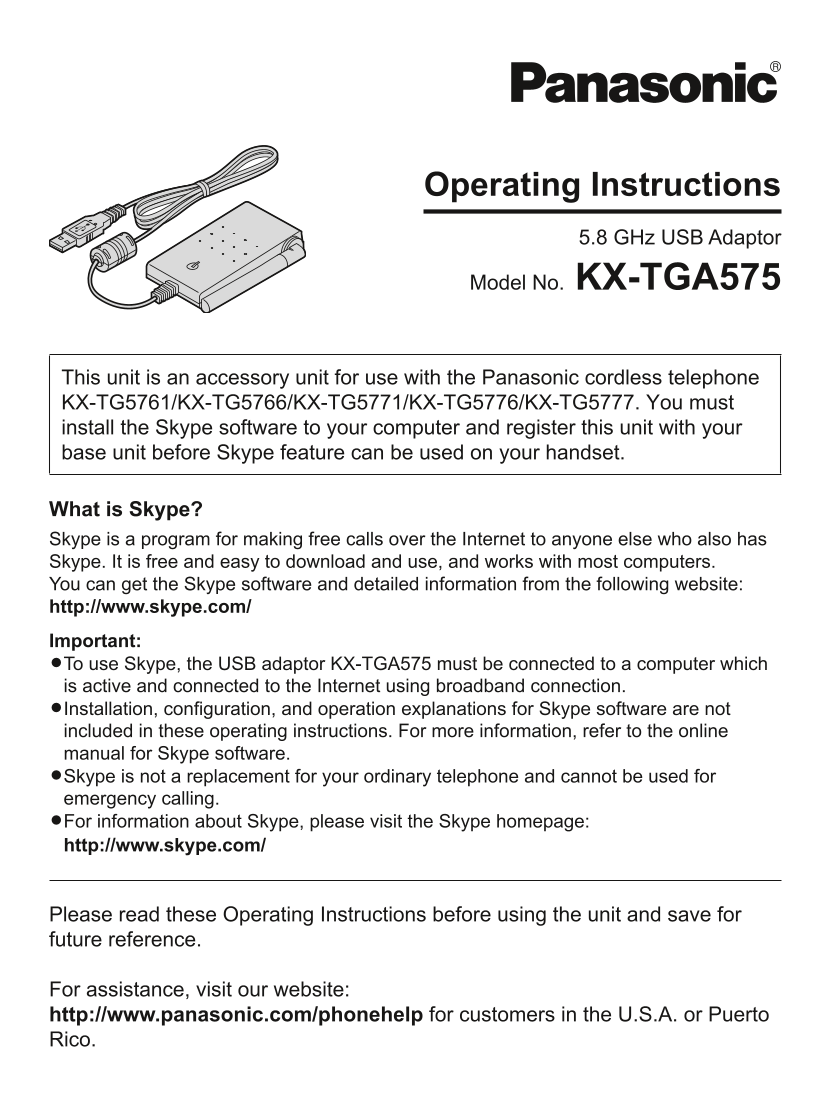
This unit is an accessory unit for use with the Panasonic cordless telephone KX-TG5761/KX-TG5766/KX-TG5771/KX-TG5776/KX-TG5777. You must install the Skype software to your computer and register this unit with your base unit before Skype feature can be used on your handset.

What is Skype? Skype is a program for making free calls over the Internet to anyone else who also has Skype. It is free and easy to download and use, and works with most computers. You can get the Skype software and detailed information from the following website: http://www.skype.com/ Important: L�To use Skype, the USB adaptor KX-TGA575 must be connected to a computer which is active and connected to the Internet using broadband connection. L�Installation, configuration, and operation explanations for Skype software are not included in these operating instructions. For more information, refer to the online manual for Skype software. L�Skype is not a replacement for your ordinary telephone and cannot be used for emergency calling. L�For information about Skype, please visit the Skype homepage: http://www.skype.com/

Please read these Operating Instructions before using the unit and save for future reference.

For assistance, visit our website: http://www.panasonic.com/phonehelp for customers in the U.S.A. or Puerto Rico.

KX-TGA575(e)_YA.indd 1 2006/04/01 2:44:23

Page Summary Contents For Panasonic KX-TGA575 User's Manual (1)

Page 1 Operating Instructions 5.8 GHz USB Adaptor Model No. KX-TGA575 This unit is an accessory unit for use with the Panasonic cordless telephone KX-TG5761/KX-TG5766/KX-TG5771/KX-TG5776/KX-TG5777. You must ...
Page 2 Table of Contents Introduction Feature highlights ............................................................................................................3 Accessory information .....................
Page 3 Introduction Thank you for purchasing the Panasonic 5.8 GHz USB Adaptor. We recommend keeping a record of the following information for future reference. Serial No. Date of purchase (found on the bott...
Page 4 Introduction L�Operating near 5.8 GHz electrical For best performance appliances may cause interference. Move away from the electrical appliances. Location/avoiding noise This unit communicates using ...
Page 5 Preparation Controls A Antenna B Status indicator C USB plug Status indicator The status indicator indicates the USB adaptor status. Indicator Status Flashing USB adaptor is receiving power from the c...
Page 6 Preparation Screen shots used for operations L�The screen shots in these instructions are for Microsoft® Windows® XP and are included for reference only. L�The screen shots in these instructions may d...
Page 7 Preparation Wall mounting Mounting without the wall mounting adaptor The USB adaptor can be mounted on the Drive the screws (not included) into the flat surface such as a wall by using the flat surfac...
Page 8 Preparation 1 Start Windows and the Skype software, Installing and setting up and exit all other applications. the USB Adaptor Utility L�You must be logged in as an administrator in order to install t...
Page 9 Preparation 5 When installation is complete, the USB adaptor setup window is opened. Confirming the USB Remove the included CD-ROM from adaptor works properly your CD-ROM drive. Click the USB Adaptor ...
Page 10 Preparation Soft key and display Deregistering the USB menus adaptor After setting up the USB adaptor, {C} You can cancel a registered USB adaptor. (Phonebook) on the right soft key on the Right-click...
Page 11 Using the USB Adaptor Important: Entering the IP phone L�Do not change any Skype settings using the computer while the handset is in the IP phone mode. If you have changed Press {IP PHONE} (right soft...
Page 12 Using the USB Adaptor 4 When you finish talking, press {OFF} Making internet calls or place the handset on the base unit or charger. Calling from the Contact list Note: L�You cannot select items from ...
Page 13 Using the USB Adaptor Making regular phone calls Answering internet calls (Skype Out) If you receive an internet call, you will Skype Out is a way to make calls from hear an IP ringer tone from the ha...
Page 14 Using the USB Adaptor Temporary ringer off Useful features during While the handset is ringing for an internet call, you can turn the ringer off temporarily an internet call by pressing {~} or {OFF}. ...
Page 15 Using the USB Adaptor Using the History Selecting the IP ringer (Call list) tone Call information of incoming and outgoing You can change the IP ringer tone heard internet calls is logged in the Skype...
Page 16 Useful Information Troubleshooting Problem Cause & solution The USB adaptor does not L�Make sure the USB plug is connected properly to your work. computer. (The USB Adaptor Utility L�The USB adapt...
Page 17 Useful Information Problem Cause & solution I cannot read the language L�You can change the application’s display language displayed by the USB to English, French, or Spanish. Select the desired A...
Page 18 Useful Information − Increase the separation between the FCC and other equipment and receiver. − Connect the equipment into an outlet on information a circuit different from that to which the This dev...
Page 19 Useful Information Medical Notice L�Consult the manufacturer of any L�This product is designed for use in the personal medical devices, such United States of America. Sales or use as pacemakers or hea...
Page 20 Useful Information Specifications Operating 5 °C – 40 °C (41 °F – 104 °F) environment Frequency 5.76 GHz – 5.84 GHz Dimensions Approx. height 24 mm x width 71 mm x depth 111 mm (15/16 inch x 2 13/16 i...
Page 21 Useful Information Warranty PANASONIC CONSUMER ELECTRONICS PANASONIC PUERTO RICO, INC. COMPANY, DIVISION OF PANASONIC San Gabriel Industrial Park, CORPORATION OF NORTH AMERICA Ave. 65 de Infantería, K...
Page 22 Useful Information Limited Warranty Limits And Exclusions This Limited Warranty ONLY COVERS failures due to defects in materials or workmanship, and DOES NOT COVER normal wear and tear or cosmetic dam...
Page 23 Useful Information Customer services Customer Services Directory Obtain Product Information and Operating Assistance; locate your nearest Dealer or Servicenter; purchase Parts and Accessories; or make...
Page 24 If you need assistance with setup or operation 1 Visit our website: http://www.panasonic.com/phonehelp 2 Contact us via the web at: http://www.panasonic.com/contactinfo 3 Call us at: 1-800-211-PANA (1...

Manual Details

Brand Panasonic
Pages 24
File Size 714.40 KB
Published July 16, 2026
0 views

Enter the captcha to get the download link:

captcha

Frequently Asked Questions

What types of cordless phones are compatible with this USB adaptor?

The unit is an accessory designed for use with Panasonic models like KX-TG5761, KX-TG5766, and KX-TG5771/KX-TG5776.

Can I use this device to make emergency calls?

No. Skype is not a replacement for an ordinary telephone and cannot be used for emergency calling.

What are the internet prerequisites for using USB adaptor KX-TGA575?

The USB adaptor must be connected to a computer that is active and connected to the Internet using a broadband connection.

Before making calls, what software must I install to use this adaptor?

You must install the Skype software onto your computer and remember to register this unit with your base unit.