Panasonic KX-NT136 IP Telephone User Manual
Summary
This comprehensive guide provides detailed instructions for setting up, operating, and managing your advanced office phone system unit. Designed for business environments, this manual covers core telephony functions including auto-dialing, call transfers, voicemail setup, directory management, Do Not Disturb features, and headset connectivity. Ideal for IT professionals or administrative staff implementing a reliable, feature-rich communications infrastructure in a modern workplace.
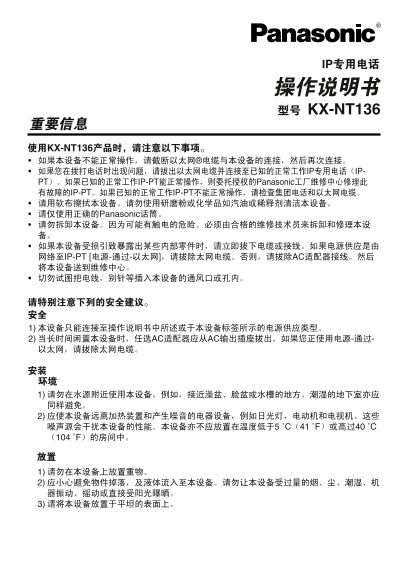
Page 1 Text Content
KX-NT136
KX-NT136
IP IP-
PT IP-PT Panasonic
IP-PT IP-PT
Panasonic
IP-PT [ AC
2) AC AC
Page Summary Contents For Panasonic KX-NT136 IP Telephone User Manual
Manual Details
| Brand | Panasonic |
|---|---|
| Pages | 12 |
| File Size | 2.82 MB |
| Published | May 31, 2026 |
Enter the captcha to get the download link:

Frequently Asked Questions
What type of cable is required for the device's LAN connection?
It requires a LAN CAT 5 cable.
How can I activate or switch to Headset Mode?
Use the key sequence: "? 6 1, followed by '1' to enable it.
What steps are needed to secure the screen with Display Lock?
Press '+ 1' (or similar key combination listed) and enter your PIN to lock the display.
Is the KX-NT136 compatible with a PC connection?
Yes, the manual references connectivity via LAN CAT 5 and supports AC power for PC integration.