# A B C D E F G H I J K L M N O P Q R S T U V W X Y Z

Nikon D70 D70s User Guide Manual

Summary

Explore advanced usage techniques for your Nikon D70 or D70s digital camera. This comprehensive guide transitions beyond basic setup, providing deep-dive instructions on optimizing image quality, mastering manual controls, and configuring granular settings like ISO performance, white balance, and watermarking. Perfect for serious photographers who want to maximize their DSLR's potential and achieve professional results through expert knowledge of every feature.
📄 Preview PAGE OF 15

Page 1 Text Content

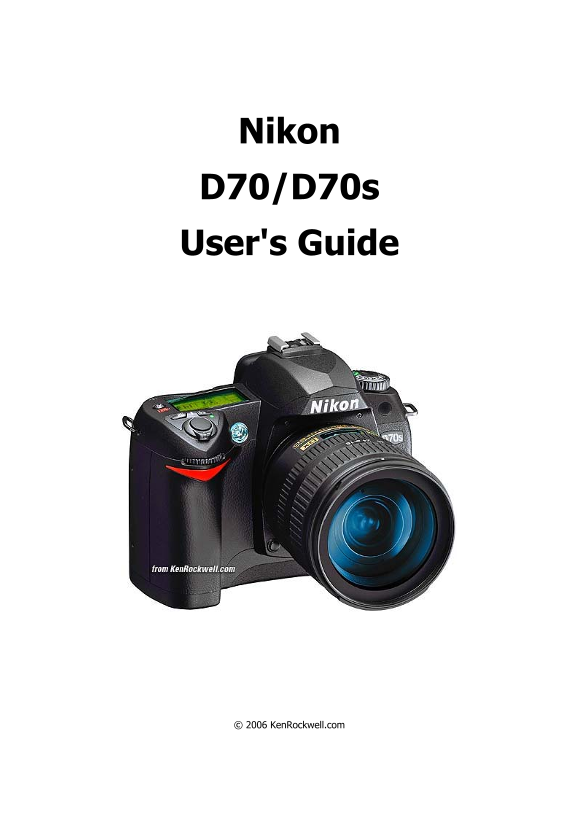
Nikon D70/D70s User's Guide

© 2006 Ken Rockwell.com

Page Summary Contents For Nikon D70 D70s User Guide Manual

Page 1 Nikon D70/D70s User's Guide © 2006 Ken Rockwell.com
Page 2 Nikon D70/D70s User’s Guide INTRODUCTION This is how I use and set up my D70. I have a D70; the D70s is exactly the same. I start off explaining things so my mom can understand, and get on to decipher...
Page 3 Nikon D70/D70s User’s Guide BASICS: CAMERA Many of these adjustments require you to be in be in the P, S, A or M exposure modes. You set that on the top dial. The cute preset modes often lock out some...
Page 4 Nikon D70/D70s User’s Guide For photos of people I either set the colors back to normal, or cheat and use the Portrait preset mode on the top dial. FOCUS: AF. METERING: Matrix. Many lenses have no swi...
Page 5 Nikon D70/D70s User’s Guide CONTROLS (I explain every button and knob) CONTROLS: FRONT of CAMERA Focus Mode (the little lever at the bottom of the lens marked AF and M [hidden above]): I set it to AF....
Page 6 Nikon D70/D70s User’s Guide SLOW is the same as NORMAL, since exposure times are short. SLOW unlocks the camera in P and A exposure modes to make exposures as long as it wants to in dim light. Have a ...
Page 7 Nikon D70/D70s User’s Guide Power Switch (right side around shutter release): ON, unless the camera is put away in a case. The D70s only wakes up when you tap the shutter, so it's off even when the sw...
Page 8 Nikon D70/D70s User’s Guide ISO: I use 200 as explained of the first page. If you just took a picture be sure to tap the shutter button to return the camera to the taking mode. If you don't and are vi...
Page 9 Nikon D70/D70s User’s Guide MENUS: PLAYBACK MENU ("[ > ]" icon) Press MENU and then select the "[ > ] " (play) icon to get into the play menu. Delete: This is helpful if you ...
Page 10 Nikon D70/D70s User’s Guide I prefer my custom settings below because I prefer to leave the chroma cranked all the way up and let the camera automatically control contrast and sharpening as conditions...
Page 11 Nikon D70/D70s User’s Guide saw no difference when printed either on Inkjets or on the $250,000 Lightjet 5000 on Fuji Supergloss. Oh well! Using Adobe RGB is asking for trouble unless you really know ...
Page 12 Nikon D70/D70s User’s Guide First select the "Detailed" mode under Menu > Setup (wrench) Menu > CSM menu, otherwise you'll only to get the first few items! [R] Menu Reset: This returns...
Page 13 Nikon D70/D70s User’s Guide meter, or make it smaller to be more like a spot. This setting doesn't have any effect on the spot meter. The spot meter is independent of the center weighted meter. 12: BK...
Page 14 Nikon D70/D70s User’s Guide 21: Slowest Shutter Speed: This sets the slowest shutter speed the camera will use in low light in the P and A modes, in normal flash sync. I set this to 1/8 indoors if peo...
Page 15 Nikon D70/D70s User’s Guide LCD Brightness isn't. LCD Brightness sets the viewing angle for the LCD, not the brightness of the backlight. I leave it on 0. Only play with it if you look at the LCD from...

Manual Details

Brand Nikon
Pages 15
File Size 106.00 KB
Published June 01, 2026
60 views

Enter the captcha to get the download link:

captcha

Frequently Asked Questions

What compression quality is recommended for general use?

Use NORM JPG (Normal JPEG) as it provides excellent results while keeping the file size manageable, avoiding major differences from premium modes.

How should I set up my lens for best focus flexibility?

If your lens allows an M/A setting, use it. This provides both autofocus and manual focus correction without switching settings on the camera body.

Can I increase the ISO even in dim lighting while maintaining image quality?

Yes, raising the ISO to 400, 800, or 1,600 is recommended over slower shutter speeds, as high-ISO digital images look fine and sharp.

What should my primary exposure mode setting be for maximum control?

Set your camera to P, S, A, or M mode using the top dial. Avoid preset icon modes as they restrict necessary manual adjustments.