# A B C D E F G H I J K L M N O P Q R S T U V W X Y Z

Lenze Inverters - Frequency inverters MC frequency inverters MC3000 frequency inverters Manual de comunicación Communication manual M3 MC3 Metasys N2 comunicación (lenguajes DE EN)

Summary

Optimize control systems with this comprehensive guide for the MC3000 Series Variable Frequency Drive. Designed for qualified technicians in commercial environments, the manual details integrating the VFD using Metasys N2 communications. Learn about critical safety procedures, serial wiring setup, detailed programming instructions, and full mapping of analog/binary I/O points. Essential reading for robust electrical system control and seamless integration into building management systems.
📄 Preview PAGE OF 18

Page 1 Text Content

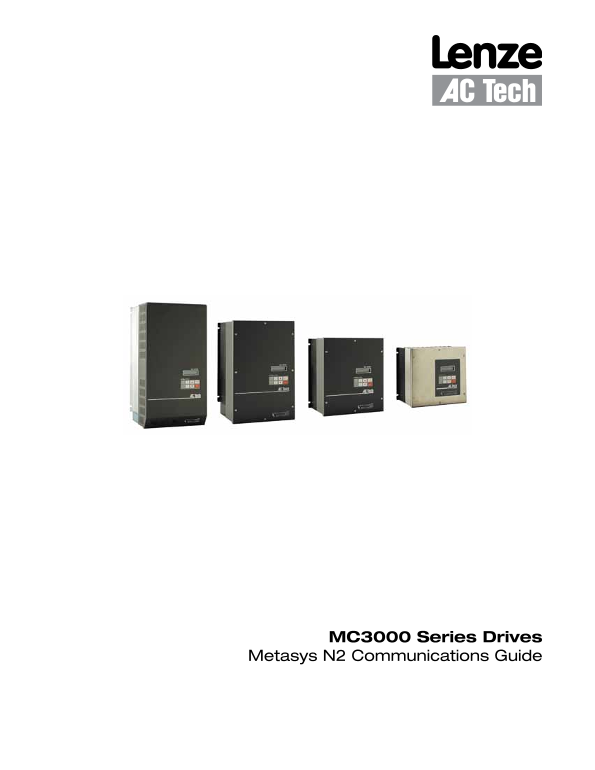
MC3000 Series Drives

Metasys N2 Communications Guide

Page Summary Contents For Lenze Inverters - Frequency inverters MC frequency inverters MC3000 frequency inverters Manual de comunicación Communication manual M3 MC3 Metasys N2 comunicación (lenguajes DE EN)

Page 1 MC3000 Series Drives Metasys N2 Communications Guide
Page 2 About These Instructions This documentation applies to the use of an MC3000 Series Variable Frequency Drive with Metasys N2 protocol and should be used in conjunction with the MC3000 Series Installati...
Page 3 Contents 1 Safety Information .............................................................................................................1 1.1 Warnings, Cautions and Notes .............................
Page 4 Safety Information 1 Safety Information 1.1 Warnings, Cautions and Notes 1.1.1 General Some parts of Lenze controllers (frequency inverters, servo inverters, DC controllers) can be live, moving and ro...
Page 5 Safety Information 1.1.4 Electrical Connection When working on live drive controllers, applicable national regulations for the prevention of accidents (e.g. VBG 4) must be observed. The electrical ins...
Page 6 Introduction 2 Introduction This document will explain how to operate a Lenze-AC Tech MC3000 Variable Frequency Drive using Metasys N2 protocol. It is intended as a serial communications supplement on...
Page 7 Drive Setup & Programming 3 Drive Setup and Programming Most drive parameters (including those required for serial communications) are not accessible through the N2 Network. They can only be acces...
Page 8 Drive Setup & Programming 57 SERIAL Must be set to WITH TIMER (default) or W/O TIMER for the drive to communicate with the N2 Network. Serial communications will not work if this parameter is set ...
Page 9 N2 Points 4 MC3000 N2 Points The entries in Table 3 are based upon MC3000 Drive Software Version 213-043 Revision 05 (Parameter Version 143). If a later revision of software changed parameter definiti...
Page 10 N2 Points 4.1 Metasys N2 Point Map Table 3: Metasys N2 Point Map for MC3000 Series Drives Point Point Description (Point Name) Read (R)/ Point Decimal MIN MAX Default Type 1 Override (R/O) Units Place...
Page 11 N2 Points 4.2 Analog Input (AI) Point Descriptions Point Description 1-01: Parameter Version The entries in Table 1 are based upon Parameter Version = 143. If a later revision of software changed para...
Page 12 N2 Points Point Description 1-05: Drive Class This point represents the MC series drive class = 65 (41h). 1-06: Total Runtime Hours This point represents the total accumulated time the drive has run i...
Page 13 N2 Points Point Description 1-11: Present Fault This point indicates the type of fault on which the drive is currently tripped. This point returns a value between 0 and 23 which corresponds to one of ...
Page 14 N2 Points Point Description 1-20: PID Feedback This point monitors the current state of the PID Feedback. If the drive is running in Local or Serial Control Mode, the PID Setpoint will be as dictated ...
Page 15 N2 Points Point Description 3-03: Normal Acceleration This point sets the time that it will take for the drive to ramp up the motor from 0.0Hz to the value set in Parameter 18 (Base Frequency). The ma...
Page 16 N2 Points Point Description 3-06: Control Mode This point allows the user to manipulate the control mode in which the drive is running. The drive powers up and will remain in LOCAL Control Mode until ...
Page 17 N2 Points Point Description 4-03: Auto/Manual Select - Contimued A/M LOC If parameter 28 is set to A/M LOC, then the drive can be set to get its speed from either an automatic speed source or from the...
Page 18 Lenze AC Tech Corporation 630 Douglas Street • Uxbridge MA 01569 • USA Sales: 800-217-9100 •Service: 508-278-9100 www.lenze-actech.com RG-MCMET-e6

Manual Details

Brand Lenze
Pages 18
File Size 407.10 KB
Published June 03, 2026
51 views

Enter the captcha to get the download link:

captcha

Frequently Asked Questions

Who can perform installation and commissioning on the MC3000 Drive?

Only qualified, skilled personnel who are familiar with the product's installation, assembly, commissioning, and operation may perform these tasks.

What is the purpose of reading the Metasys Communications Guide alongside other documents?

This documentation should be used in conjunction with the MC3000 Series Installation and Operation Manual (Document M301) because they contain important technical data on installation and operation.

How do I clear a present fault on the MC3000 Drive?

The fault can be cleared by pressing the STOP key on the keypad, or by overriding Parameter 4-04 to (1) to simulate stopping via the serial link.

What does setting Parameter 28 to AUTO allow?

If Parameter 28 is set to AUTO, the drive can only receive its command speed from the source selected on the terminal strip or from the PID setpoint.