Page 1
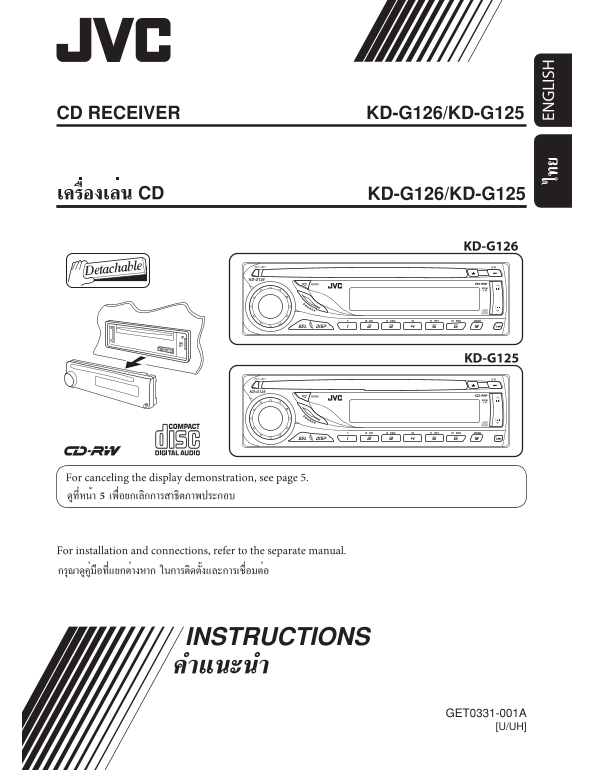
CD RECEIVER KD-G126/KD-G125 KD-G126/KD-G125 KD-G126 KD-G126 KD-G125 KD-G125 For canceling the display demonstration, see page 5. For installation and connections, refer to the separate manual. EN LI S...
Page 2
Thank you for purchasing a JVC product. Please read all instructions carefully before operation, to ensure your complete understanding and to EN LI SH obtain the best possible performance from the uni...
Page 3
How to read this manual CONTENTS • Button operations are mainly explained with the illustrations in the table below. • is used to indicate an indicator is Control panel — KD-G126 and KD-G125 ........ ...
Page 4
Control panel — KD-G126 and KD-G125 EN LI SH Parts identification Display window 1 (standby/on/attenuator) button Display window 2 SOURCE button o DISC indicator 3 BAND button ; RND (disc random) indi...
Page 5
Getting started Basic settings • See also “General settings — PSM” on page 9. Basic operations ~ Turn on the power. * You cannot select “DISC” as the 1 Canceling the display playback source if there i...
Page 6
When an FM stereo broadcast is hard to Radio operations receive EN LI SH Lights up when monaural mode is activated. Reception improves, but stereo effect will be Lights up when receiving an FM stereo ...
Page 7
Manual presetting Disc operations Ex.: Storing FM station of 92.5 MHz into preset number 4 of the FM1 band. Playing a disc in the unit All tracks will be played repeatedly until you change the source ...
Page 8
Selecting the playback modes Adjusting the sound EN LI SH You can adjust the sound characteristics to your You can use only one of the following playback preference. modes at a time. 2 Select your des...
Page 9
General settings — PSM You can change PSM (Preferred Setting Mode) 3 Adjust the PSM item selected. items listed in the table that follows. 4 Repeat steps 2 and 3 to adjust other 2 Select a PSM item. P...
Page 10
Maintenance EN LI SH How to clean the connectors To play new discs Frequent detachment will deteriorate the New discs may have some rough connectors.To minimize this possibility, spots around the inne...
Page 11
More about this unit Basic operations Inserting a disc Turning on the power • When a disc is inserted upside down, the disc automatically ejects. • By pressing SOURCE on the unit, you can • Do not ins...
Page 12
Ejecting a disc General settings—PSM • If the ejected disc is not removed within • If you change the “AMP GAIN” setting from EN LI SH 15 seconds, the disc is automatically inserted “HIGH PWR” to “LOW ...
Page 13
Specifications AUDIO AMPLIFIER SECTION CD PLAYER SECTION Maximum Power Output: Type: Compact disc player Front: 50 W per channel Signal Detection System: Non-contact optical Rear: 50 W per channel pic...
Page 14
Having TROUBLE with operation? Please reset your unit Refer to page of How to reset your unit EN, TH © 2005 Victor Company of Japan, Limited 1005DTSMDTJEIN Rear_KD-G126_001A_f.indd 2 10/5/05 12:41:42 ...
Page 15
KD-G126/KD-G125 Installation/Connection Manual °“√μ‘¥μ—Èß/§ŸË¡◊Õ°“√μ‘¥μ—Èß GET0331-006A 1005DTSMDTJEIN [U/UH] EN, TH © 2005 Victor Company of Japan, Limited ENGLISH ‰∑¬ This unit is designed to operat...
Page 16
INSTALLATION (IN-DASH MOUNTING) °“√μ‘¥μ—Èß (°“√ª√–°Õ∫·ºßÀπÈ“ª—∑¡Ï‡¢È“) The following illustration shows a typical installation. If you have any questions or require information regarding installation ...
Page 17
ENGLISH ‰∑¬ ELECTRICAL CONNECTIONS °“√‡™◊ËÕ¡‚¥¬„™È ‰øøÈ“ Typical connections / °“√‡™◊ËÕ¡μËÕ·∫∫ª°μ Before connecting: Check the wiring in the vehicle carefully. Incorrect connection may cause serious °...
Page 18
Connecting the external amplifier or subwoofer / μËÕ·Õ¡ª≈‘ø“¬‡ÕÕ√ÏÀ√◊Õ´—∫«Ÿø‡øÕ√ϥȓππÕ° You can connect an amplifier to upgrade your car stereo system. §ÿ≥ “¡“√∂μËÕ°—∫·Õ¡æ≈‘ø“¬‡ÕÕ√Ï ‡æ◊ËÕ‡æ‘Ë¡§ÿ≥ ¿“æ...