# A B C D E F G H I J K L M N O P Q R S T U V W X Y Z

HP LaserJet 5200 Series Printer - Getting Started Guide (multiple languages)

Summary

This comprehensive guide is essential for new owners setting up or operating the HP LaserJet 5200 Series printer. The manual walks you through every step, from safely unpacking unit and installing load trays to connecting power, LAN cables, and cartridges. It provides detailed instructions on device configuration, language settings, and necessary software installation. This resource ensures users of the LaserJet 5200 can quickly achieve full functionality while accessing crucial troubleshooting and safety information.
📄 Preview PAGE OF 12

Page 1 Text Content

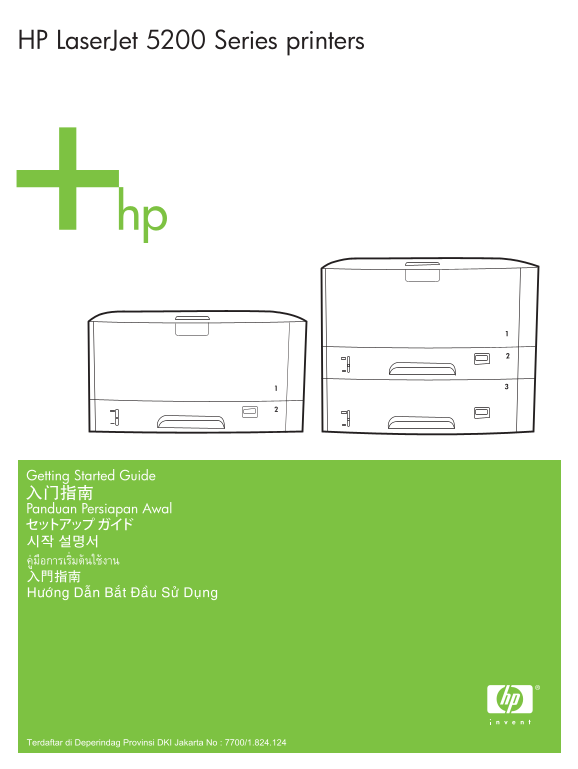
HP Laser Jet 5200 Series printers

Getting Started Guide

Panduan Persiapan Awal

Terdaftar di Deperindag Provinsi DKI Jakarta No : 7700/1.824.124

Page Summary Contents For HP LaserJet 5200 Series Printer - Getting Started Guide (multiple languages)

Page 1 HP Laser Jet 5200 Series printers Getting Started Guide Panduan Persiapan Awal Terdaftar di Deperindag Provinsi DKI Jakarta No : 7700/1.824.124
Page 2 Copyright and License © 2006 Copyright Hewlett-Packard Development Company, L.P. Reproduction, adaptation or translation without prior written permission is prohibited, except as allowed under the cop...
Page 3 Unpack the printer. • Buka kemasan printer. • HP Laser Jet 5200 printer Select a sturdy, well-ventilated, dust-free area to position the printer. Pilih tempat yang kokoh, berventilasi baik dan bebas d...
Page 4 Install the accessories. • Pasang aksesori. •
Page 5 Load tray 2. • Isi baki 2. • B5 A3 11x17 Legal 8.5x13 le se Custom Load tray 3. Isi baki 3. Lo Custom
Page 6 Install the print cartridge. Pasang kartrid cetak. • Connect the LAN. Sambungkan LAN. • Note: This is for a LAN connection only. Do not install the USB cable! Catatan: Ini hanya untuk koneksi LAN. Jan...
Page 7 Connect the power cord. • Sambungkan kabel listrik. • Set the language. • Atur bahasa. • LANGUAGE= LANGUAGE= *ENGLISH FRANCAIS *ENGLISH FRANCAIS DEUTSCH ITALIANO ESPANOL SVENSKA DANSK NORSK NEDERLANDS...
Page 8 Print a configuration page. • Cetak halaman konfigurasi. • hp Laser Jet 5200 printers hp Laser Jet 5200 printers Install the software. • Lakukan instalasi perangkat lunak. • If the Welcome screen does...
Page 9 Select the connection (see note). • Pilih koneksi (lihat catatan). • NOTE: Install the software first. • CATATAN: Lakukan instalasi perangkat lunak terlebih dahulu. • USB Parallel More help • Bantuan ...
Page 10 Ba ha sa In do ne sia En gl is Additional Information See the electronic user guide on the CD-ROM that came with the printer for more information about the following topics: • Detailed user instructio...
Page 12 © 2006 Hewlett-Packard Development Company, L.P. www.hp.com

Manual Details

Brand HP
Pages 12
File Size 2.62 MB
Published May 31, 2026
53 views

Enter the captcha to get the download link:

captcha

Frequently Asked Questions

What cables should connect the printer to a network?

Connect a LAN cable, but do not install the USB cable for this connection.

Where should I place the printer initially?

Select a sturdy, well-ventilated, dust-free area to position the printer.

How do I set up the language preferences?

Set the language by selecting it from the LANGUAGE= menu options (e.g., ENGLISH, FRANCAIS).

What steps should I take if the Welcome screen doesn't appear during software installation?

Double-click SETUP.EXE on the CD-ROM and follow the onscreen instructions.