EXTECH MO290-HP User Guide and Manual
Summary
Accurately measure moisture content in wood and building materials with this specialized Moisture Hammer Probe. This essential accessory connects to the MO290 Moisture Meter, providing reliable readings for various construction and restoration projects. The manual offers comprehensive guidance on product assembly, operation procedures, safety precautions, and detailed specifications. It is designed for professionals and hobbyists needing consistent moisture level data for assessing materials under test.
Page 1 Text Content
User Guide MO290-HP
Moisture Hammer Probe Introduction Congratulations on your purchase of the Extech Hammer Probe. This probe, when connected to an MO290 Moisture Meter, measures moisture in wood and other building materials. With proper care, this device will provide years of reliable service.
Safety Instructions • This device should be used only for the purposes outlined in this guide. Other uses may cause damage to the probe and/or external devices, and can cause personal injury. • Keep the probe packed when not in use. • Do not allow children to handle the probe.
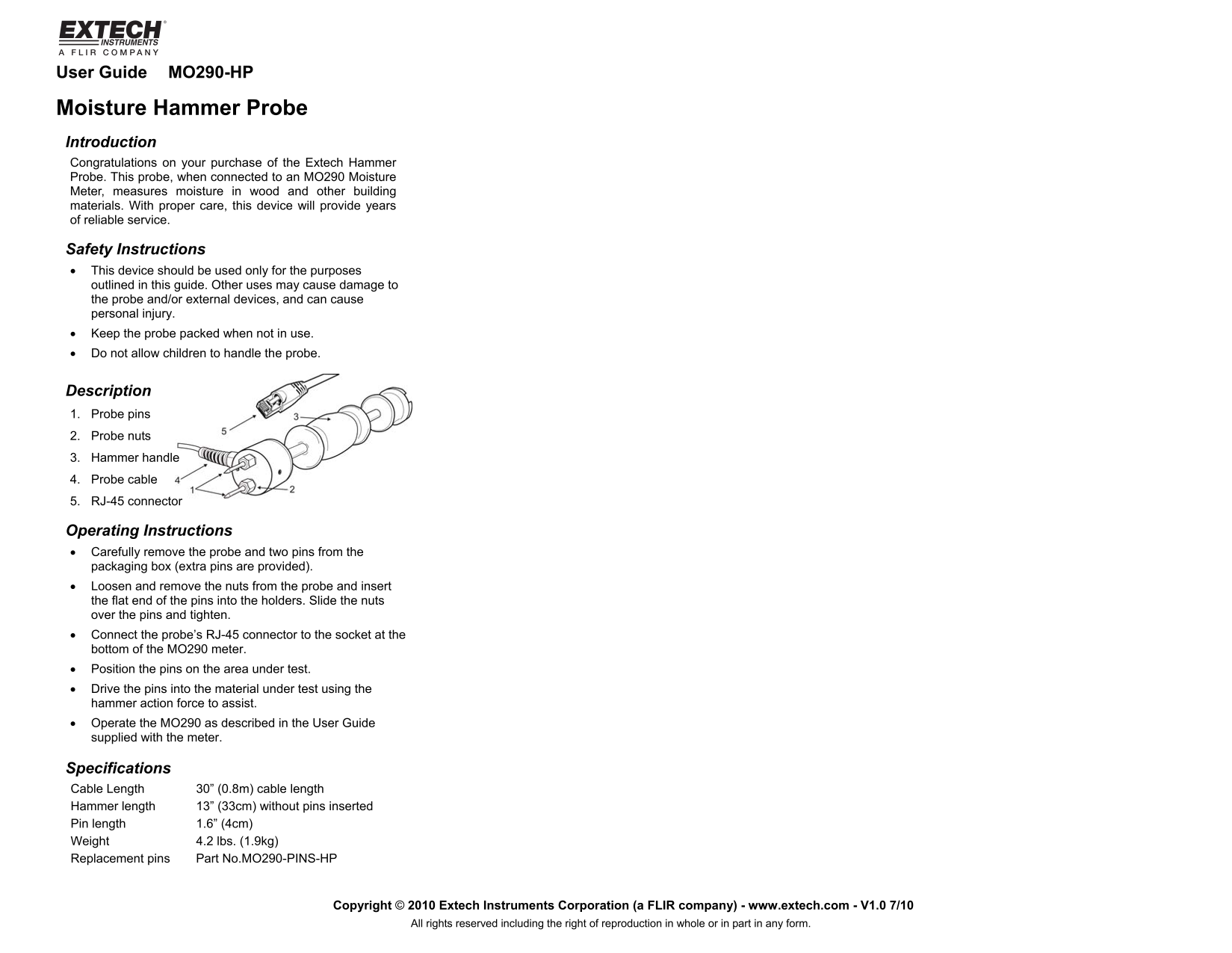
Description 1. Probe pins 2. Probe nuts 3. Hammer handle 4. Probe cable 5. RJ-45 connector
Operating Instructions • Carefully remove the probe and two pins from the packaging box (extra pins are provided). • Loosen and remove the nuts from the probe and insert the flat end of the pins into the holders. Slide the nuts over the pins and tighten. • Connect the probe’s RJ-45 connector to the socket at the bottom of the MO290 meter. • Position the pins on the area under test. • Drive the pins into the material under test using the hammer action force to assist. • Operate the MO290 as described in the User Guide supplied with the meter.
Specifications Cable Length 30” (0.8m) cable length Hammer length 13” (33cm) without pins inserted Pin length 1.6” (4cm) Weight 4.2 lbs. (1.9kg) Replacement pins Part No.MO290-PINS-HP
Copyright © 2010 Extech Instruments Corporation (a FLIR company) - www.extech.com - V1.0 7/10
All rights reserved including the right of reproduction in whole or in part in any form.
Page Summary Contents For EXTECH MO290-HP User Guide and Manual
Manual Details
| Brand | HP |
|---|---|
| Pages | 1 |
| File Size | 30.85 KB |
| Published | July 22, 2026 |
Enter the captcha to get the download link:

Frequently Asked Questions
What meter does the MO290-HP probe connect to?
It connects to an MO290 Moisture Meter.
How do I properly set up and use the pins?
Remove the two pins, loosen and remove the nuts from the probe, insert the flat ends of the pins into holders, slide the nuts over them, tighten, then position them on the test area.
What is the weight specification for this probe?
The weight is 4.2 lbs (1.9kg).