EXTECH INSTRUMENTS BR50 Video Borescope and CCTV Tester User Guide, Video Manual, and Test Instructions
Summary
This comprehensive guide details the Extech BR50 Video Borescope, a professional tool designed for remote inspection and CCTV camera alignment. Use it for inspecting HVAC systems, automotive components, electrical wiring, and complex cable routes. The manual covers everything from setting up the initial borescope connection to advanced CCTV input functionality and power management. Ideal for technicians, industrial inspectors, and professionals requiring reliable, high-definition visualization for difficult-to-reach areas.
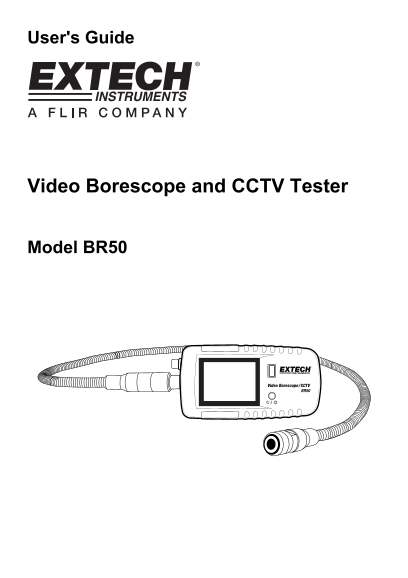
Page 1 Text Content
User's Guide
Video Borescope and CCTV Tester
Model BR50
Page Summary Contents For EXTECH INSTRUMENTS BR50 Video Borescope and CCTV Tester User Guide, Video Manual, and Test Instructions
Manual Details
| Brand | Extech Instruments |
|---|---|
| Pages | 5 |
| File Size | 271.61 KB |
| Published | May 19, 2026 |
Enter the captcha to get the download link:

Frequently Asked Questions
How do I charge the rechargeable battery?
Switch off the meter, connect the smaller end of the charging cable to the meter, and attach the other end to an AC plug or PC USB port.
What is the distinguishing sign for a fully charged battery?
A solid green Status LED indicates that the meter is fully charged. The battery symbol will be full when the voltage is greater than 4.0V.
What format does the BR50 automatically handle for video input?
The camera defaults to PAL, but the AV input signal is automatically converted to NTSC or PAL format.
Is the entire instrument safe from water damage?
No. While the camera is waterproof, the scope body is not; do not operate the meter in wet areas. It must also be maintained within specified temperature limits.