EXTECH INSTRUMENTS TG30 Wire Tracer Kit User Guide and Manual
Summary
The Extech Model TG30 Wire Tracer Kit is a professional diagnostic tool used for quickly tracing and identifying unknown cables or checking phone line status. The comprehensive manual guides users through system setup, performing self-tests, and utilizing various connection methods—including alligator clips and modular connectors (RJ11/CATV)—for precise cable identification. Ideal for technicians, electricians, and IT personnel requiring reliable diagnostics for communication lines and wiring infrastructure.
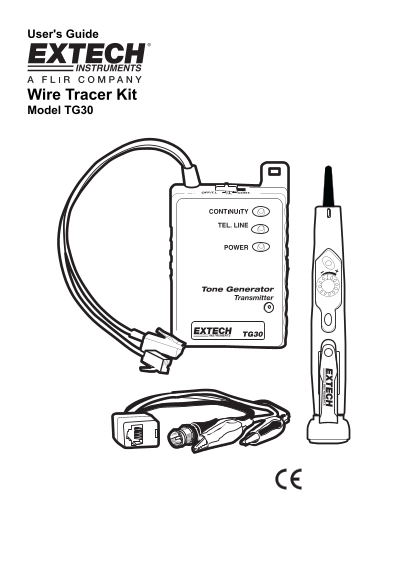
Page 1 Text Content
User's Guide
Wire Tracer Kit Model TG30
Page Summary Contents For EXTECH INSTRUMENTS TG30 Wire Tracer Kit User Guide and Manual
Manual Details
| Brand | Extech Instruments |
|---|---|
| Pages | 4 |
| File Size | 200.92 KB |
| Published | May 19, 2026 |
Enter the captcha to get the download link:

Frequently Asked Questions
What voltage sources can I safely connect the transmitter to?
It is not designed for energized circuits, and connecting above 52VDC may damage it.
How do I perform a basic self-test on the kit?
Set Tx switch to 'Tx', adjust probe sensitivity to MAX (+), power on the probe, and check for normal tone/adjustment performance near the transmitter cable.
What indicators show if a phone line is working?
Bright Green indicates a working line with correct polarity; no light means an open pair or no service.
How do I connect wires for standard tracing tasks?
Use the red alligator clip for one wire and the black alligator clip for equipment ground, or use modular connectors directly.