# A B C D E F G H I J K L M N O P Q R S T U V W X Y Z

Dell C9010, C1048P, N20xx, and N30xx Systems Release Notes, OS Version 9.14.1.12 Owner's Manual

Summary

Dell C9010 Network Director, C1048P, N20xx, and N30xx series port extenders release notes for OS version 9.14(1.12), released May 2022. Documents new features, enhancements, fixed issues, known behaviors, and hardware support matrix. Includes upgrade instructions from previous version 9.14(1.10), firmware compatibility requirements, and detailed changelog for data center network administrators managing Dell networking infrastructure.
📄 Preview 📖 Table of Contents Contents PAGE OF 23

Page 1 Text Content

Rev. A00 May 2022

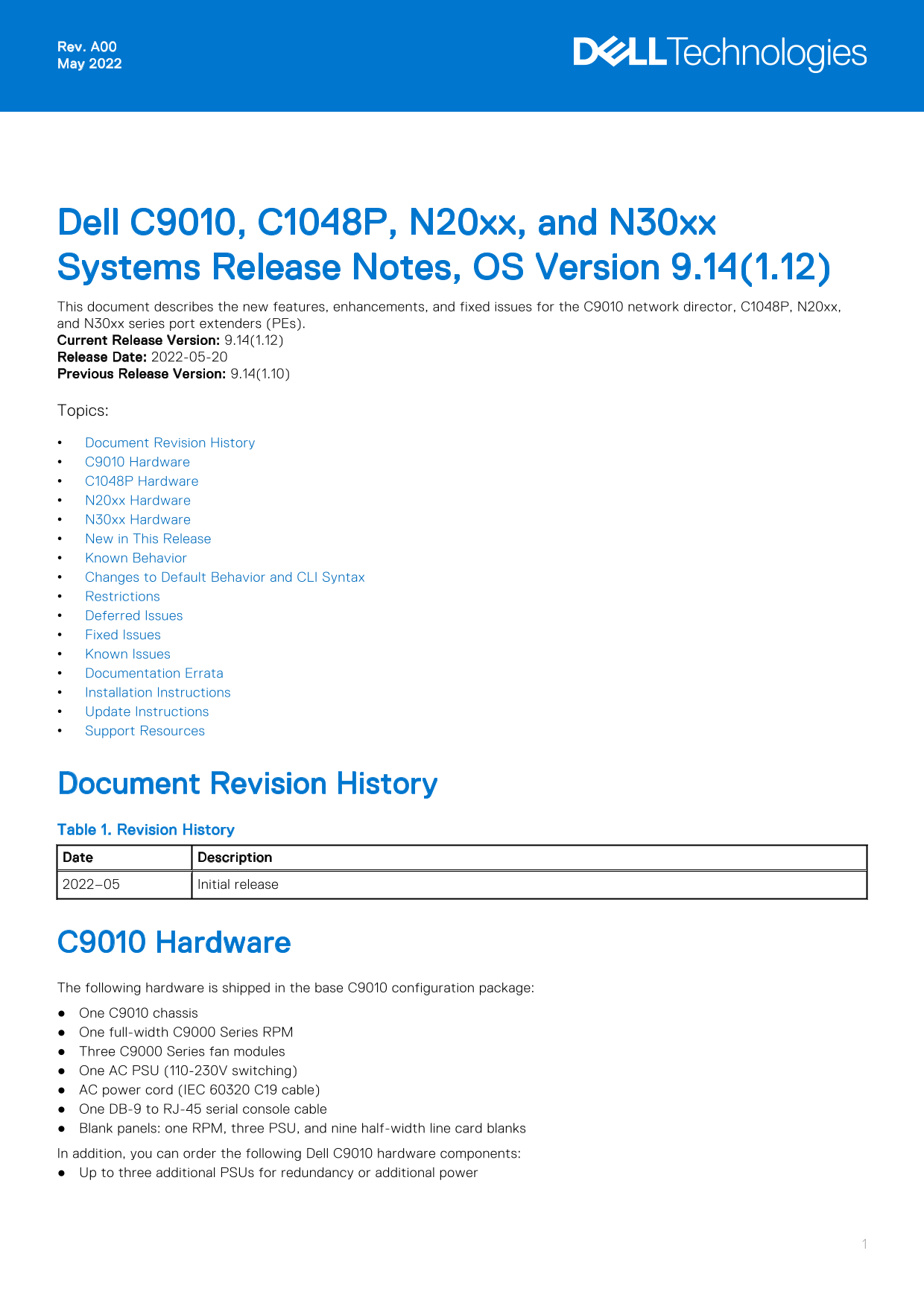
Dell C9010, C1048P, N20xx, and N30xx Systems Release Notes, OS Version 9.14(1.12) This document describes the new features, enhancements, and fixed issues for the C9010 network director, C1048P, N20xx, and N30xx series port extenders (PEs). Current Release Version: 9.14(1.12) Release Date: 2022-05-20 Previous Release Version: 9.14(1.10) Topics: Document Revision History C9010 Hardware C1048P Hardware N20xx Hardware N30xx Hardware New in This Release Known Behavior Changes to Default Behavior and CLI Syntax Restrictions Deferred Issues Fixed Issues Known Issues Documentation Errata Installation Instructions Update Instructions Support Resources

Document Revision History Table 1. Revision History Date Description 2022–05 Initial release

C9010 Hardware The following hardware is shipped in the base C9010 configuration package: One C9010 chassis One full-width C9000 Series RPM Three C9000 Series fan modules One AC PSU (110-230V switching) AC power cord (IEC 60320 C19 cable) One DB-9 to RJ-45 serial console cable Blank panels: one RPM, three PSU, and nine half-width line card blanks In addition, you can order the following Dell C9010 hardware components: Up to three additional PSUs for redundancy or additional power

Page Summary Contents For Dell C9010, C1048P, N20xx, and N30xx Systems Release Notes, OS Version 9.14.1.12 Owner's Manual

Page 1 Rev. A00 May 2022 Dell C9010, C1048P, N20xx, and N30xx Systems Release Notes, OS Version 9.14(1.12) This document describes the new features, enhancements, and fixed issues for the C9010 network direc...
Page 2 One full-width C9000 Series RPM Half-width line cards: 6-Port 40 Gigabit Ethernet QSFP+ 24-Port 1/10 Gigabit Ethernet SFP+ 24-Port 1/10 Gigabit Ethernet Base-T RJ-45 SFP+ optics QSFP+ optics SFP+ dire...
Page 3 Known Behavior When installing and configuring the C9010 and C1048P, note the following hardware and software behavior and restrictions. Known Hardware Behavior The port numbering on C9010 line-card p...
Page 4 Open Flow does not support the scaled-l3-routes forwarding-table mode (UFT mode 4) on the C9010. To configure the maximum scalable size for the L2 MAC, L3 host, and L3 route tables, use the hardware f...
Page 5 Restrictions The following restrictions apply to the C9010 switch and its port extenders. Hardware Restrictions If you downgrade the Dell Networking OS version from 9.14(1.12) to 9.11(0.0) or any olde...
Page 6 If you use the interface range command to select multiple interfaces that are added to the management VRF, the ipv6 address command does not display the autoconfig option. You can configure the autoco...
Page 7 Fixed Issues Fixed issues are reported using the following definitions. Category Description PR# Problem Report number that identifies the issue. Severity S1 — Crash: A software crash occurs in the ke...
Page 8 Synopsis: The switch encounters an exception when saving the configuration on VLT pair switches simultaneously. Release Notes: The switch encounters an exception when saving the configuration on VLT p...
Page 9 Documentation Errata In Dell Networking C9000 Series documentation, errors occur in the following documents. Use the information in this section to install and configure the C9010, C1048P, N20xx or N3...
Page 10 2. Back up your startup configuration to a secure location (for example, an FTP server as shown here). EXEC Privilege mode copy startup-config destination Dell EMC# copy running-config ftp: Address or...
Page 11 EXEC Privilege mode show boot system all Dell EMC# show boot system all Current system image information in the system: Type Boot Type A B rpm 0 (CP) FLASH BOOT 9.14.1.12[boot] 9.14(1.10) rpm 1 (CP) F...
Page 12 cascade port:Ten Gigabit Ethernet 1/0. Mar 24 15:25:09: %RPM0-P:CP %IFMGR-5-OSTATE_UP: Changed interface state to up: Po 258 Mar 24 15:25:11: %RPM0-P:CP %IFMGR-5-OSTATE_UP: Changed interface state to ...
Page 13 1. From a console attached to the primary RPM, upgrade the boot flash (GRUB) image on the primary RPM, all installed line cards, and all PEs attached to the C9010. EXEC Privilege mode upgrade bootflas...
Page 14 EXEC Privilege mode upgrade bootselector-image all booted Dell EMC# upgrade bootselector-image all booted Current Boot information in the system: Card Boot Selector Current Version New Version rpm 1 (...
Page 15 EXEC Privilege mode reload Dell EMC# reload System configuration has been modified. Save? [yes/no]: y Mar 24 06:22:25: %STKUNIT0-M:CP %FILEMGR-5-FILESAVED: Copied running-config to startup-config in f...
Page 16 * Warning - Upgrading IAP is inherently risky and should * * only be attempted when necessary. A failure at this upgrade may * * cause a board RMA. Proceed with caution ! * Upgrade image for rpm 0 [ye...
Page 17 CP IAP 3.1 3.2 * Warning - Upgrading IAP is inherently risky and should * * only be attempted when necessary. A failure at this upgrade may * * cause a board RMA. Proceed with caution ! * Upgrade imag...
Page 18 Upgrade image for rpm 0 [yes/no]: y FPGA upgrade in progress!!! Please do NOT power off the unit!!! Upgrading the MSS FPGA, MSS IAP, and CPLD on C9010 Line Cards 1. From the primary RPM, upgrade the M...
Page 19 Card Device Name Current Version New Version Linecard0 CPLD 3.0 3.1 Linecard1 CPLD 3.0 3.1 Linecard2 CPLD 3.0 3.1 * Warning - Upgrading CPLD is inherently risky and should * * only be attempted when n...
Page 20 CP FPGA 2 1.0 2.0 * Warning - Upgrading FPGA is inherently risky and should * * only be attempted when necessary. A failure at this upgrade may * * cause a board RMA. Proceed with caution ! * Upgrade ...
Page 21 * upgrade. Po E to all ports of the unit would be suspended until * * upgrade completes and unit gets reloaded successfully. Please do not* * Reset/Powercyle or Reload. Proceed with caution ! * Upgrad...
Page 22 Support Resources The following support resources are available for the C9010, C1048P, N20xx and N30xx devices. Documentation Resources For information about using the C9010, N20xx, N30xx and C1048P, ...
Page 23 Notes, cautions, and warnings NOTE: A NOTE indicates important information that helps you make better use of your product. CAUTION: A CAUTION indicates either potential damage to hardware or loss of d...

Manual Details

Brand Dell
Pages 23
File Size 242.69 KB
Published July 01, 2026
11 views

Enter the captcha to get the download link:

captcha

Frequently Asked Questions

What are the required components for expanding a C9010 chassis?

You can add up to three PSUs for redundancy or additional power, and half-width line cards like 6-Port QSFP+ or 24-Port SFP+.

How many port extenders can be connected to a C9010 switch?

You are able to connect up to 40 C1048P, N20xx, or N30xx port extenders (standalone and stacked) to one C9010 switch.

What happens if I use non-Dell qualified optics in the system ports?

The Dell Networking OS detects them and makes them operational, but performance is not guaranteed by Dell Networking.

How do I locate a specific port extender (P.E.) within a stack?

Use the command `pe pe-id stack-unit unit-number {on|off}` to illuminate the Power/Locator LED on the P.E.