Dell BIOS Add-on for Latitude 5280 - Version 1.11.1, Mobile Thin Client Release Notes
Summary
This comprehensive release documentation provides essential updates and migration details for the BIOS Add-On designed for Dell Latitude 5280 Mobile Thin Clients running Windows 10 IoT Enterprise. This manual is crucial for IT administrators seeking to deploy critical firmware patches, including updated Intel ME Firmware addressing multiple CVEs, and new security features like SMM Mitigation. It covers step-by-step installation guides using major enterprise tools such as Wyse Management Suite, Wyse Device Manager, and SCCM 2016, ensuring a smooth, secure update process for your fleet of thin clients.
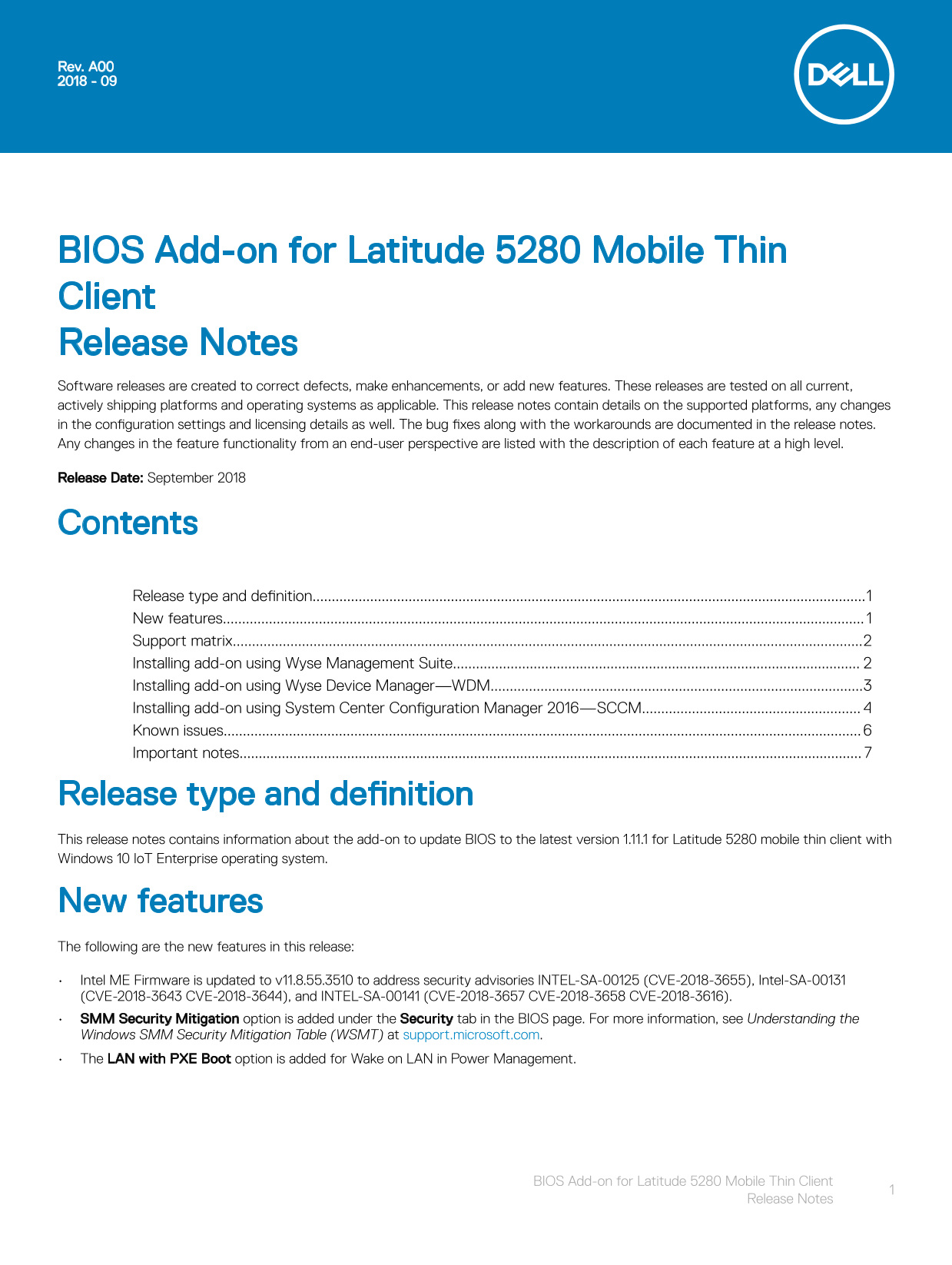
Page 1 Text Content
Rev. A00 2018 - 09
BIOS Add-on for Latitude 5280 Mobile Thin Client Release Notes Software releases are created to correct defects, make enhancements, or add new features. These releases are tested on all current, actively shipping platforms and operating systems as applicable. This release notes contain details on the supported platforms, any changes in the configuration settings and licensing details as well. The bug fixes along with the workarounds are documented in the release notes. Any changes in the feature functionality from an end-user perspective are listed with the description of each feature at a high level. Release Date: September 2018
Contents Release type and definition................................................................................................................................................1 New features....................................................................................................................................................................... Support matrix....................................................................................................................................................................2 Installing add-on using Wyse Management Suite.......................................................................................................... Installing add-on using Wyse Device Manager—WDM.................................................................................................3 Installing add-on using System Center Configuration Manager 2016—SCCM......................................................... Known issues......................................................................................................................................................................
Important notes..................................................................................................................................................................
Release type and definition This release notes contains information about the add-on to update BIOS to the latest version 1.11.1 for Latitude 5280 mobile thin client with Windows 10 Io T Enterprise operating system.
New features The following are the new features in this release: Intel ME Firmware is updated to v11.8.55.3510 to address security advisories INTEL-SA-00125 (CVE-2018-3655), Intel-SA-00131 (CVE-2018-3643 CVE-2018-3644), and INTEL-SA-00141 (CVE-2018-3657 CVE-2018-3658 CVE-2018-3616). SMM Security Mitigation option is added under the Security tab in the BIOS page. For more information, see Understanding the Windows SMM Security Mitigation Table (WSMT) at support.microsoft.com. The LAN with PXE Boot option is added for Wake on LAN in Power Management.
BIOS Add-on for Latitude 5280 Mobile Thin Client
Release Notes
Page Summary Contents For Dell BIOS Add-on for Latitude 5280 - Version 1.11.1, Mobile Thin Client Release Notes
Manual Details
| Brand | Dell |
|---|---|
| Pages | 7 |
| File Size | 266.77 KB |
| Published | June 23, 2026 |
Enter the captcha to get the download link:

Frequently Asked Questions
What operating system does this BIOS add-on support?
This add-on is released for the Latitude 5280 mobile thin client running Windows 10 IoT Enterprise.
Are there prerequisites for using Wyse Management Suite to install the add-on?
Yes, the Wyse Device Agent must be upgraded to the latest version before deploying the BIOS add-on via this method.
What new security features are included in this release?
The patch updates Intel ME Firmware and adds an SMM Security Mitigation option under the BIOS's Security tab.