Dell Latitude 5280 Mobile Thin Client Quick User Guide
Summary
This Quick Start Guide for the Dell Latitude 5280 Wyse Mobile Thin Client (Dell Latitude 5280 Mobile TC, Model P72S, Regulatory Type P72S001) provides setup instructions in English, Japanese, Simplified Chinese, and Traditional Chinese. It covers power adapter connection and power-on procedures, with a detailed hardware features diagram identifying optional IR camera and emitter, uSIM card slot, microSD card reader, dual array microphone, Noble Wedge lock slot, USB 3.0 ports with PowerShare, HDM
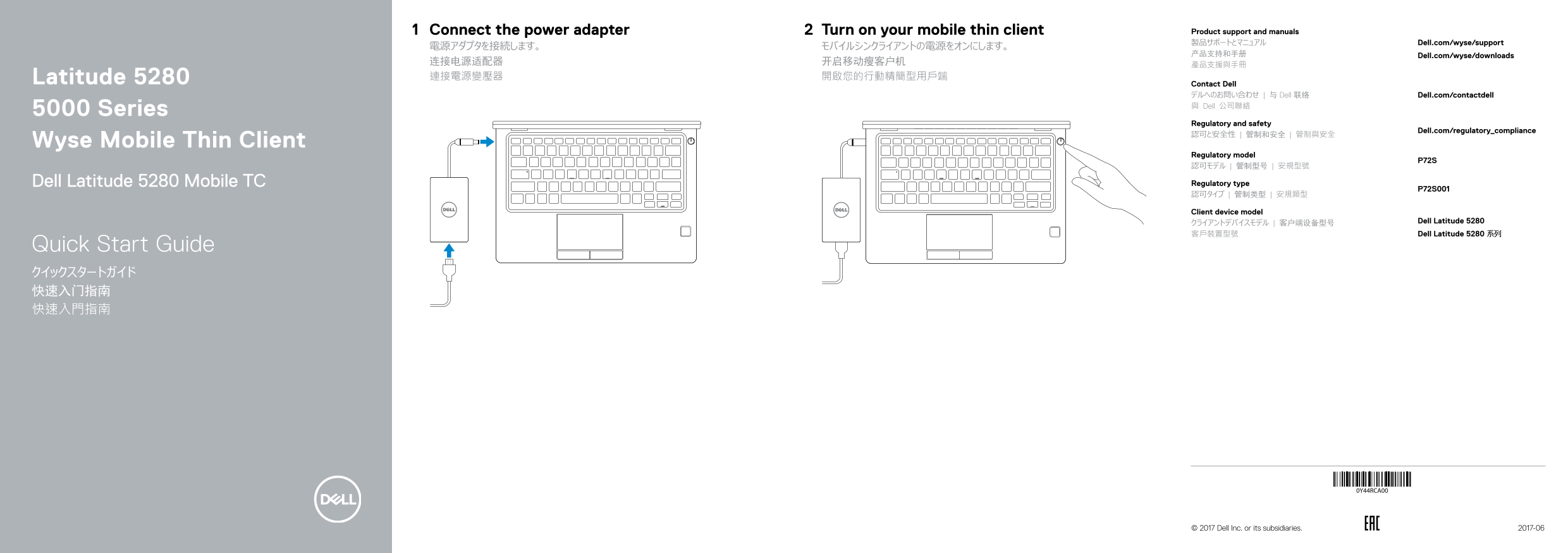
Page 1 Text Content
Connect the power adapter Turn on your mobile thin client Product support and manuals
製品サポートとマニュアル Dell.com/wyse/support
产品支持和手册 Dell.com/wyse/downloads
连接电源适配器 开启移动瘦客户机 產品支援與手冊 Latitude 5280 連接電源變壓器 開啟您的行動精簡型用戶端
Contact Dell デルへのお問い合わせ | 与 Dell 联络 Dell.com/contactdell 與 Dell 公司聯絡
5000 Series
Regulatory and safety
Dell.com/regulatory_compliance
Wyse Mobile Thin Client
Regulatory model
Dell Latitude 5280 Mobile TC Regulatory type
Client device model
クライアントデバイスモデル | 客户端设备型号 Dell Latitude 5280 客戶裝置型號 Dell Latitude 5280 系列
Quick Start Guide クイックスタートガイド 快速入门指南 快速入門指南
0Y44RCA00
© 2017 Dell Inc. or its subsidiaries. 2017-06
Page Summary Contents For Dell Latitude 5280 Mobile Thin Client Quick User Guide
Manual Details
| Brand | Dell |
|---|---|
| Pages | 2 |
| File Size | 388.62 KB |
| Published | July 02, 2026 |
Enter the captcha to get the download link:

Frequently Asked Questions
如何连接和启动设备?
将电源适配器连接到设备,然后打开移动薄型客户端的电源键。
哪些端口支持网络或数据连接?
它具备网络端口、VGA口、HDMI端口、USB 3.0 端口(带 PowerShare功能)、microSD卡读卡器和DisplayPort over USB Type-C接口。
该设备有哪些可选的扩展功能?
可以选择安装红外摄像头、红外发射器、智能卡读取器、uSIM卡槽或触摸式指纹读取器。
设备支持哪些主要的音频和通讯硬件?
它配备了双阵列麦克风、扬声器,并设有耳机/麦克风端口。