Dell Latitude E7270 Mobile Thin Client Quick User Guide
Summary
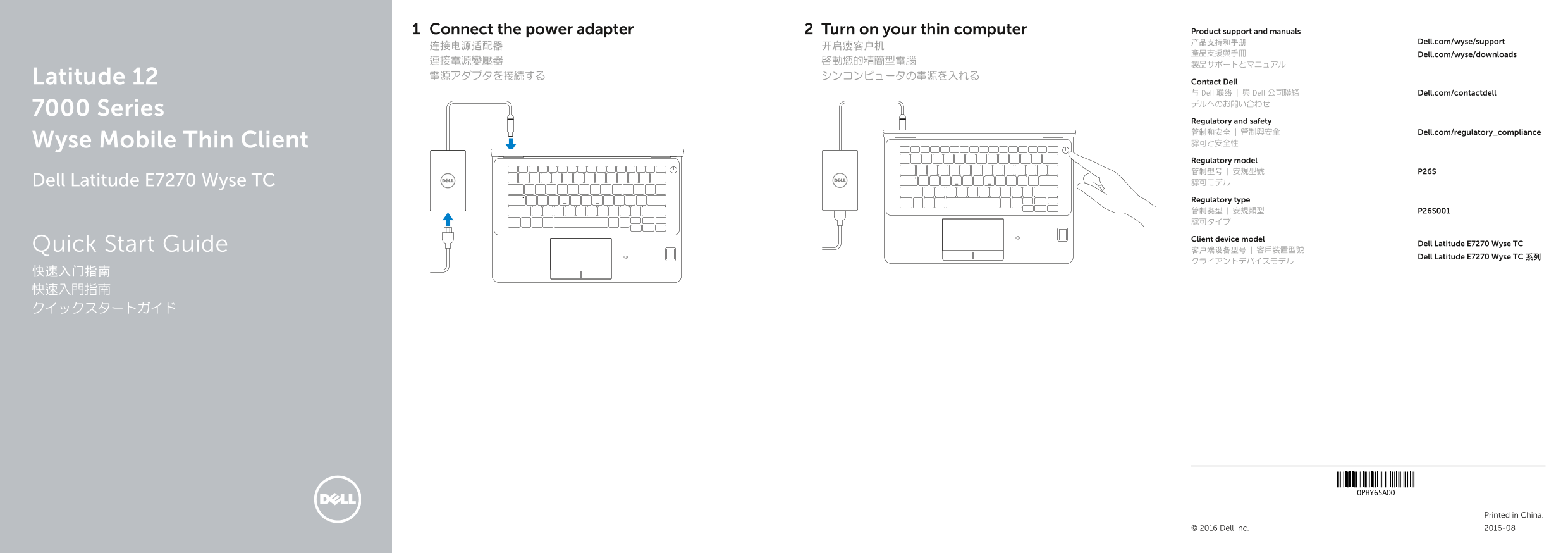
This Quick Start Guide for the Dell Latitude 12 7000 Series Wyse Mobile Thin Client (Dell Latitude E7270 Wyse TC, Model P26S, Regulatory Type P26S001) provides setup instructions covering power adapter connection and power-on procedures. It includes a detailed hardware features diagram identifying 25 components including network port, HDMI, DisplayPort, USB 3.0 ports, contactless and standard smart card readers, fingerprint reader, SIM card slot, and docking port. Designed for VDI administrators deploying mobile thin client solutions.
Page 1 Text Content
Connect the power adapter Turn on your thin computer Product support and manuals
产品支持和手册 Dell.com/wyse/support
產品支援與手冊 Dell.com/wyse/downloads
Latitude 12 電源アダプタを接続する シンコンピュータの電源を入れる
Contact Dell 与 Dell 联络 | 與 Dell 公司聯絡 Dell.com/contactdell デルへのお問い合わせ
7000 Series
Regulatory and safety 管制和安全 | 管制與安全 Dell.com/regulatory_compliance Wyse Mobile Thin Client 認可と安全性 Regulatory model 管制型号 | 安規型號 P26S Dell Latitude E7270 Wyse TC 認可モデル Regulatory type 管制类型 | 安規類型 P26S001 認可タイプ Client device model
Quick Start Guide Dell Latitude E7270 Wyse TC
Dell Latitude E7270 Wyse TC 系列
Printed in China.
© 2016 Dell Inc. 2016-08
Page Summary Contents For Dell Latitude E7270 Mobile Thin Client Quick User Guide
Manual Details
| Brand | Dell |
|---|---|
| Pages | 2 |
| File Size | 240.55 KB |
| Published | July 02, 2026 |
Enter the captcha to get the download link:

Frequently Asked Questions
What types of card reading functionality are available?
The device supports an optional contactless smart-card reader and a dedicated SIM card slot.
Does it have multiple video or audio output options?
It features two HDMI ports, one DisplayPort, a headset port, and built-in speakers.
What microphones does the thin client include?
It includes built-in microphones, which are available either only in touch screen models or only in non-touch screen models.
Is there a special port for docking or increased power capacity?
Yes, it has a dedicated 'Dock port' and a USB 3.0 connector that includes PowerShare functionality.