Christie Brio Software Release Notes - V2.3
Summary
Enhance your Christie Brio projection experience with this essential software update. This guide details the critical improvements in v2.3.8, focusing on increased stability by fixing audio syncing issues and eliminating random system crashes during video streaming. The manual provides comprehensive instructions for a seamless upgrade process, outlines new cloud repository features, and includes detailed workarounds for known operating limitations (e.g., iOS support or domain configurations). This resource is designed for IT professionals and system administrators managing Brio devices to ensure optimal performance in professional meeting environments.
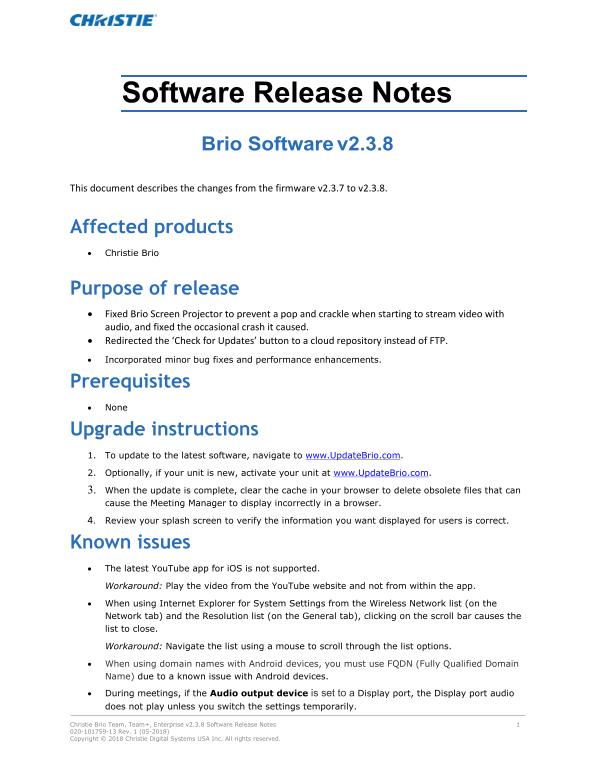
Page 1 Text Content
Software Release Notes Brio Software v2.3.8 This document describes the changes from the firmware v2.3.7 to v2.3.8.
Affected products • Christie Brio
Purpose of release • Fixed Brio Screen Projector to prevent a pop and crackle when starting to stream video with audio, and fixed the occasional crash it caused. • Redirected the ‘Check for Updates’ button to a cloud repository instead of FTP. • Incorporated minor bug fixes and performance enhancements.
Prerequisites • None Upgrade instructions 1. To update to the latest software, navigate to www.Update Brio.com. 2. Optionally, if your unit is new, activate your unit at www.Update Brio.com. 3. When the update is complete, clear the cache in your browser to delete obsolete files that can cause the Meeting Manager to display incorrectly in a browser. 4. Review your splash screen to verify the information you want displayed for users is correct.
Known issues • The latest You Tube app for i OS is not supported. Workaround: Play the video from the You Tube website and not from within the app. • When using Internet Explorer for System Settings from the Wireless Network list (on the Network tab) and the Resolution list (on the General tab), clicking on the scroll bar causes the list to close. Workaround: Navigate the list using a mouse to scroll through the list options. • When using domain names with Android devices, you must use FQDN (Fully Qualified Domain Name) due to a known issue with Android devices. • During meetings, if the Audio output device is set to a Display port, the Display port audio does not play unless you switch the settings temporarily. Christie Brio Team, Team+, Enterprise v2.3.8 Software Release Notes 1 020-101759-13 Rev. 1 (05-2018) Copyright © 2018 Christie Digital Systems USA Inc. All rights reserved.
Page Summary Contents For Christie Brio Software Release Notes - V2.3
Manual Details
| Brand | Christie |
|---|---|
| Pages | 13 |
| File Size | 162.15 KB |
| Published | June 03, 2026 |
Enter the captcha to get the download link:

Frequently Asked Questions
How do I update the Brio software?
Navigate to www.UpdateBrio.com, and optionally activate your unit there.
What is a workaround for iOS YouTube issues?
Play the video directly from the YouTube website rather than within the app.
Why does the audio not play if the output device is Display port?
Change the Audio output device setting temporarily to Line out, and then set it back to Display port.
Is self-discovery working for the Brio Administrator tool?
No, you may need to manually add the Brios in some network configurations.