SHARP EL6930 Operation Manual
Summary
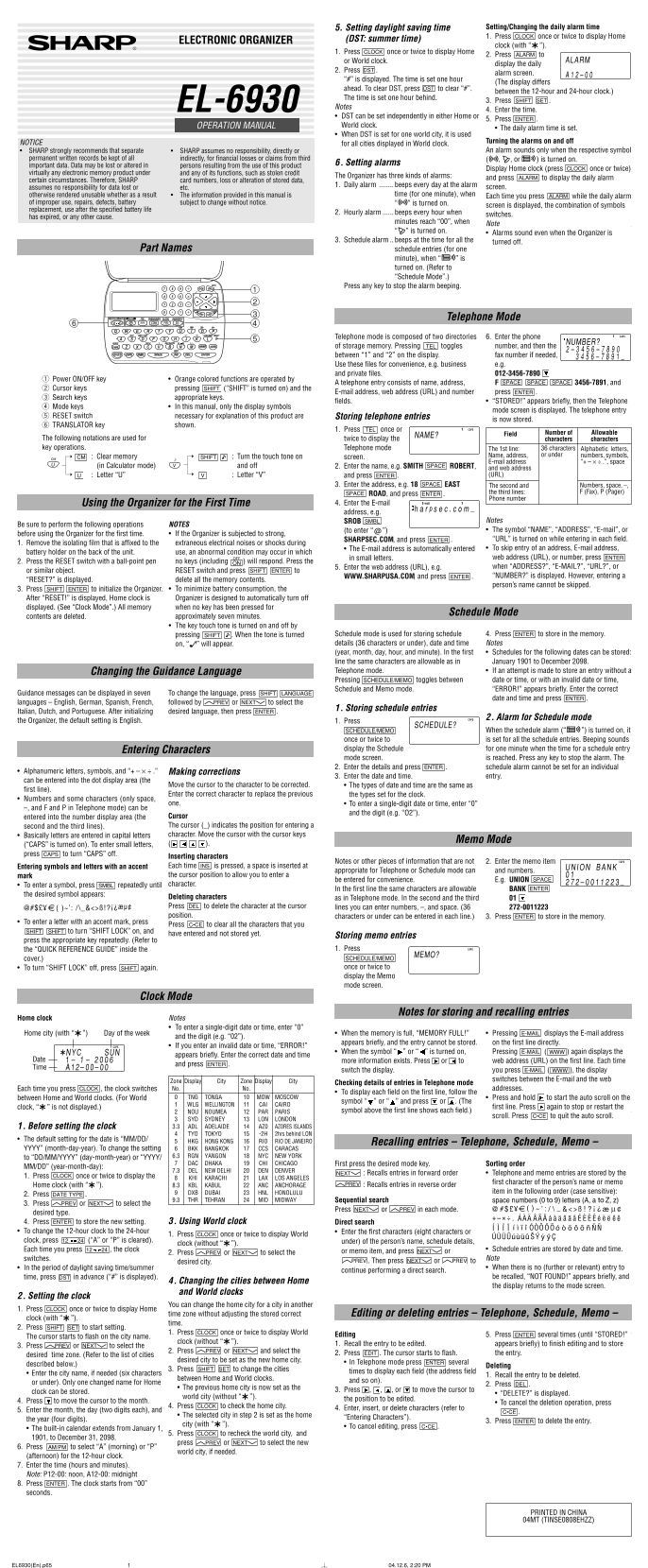
This comprehensive guide is designed for users of the EL-6930 electronic organizer clock, an essential tool for advanced organization. The manual provides detailed instructions on managing timekeeping functions, including setting daily alarms, scheduling recurring alerts, and accurately adjusting for Daylight Saving Time (DST). Additionally, learn how to utilize the World Clock mode to track multiple global locations while efficiently storing comprehensive contact details—including names, addresses, emails, and web URLs—in Telephone Mode. Ideal for professionals who require precise time management and centralized record-keeping for business travel or personal use.
Manual Details
| Brand | Sharp |
|---|---|
| Pages | 2 |
| File Size | 211.46 KB |
| Published | June 06, 2026 |
Enter the captcha to get the download link:

Frequently Asked Questions
How do I manually set the daily alarm time?
Press ALARM to display the screen, then press SHIFT SET and enter the desired time.
What is the function of the DST setting?
It allows you to adjust for Daylight Saving Time by pressing DST. To clear it, press DST again until “#” is removed.
Can I set alarms for multiple cities?
Yes, when setting world clock alarms, if a city has been configured for DST, that setting will apply to all other world cities registered in the World Clock mode.
What are the types of alarms available on this Organizer?
There are three types: Daily alarm (beeps daily), Hourly alarm (beeps when minutes reach “00”), and Schedule alarm (beeps at specified times).
How can I reset the device if keys aren't responding?
Remove the isolating film, press the RESET switch with a ball-point pen, then press ON.