Sharp Digital Copier User's Manual BP-CP2021X C2021R C2521R(23)
Summary
Essential guide for setting up your multi-function machine as both a scanner and professional printer. This manual provides step-by-step instructions for installing necessary drivers and configuring optimal connectivity for various operating systems, including Windows and MacOS. It is designed for users requiring robust setup support, covering system requirements, network configuration (DHCP/IP addressing), advanced driver installation, and detailed troubleshooting solutions to ensure seamless operation with your computer.
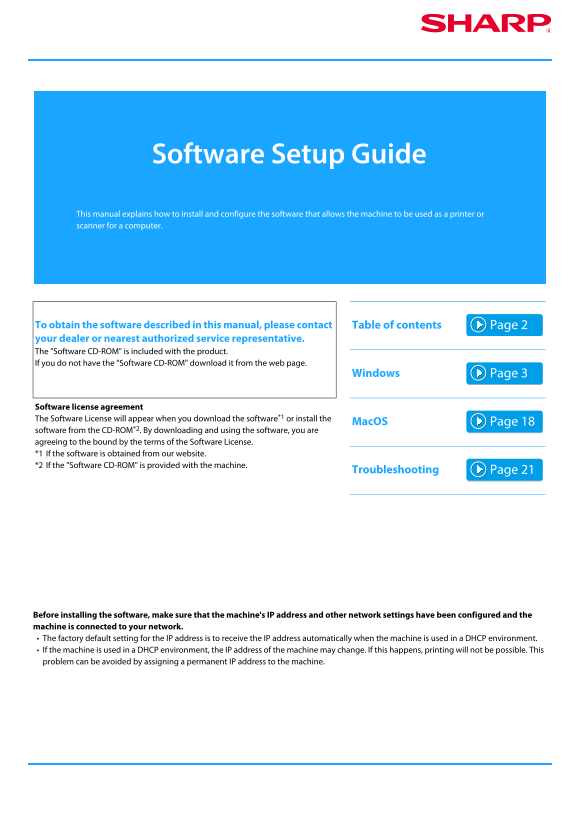
Page 1 Text Content
Software Setup Guide This manual explains how to install and configure the software that allows the machine to be used as a printer or scanner for a computer.
To obtain the software described in this manual, please contact Table of contents your dealer or nearest authorized service representative. The "Software CD-ROM" is included with the product. If you do not have the "Software CD-ROM" download it from the web page.
Windows
Software license agreement The Software License will appear when you download the software*1 or install the
Mac OS
software from the CD-ROM*2. By downloading and using the software, you are agreeing to the bound by the terms of the Software License. *1 If the software is obtained from our website. *2 If the "Software CD-ROM" is provided with the machine.
Troubleshooting
Before installing the software, make sure that the machine's IP address and other network settings have been configured and the machine is connected to your network. The factory default setting for the IP address is to receive the IP address automatically when the machine is used in a DHCP environment. If the machine is used in a DHCP environment, the IP address of the machine may change. If this happens, printing will not be possible. This problem can be avoided by assigning a permanent IP address to the machine.
Page Summary Contents For Sharp Digital Copier User's Manual BP-CP2021X C2021R C2521R(23)
Manual Details
| Brand | Sharp |
|---|---|
| Pages | 25 |
| File Size | 3.63 MB |
| Published | May 28, 2026 |
Enter the captcha to get the download link:

Frequently Asked Questions
What devices are compatible with this software?
Windows 7/8.1/10 or Windows Server 2008 R2/2012 R2/2016, and IBM PC/AT compatible computers with a wired LAN.
How do I troubleshoot "The machine is not detected?" error?
Confirm the main power switch is on and that the network cable is securely connected to both the computer's LAN connector and the hub.
What must be done before installing the software?
Ensure the machine's IP address and other network settings are configured, and the machine is properly connected to the network.