Rollei Desview R6 Touch Screen Monitor Operation Manual (EN)
Summary
This comprehensive manual is designed for professionals utilizing the Ultra High Brightness Touch Screen Field Monitor. It provides expert guidance on setup, covering everything from physical structure and connectivity (HDMI/USB) to advanced operation. Learn how to utilize the touch display features, navigate system settings, and perform professional color correction by importing custom LUT files. It is essential reading for videographers and content creators needing a reliable, portable, high-resolution monitoring solution for demanding field environments.
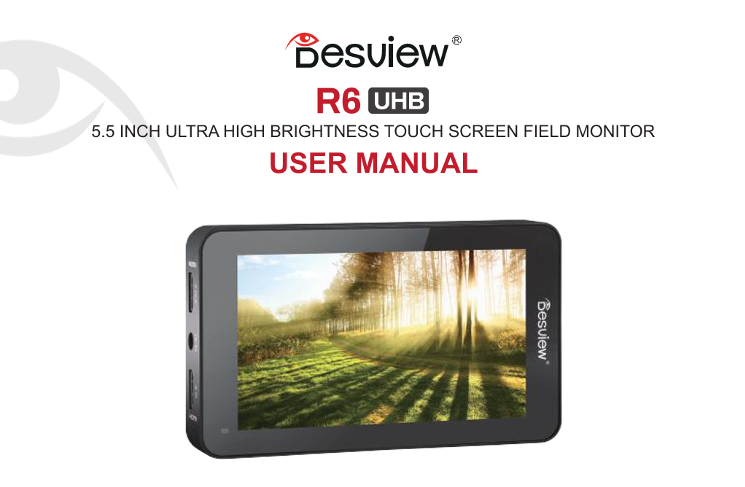
Page 1 Text Content
和 esuiew- R6 [CD
5.51INCH ULTRA HIGH BRIGHTNESS TOUCH SCREEN FIELD MONITOR
USER MANUAL
Page Summary Contents For Rollei Desview R6 Touch Screen Monitor Operation Manual (EN)
Manual Details
| Brand | Rollei |
|---|---|
| Pages | 23 |
| File Size | 1.64 MB |
| Published | June 05, 2026 |
Enter the captcha to get the download link:

Frequently Asked Questions
What are the monitor's display specifications?
It has a resolution of 1920x1080, a contrast ratio of 1000:1, and a brightness of 2800 nits.
How can I adjust the backlight or volume using touch controls?
On the right side of the screen for backlight, swipe up/down; on the left side for volume. Click 'MENU' to access these controls.
What is required to import custom LUT files?
Insert a U-Disk into the monitor's slot, select the desired LUT, and then load it via 'UserLUTS' in the LUT setting menu.
Does the device come with any accessories or power details?
Included accessories are a Mini HDMI cable, Micro HDMI cable, USB U-Disk, and microfiber cloth. It operates on 72V DC voltage.