Roland OCTAPAD SPD-30 Version 2 Drum Pad - English User Guide Supplementary Manual
Summary
Enhance your performance with this comprehensive supplementary manual for the SPD-30 module. Designed specifically for current owners updating to Version 2, it details extensive functional upgrades designed to expand your creative possibilities. Learn how to utilize up to 99 custom kits, adjust output gain, and refine sophisticated phrase loop settings for enhanced sound control. The guide also provides detailed setup instructions for advanced MIDI Visual Control and the new Auto Off feature, ensuring seamless integration with modern performance systems.
Page 1 Text Content
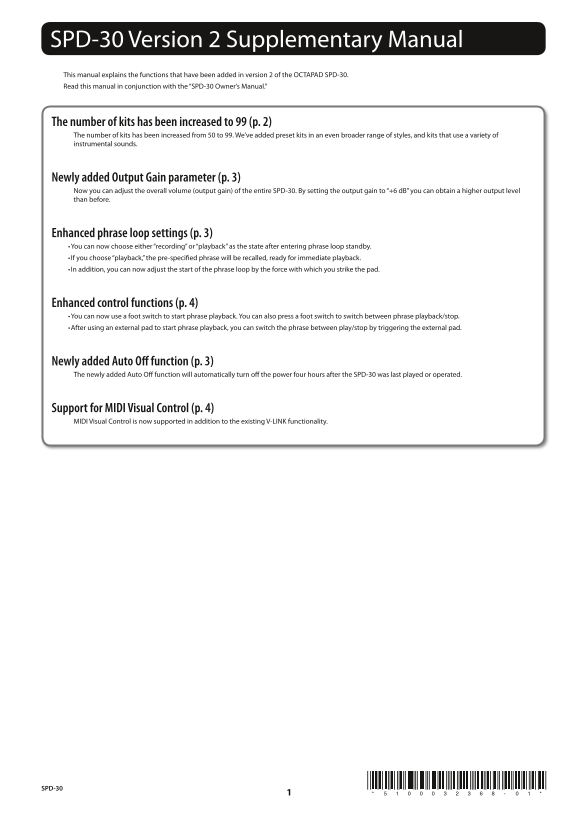
SPD-30 Version 2 Supplementary Manual This manual explains the functions that have been added in version 2 of the OCTAPAD SPD-30. Read this manual in conjunction with the “SPD-30 Owner’s Manual.”
The number of kits has been increased to 99 (p. 2) The number of kits has been increased from 50 to 99. We’ve added preset kits in an even broader range of styles, and kits that use a variety of instrumental sounds.
Newly added Output Gain parameter (p. 3) Now you can adjust the overall volume (output gain) of the entire SPD-30. By setting the output gain to “+6 d B” you can obtain a higher output level than before.
Enhanced phrase loop settings (p. 3) • You can now choose either “recording” or “playback” as the state after entering phrase loop standby. • If you choose “playback,” the pre-specified phrase will be recalled, ready for immediate playback. • In addition, you can now adjust the start of the phrase loop by the force with which you strike the pad.
Enhanced control functions (p. 4) • You can now use a foot switch to start phrase playback. You can also press a foot switch to switch between phrase playback/stop. • After using an external pad to start phrase playback, you can switch the phrase between play/stop by triggering the external pad.
Newly added Auto Off function (p. 3) The newly added Auto Off function will automatically turn off the power four hours after the SPD-30 was last played or operated.
Support for MIDI Visual Control (p. 4) MIDI Visual Control is now supported in addition to the existing V-LINK functionality.
SPD-30
Page Summary Contents For Roland OCTAPAD SPD-30 Version 2 Drum Pad - English User Guide Supplementary Manual
Manual Details
| Brand | Roland |
|---|---|
| Pages | 4 |
| File Size | 669.60 KB |
| Published | June 04, 2026 |
Enter the captcha to get the download link:

Frequently Asked Questions
How do I adjust the overall output volume?
Use the Output Gain parameter (under MENU > AMBIENCE > LIMIT) to set the desired level, such as +6 dB.
What happens if I update from Version 1 to Version 2?
All previously saved kit data will be lost; a backup must be made before updating.
How long until the unit powers off automatically if inactive?
The Auto Off function is factory set to switch off after four hours of inactivity.
Can I start phrase playback using external controls?
Yes, you can use foot switches or dedicate external pads (Ext Pad 1-4) to initiate and toggle phrase loops.